





nicolapejo
Members
-
Joined
-
Last visited
-
hello, is it possible to update the docker of assetto corsa server with version 2.4.1 premium?
-
The problem was due to the BIOS date, solved!
-
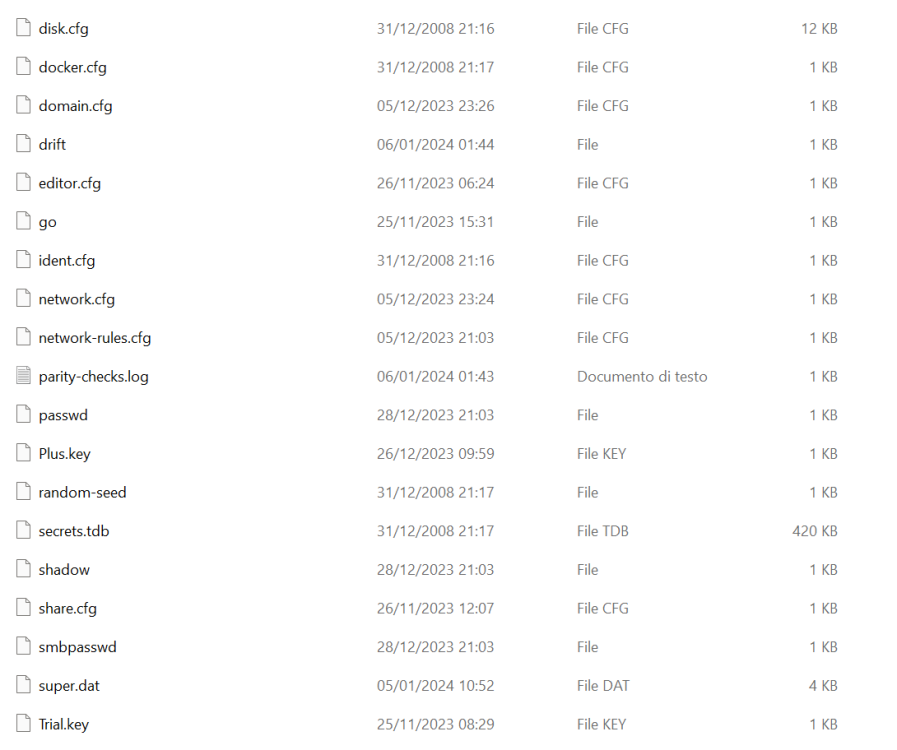
Hello, I have an unusual problem. Sometimes after a reboot the system would start up assigning a new name to the nas (Tower) and losing all the network and user configuration, taking away my ability to log in; however after a few reboots it would reload the configuration and everything would go back as before. Today after a power loss the nas rebooted with a new name and losing the user configuration, but retaining the network configuration. I tried rebooting the nas, but the situation didn't change so I tried doing the root user password reset, but to no avail, I can't log in with the new passowrd. I noticed that the cmos battery was low, so now I have replaced it, can this be due to this? p.s.: via samba I can access the folders with my old users.
-
Hi, it's been a month since I replaced my old Qnap Ts212 with an Unraid system and now I would like to use the Qnap as a backup for my data on Unraid. Now I would like to plan differential one way backups to the qnap, having the qnap copy files from nas unraid with read-only permissions. Can you help me with this?
