





royci
Members
-
Joined
-
Last visited
-
Just watched the vid... could you guys do a followup on how to configure other docker apps like Sonarr to use Apprise-Go to send notifications?
-
Ditto on this... would like the convenience of docker auto-updates but with the ability to delay the update to catch issues brought up by the community (e.g. ai slop).
-
Tnx for the quick response... I am actually accessing rradio via Firefox on a Mac. I also tried Safari on the same machine. Same result. There is what appears to be some odd stuff in the log (below), specifically the warns and fail. Not sure if those are an indicator. Also tried viewing on my phone using firefox focus. The home page -did- display the radio dial image, but everything else was blank. Initially I was using a custom port, but on a subsequent reinstall, I left it at the default of 8383, jic that might be the cause. Doesn't seem that was. Thoughts? copying ffmpeg copying ffprobe copying settings starting application warn: Microsoft.AspNetCore.DataProtection.Repositories.FileSystemXmlRepository[60] Storing keys in a directory '/app/config' that may not be persisted outside of the container. Protected data will be unavailable when container is destroyed. warn: Microsoft.AspNetCore.DataProtection.KeyManagement.XmlKeyManager[15] Unknown element with name 'settings' found in keyring, skipping. warn: Microsoft.AspNetCore.DataProtection.KeyManagement.XmlKeyManager[35] No XML encryptor configured. Key {030b171a-02f1-4da3-87cd-9b7f6c7bb2ed} may be persisted to storage in unencrypted form. warn: Microsoft.AspNetCore.DataProtection.KeyManagement.XmlKeyManager[15] Unknown element with name 'settings' found in keyring, skipping. 2023-12-20 12:36:54 [INFO] (Hangfire.BackgroundJobServer) Starting Hangfire Server using job storage: 'Hangfire.MemoryStorage.MemoryStorage' 2023-12-20 12:36:54 [INFO] (Hangfire.BackgroundJobServer) Using the following options for Hangfire Server: Worker count: 20 Listening queues: 'default' Shutdown timeout: 00:00:15 Schedule polling interval: 00:00:15 2023-12-20 12:36:54 [TIME_ZONE] (UTC-08:00) GMT-08:00 2023-12-20 12:36:54 [INFO] (Checking database) 2023-12-20 12:36:54 [INFO] (Restoring existing scheduled jobs) 2023-12-20 12:36:54 [INFO] (Success! Restoration completed) 2023-12-20 12:36:54 [INFO] (Hangfire.Server.BackgroundServerProcess) Server 7dad472b7b09:26:8717dd53 successfully announced in 240.6941 ms info: Microsoft.Hosting.Lifetime[0] Now listening on: http://[::]:80 info: Microsoft.Hosting.Lifetime[0] Application started. Press Ctrl+C to shut down. info: Microsoft.Hosting.Lifetime[0] Hosting environment: Production info: Microsoft.Hosting.Lifetime[0] Content root path: /app 2023-12-20 12:36:54 [INFO] (Hangfire.Server.BackgroundServerProcess) Server 7dad472b7b09:26:8717dd53 is starting the registered dispatchers: ServerWatchdog, ServerJobCancellationWatcher, ExpirationManager, CountersAggregator, Worker, DelayedJobScheduler, RecurringJobScheduler... 2023-12-20 12:36:54 [INFO] (Hangfire.Server.BackgroundServerProcess) Server 7dad472b7b09:26:8717dd53 all the dispatchers started warn: Microsoft.AspNetCore.DataProtection.KeyManagement.XmlKeyManager[15] Unknown element with name 'settings' found in keyring, skipping. fail: Microsoft.AspNetCore.Antiforgery.DefaultAntiforgery[7] An exception was thrown while deserializing the token. Microsoft.AspNetCore.Antiforgery.AntiforgeryValidationException: The antiforgery token could not be decrypted. ---> System.Security.Cryptography.CryptographicException: The key {5b5b6cc2-506d-4061-aefb-17f66611b858} was not found in the key ring. at Microsoft.AspNetCore.DataProtection.KeyManagement.KeyRingBasedDataProtector.UnprotectCore(Byte[] protectedData, Boolean allowOperationsOnRevokedKeys, UnprotectStatus& status) at Microsoft.AspNetCore.DataProtection.KeyManagement.KeyRingBasedDataProtector.DangerousUnprotect(Byte[] protectedData, Boolean ignoreRevocationErrors, Boolean& requiresMigration, Boolean& wasRevoked) at Microsoft.AspNetCore.DataProtection.KeyManagement.KeyRingBasedDataProtector.Unprotect(Byte[] protectedData) at Microsoft.AspNetCore.Antiforgery.DefaultAntiforgeryTokenSerializer.Deserialize(String serializedToken) --- End of inner exception stack trace --- at Microsoft.AspNetCore.Antiforgery.DefaultAntiforgeryTokenSerializer.Deserialize(String serializedToken) at Microsoft.AspNetCore.Antiforgery.DefaultAntiforgery.GetCookieTokenDoesNotThrow(HttpContext httpContext)
-
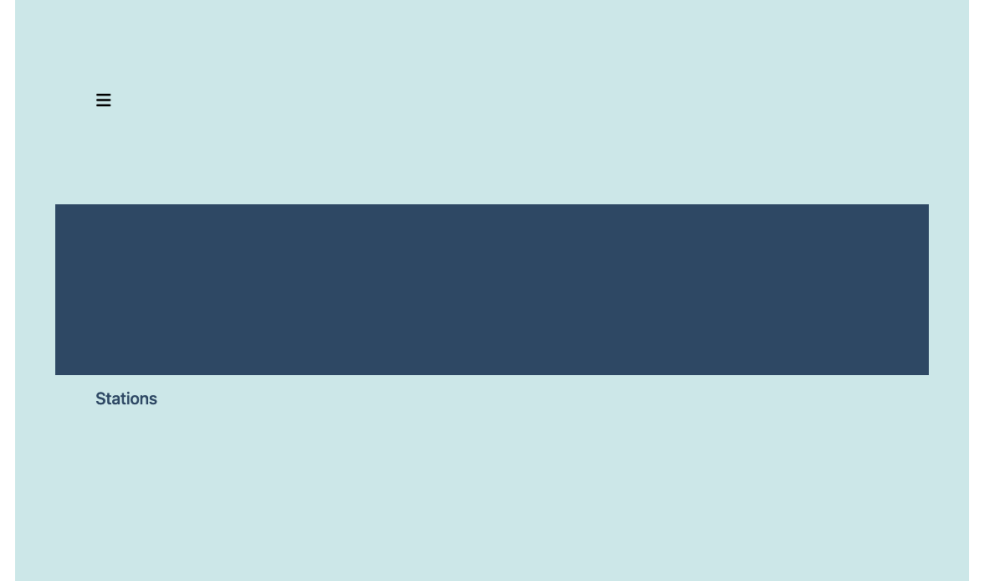
Recently migrated to Unraid and looking for something to replace my previous patchwork of VLC scripts to record streams to disk on a schedule. RRadio sounds like the answer, but I seem to have some probs with my install. I'm getting nearly blank pages when viewing the webgui. Home page looks like this, and the remaining pages are blank except for the menu button. Any suggestions? I've tried reinstalling a couple of times (removing appdata folder before installing as well).
-
I’m having similar issues, but I have -no- parity drives in play yet, nor do I have any cache drives installed. Attempting to migrate data from a NTFS drive to an Unraid Share, both drives connected to mobo sata ports. Also, the Share in question is set to use only 1 of the 2 drives currently in the array. I’ve tried via terminal (rsync) and krusader, and both had dismal speeds. This initial batch is roughly 4k folders, 60k files.
