





chitalov
Members
-
Joined
-
Last visited
Everything posted by chitalov
-
That was quick, thank you!That was quick, thank you!
-
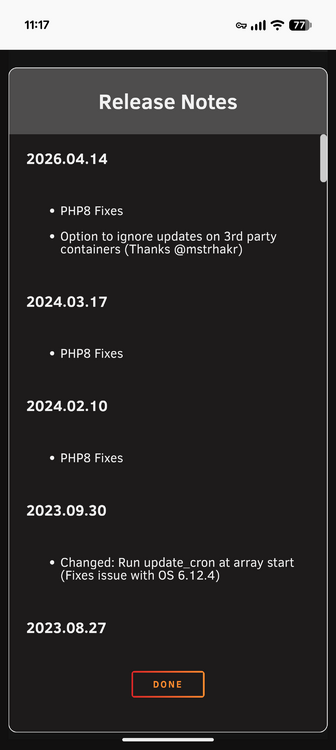
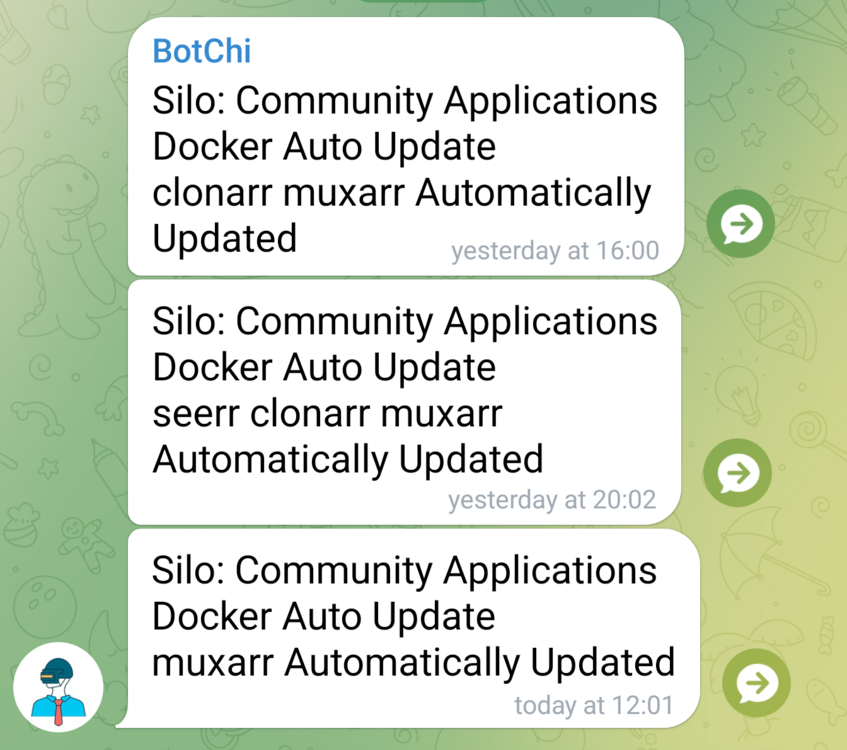
I only have one stack with one container and I'm getting a notification that it has been updated.
-
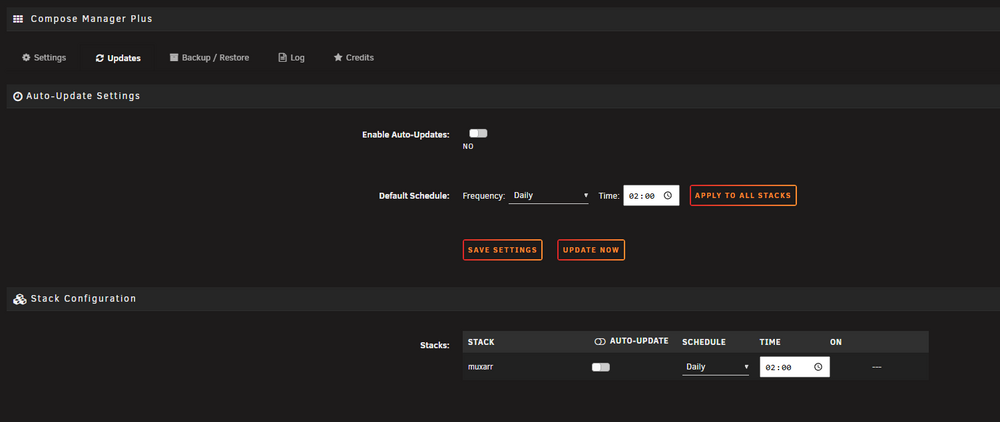
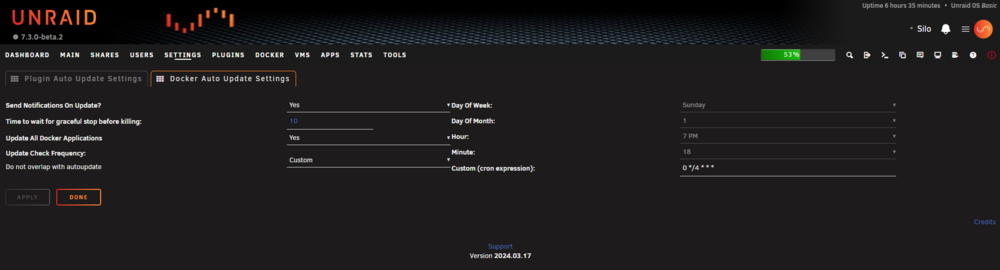
I've been using the plugin for a few days, but I don't understand why it shows an update every time [Plugin] CA Application Auto Update checks. In the Compose Manager Plus plugin the option is disabled in CA Application Auto Update the option to update containers is enabled but it only does it with a new version!
-
Everything is fixed with the latest version of Unraid Connect and Unraid 7.2.2

-
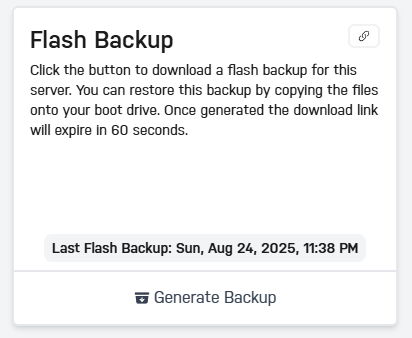
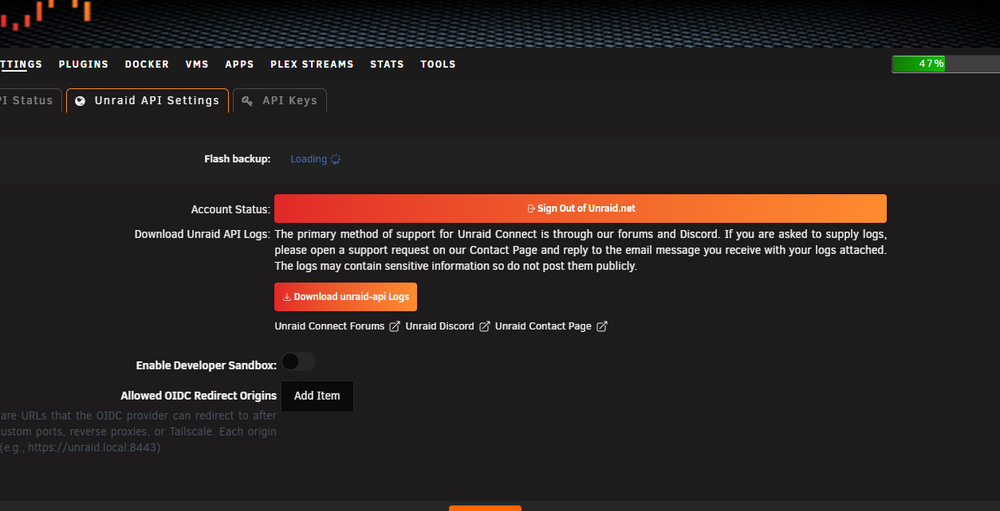
I noticed that the backup I have on the cloud is very old. I can't make a new one. It's stuck on loading. I tried reinstalling the plugin but no change.
-
I have the same problem.
-
I want to get the most out of my local network, I have 1x2.5Gbps port on the PC and 2x1Gbps on the server. What switch do I need, what should I watch; Supports Link Aggregation, supports static and dynamic link aggregation (LACP)? Is Mode 4 (802.3ad) the right one for maximum speed? My goal is 2Gbps, will you post it?




