






BalHaise
Members
-
Joined
-
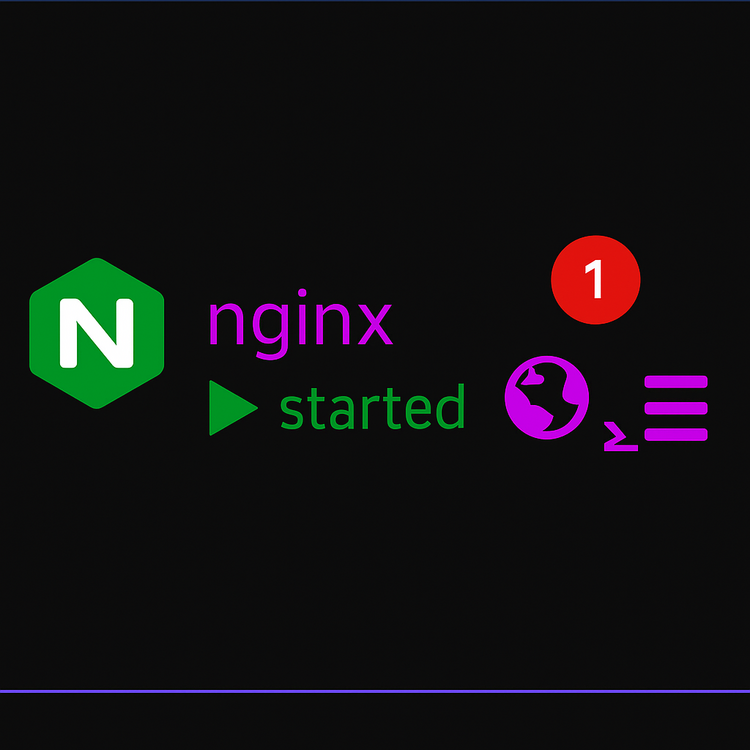
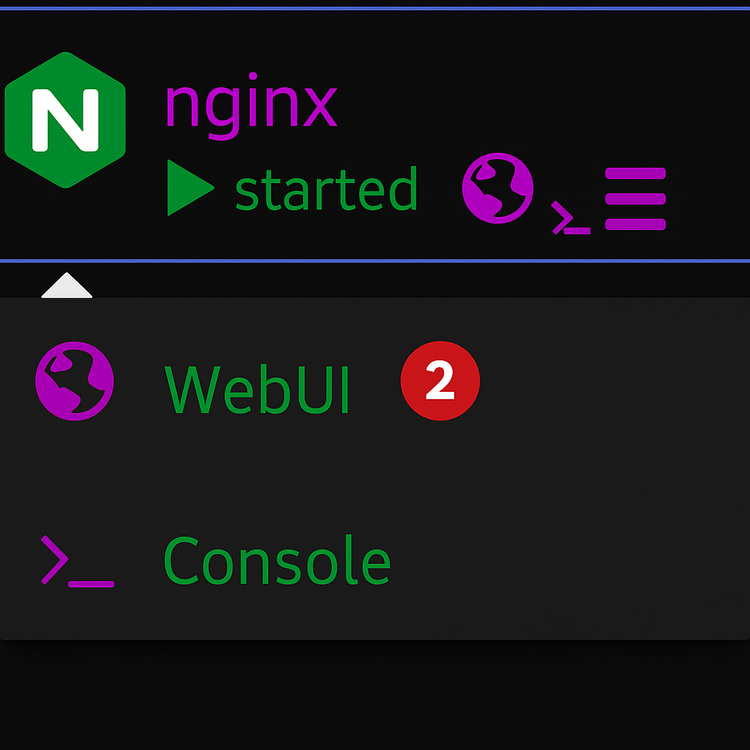
Hi, first of all, thank you for the work of recovering the plugin, it is very useful to me, but since the update to the CA version of Unraid, the webui button (1) no longer works. I have to press the Docker logo and then the webui (2) in the drop-down menu. Is there a fix for this problem? Thank you for your help.
-
sorry because of work I couldn't respond before and thank you I found a solution by deleting the realtek driver
-
So when I boot I either go back to the bios or I get stuck on the image allowing access to the bios. However, with each reboot I hear a clicking noise in the box, I don't see where it comes from
-
I tried this method it didn't work I'm trying with another usb thanks I just have to do a copy and paste, right?
-
first thank you for your quick response but before starting the procedure tell me how I can restore later if it ever works
-
Hello everyone, I need help due to a failure of my boot USB. I replaced it with my backup zip file loaded from my Unraid account, but since then, my server won't boot, no matter which USB port I use. I've disabled fast boot, but nothing changes. I made sure the boot order in the BIOS is correct and that I’m using EFI because I'm on UEFI. I’m out of solutions. If anyone can help, I would greatly appreciate it. Thank you in advance.
-
hi guy have the same problem and try what you say and didn't work edit.. it works finally didn’t delete the plg file


