DavidDuffin
Members
-
Joined
-
Last visited
-
Oh my gosh that has solved it haha! Thank you so so much I have been so frustrated by this
-
I haven't. I dont really know what I am doing with that so didn't want to mess with it. Any help there would be appreciated.
-
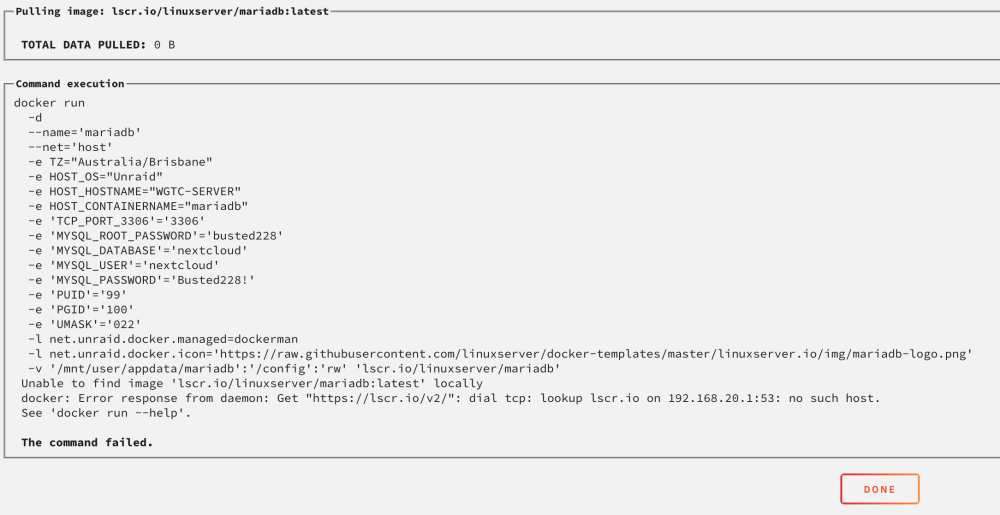
I just want to bump this up, still having this issue and cannot find anything that will resolve it. Attached is the latest diagnostics from the server and another screenshot from the latest attempt to download and install something through docker. wgtc-server-diagnostics-20240223-0902.zip
-
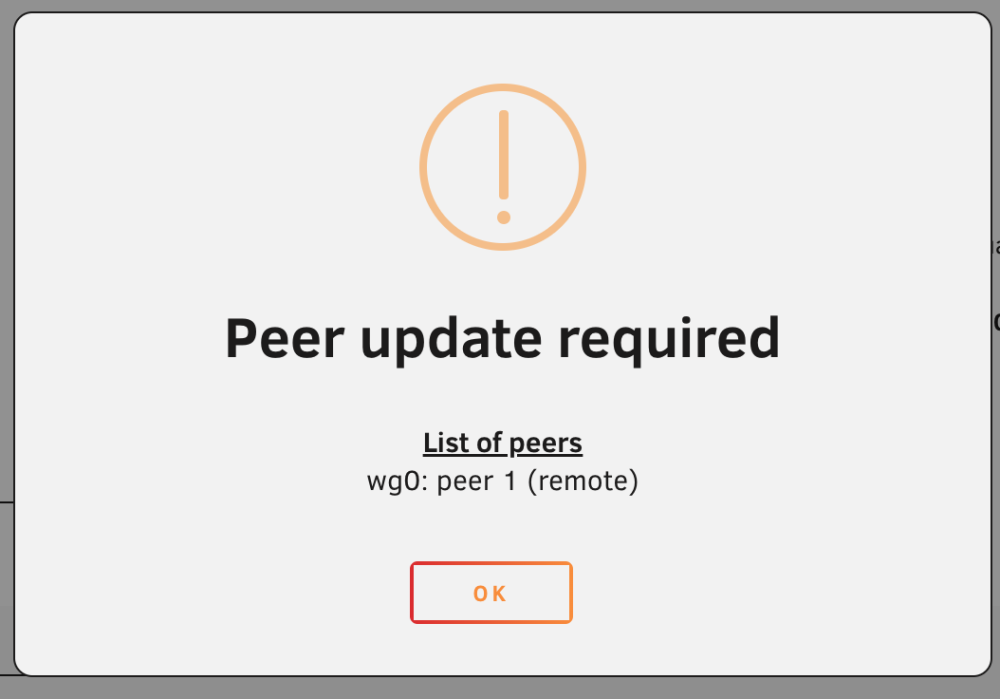
Yes. and I just see this when i apply changes.
-
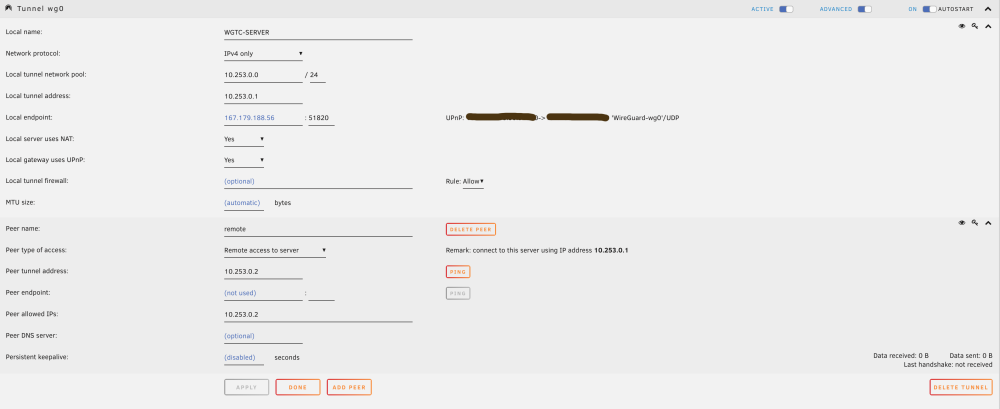
Hey guys, I have had wireguard working for weeks now, moved my computer into a better case and now cant connect to it at all the only thing thats changed is the Ip of the server. Can anyone help??
-
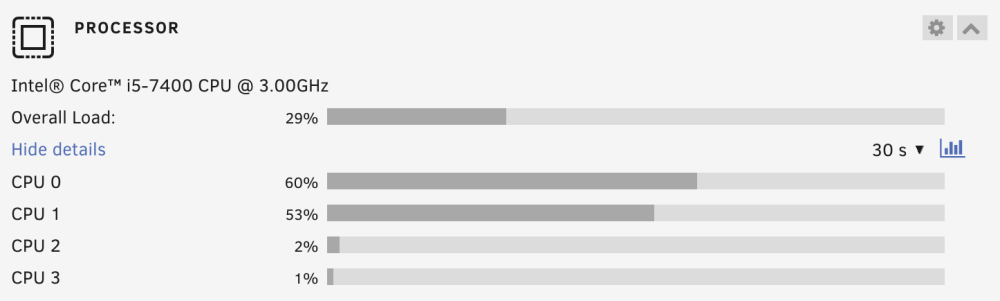
I have a fairly new unraid build and I am sturgling with my CPU usage before I have even put a HDD in the build. Just with it idling the CPU is always around 30% with both cores 0 and 1 around 50-60% Any help would be great. wgtc-server-diagnostics-20240211-1241.zip
-
Yes the date and time are correct on the server, I have also checked them links and there are no issues with Docker according to the link.
-
Ah yes ok, i have attached it to this wgtc-server-diagnostics-20240110-0904.zip
-
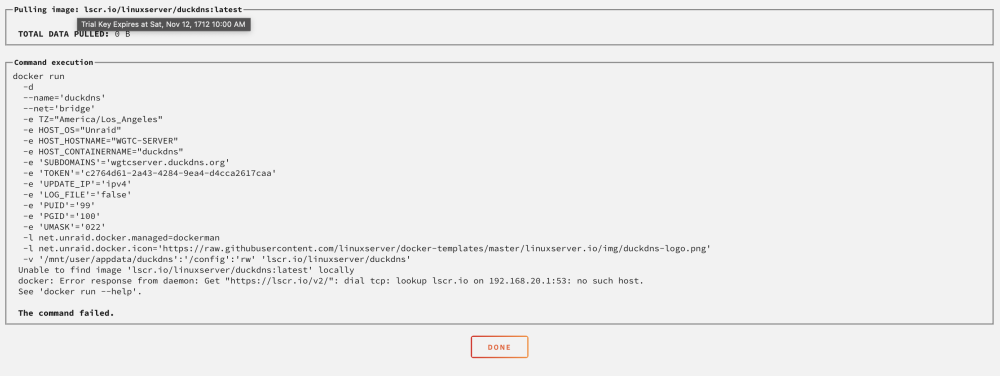
I have no clue how this is working, I have read everything I can find about this but nothing seems to be working, would love it if someone could help me out. I have a fairly new unraid server and am trying to install some apps to docker, Duck DNS and Plex. Everytime I do I see the screen that I have attached, nothing I do will fix it.