lomakor4
Members
-
Joined
-
Last visited
Everything posted by lomakor4
-
solved need 0.7.7 opencore configurator but changes dont apply after reset+config
-
when i change config plist in opencore i get error NOTE: This version of ocvalidate is only compatible with OpenCore version 0.9.6! NVRAM->Add->7C436110-AB2A-4BBB-A880-FE41995C****->csr-active-config has illegal value! CheckNvram returns 1 error! Completed validating /Volumes/EFI/EFI/OC/config.plist in 2 ms. Found 1 issue requiring attention.
-
ty
-
how to change vm name?when i rename everething has broken
-
solved i forgot to save and change stock xml file
-
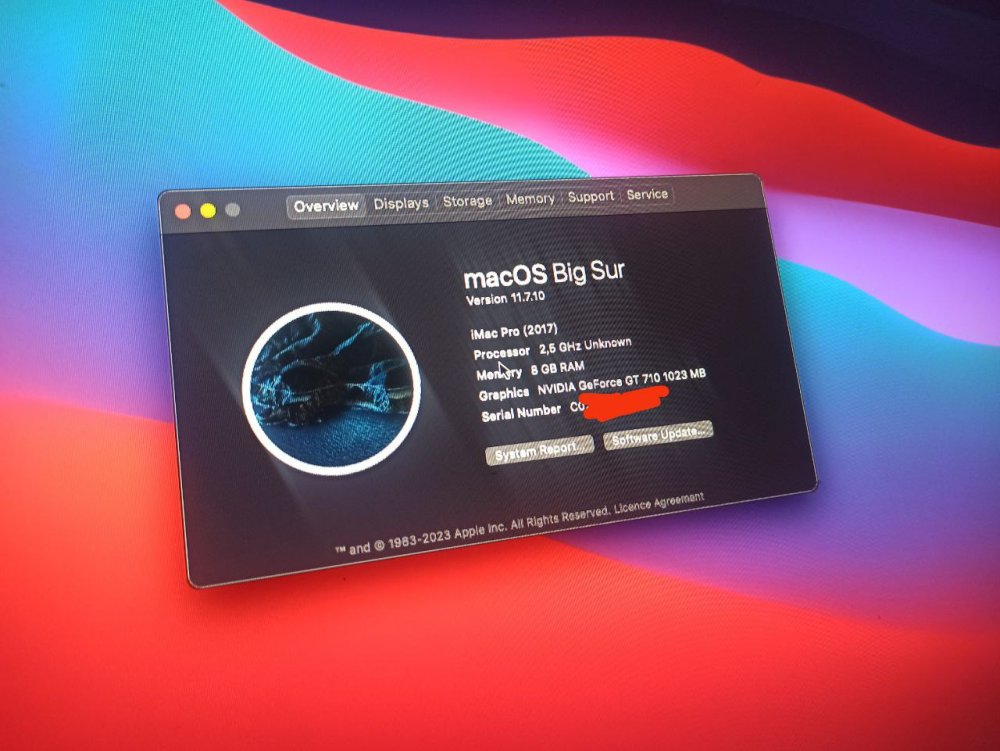
Update when i make first card virtual and second gt710 vm starting but stuck on unraid logo
-
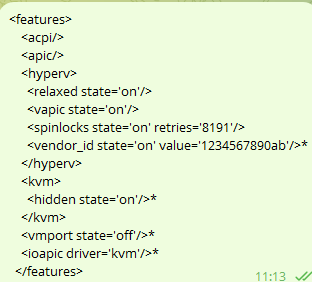
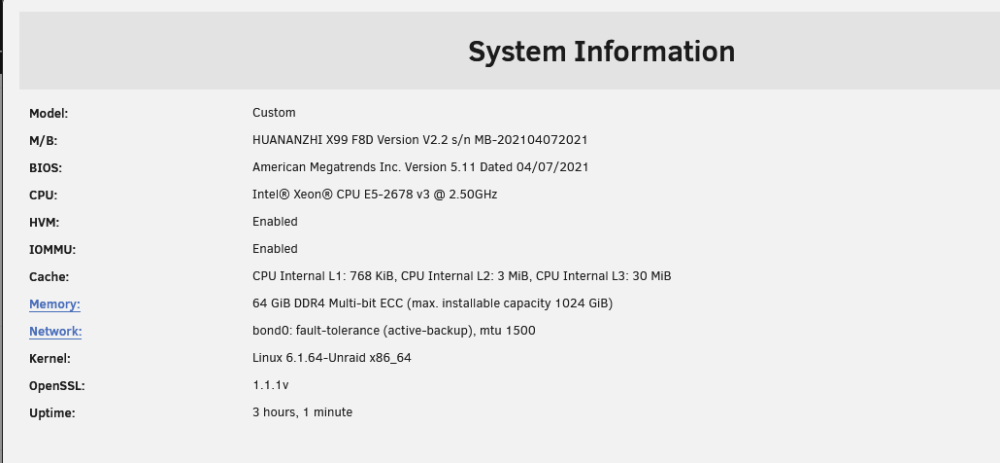
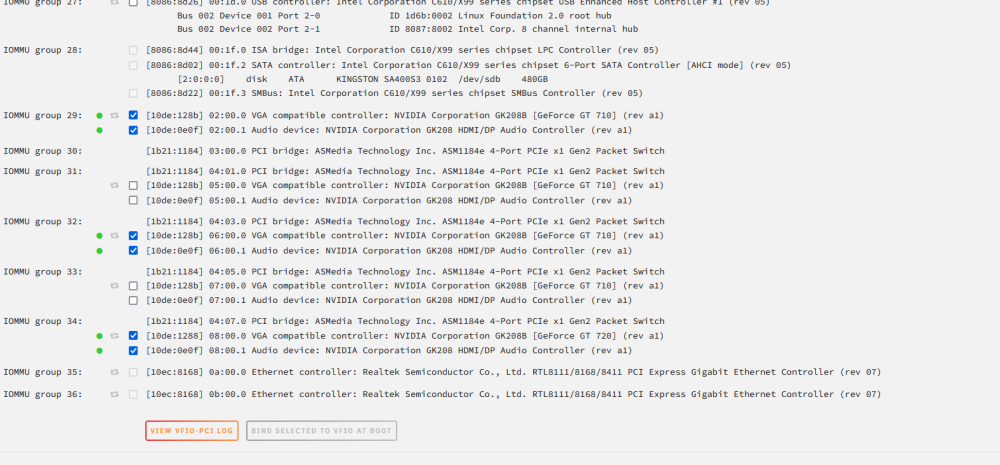
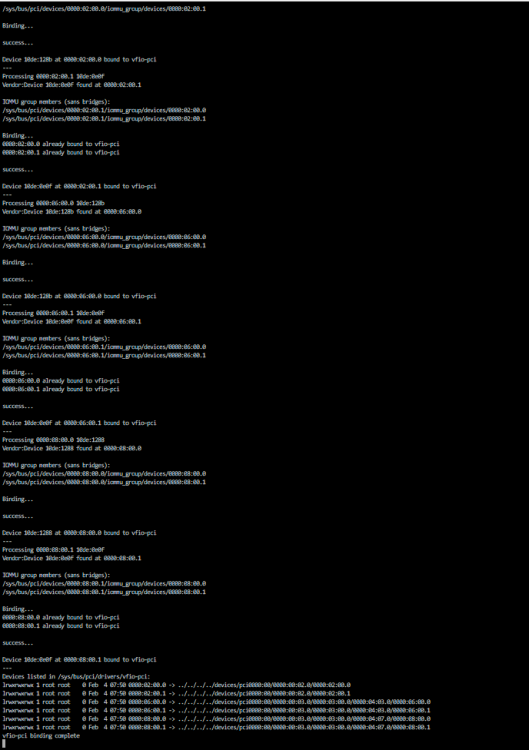
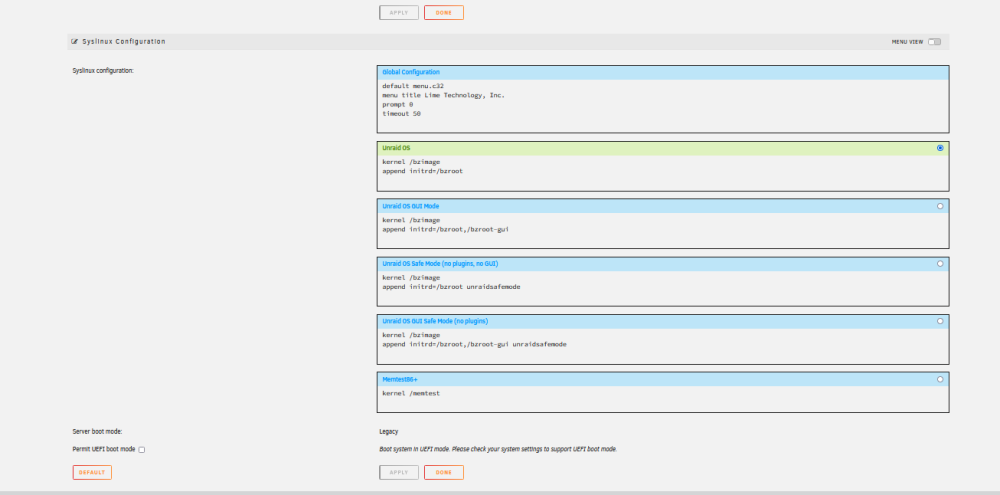
Hello guys!Can you help me? i try to pass through my gpu to my mac vms with no success. Please advice. First, I tried doing it in a windows virtual machine vm start but get code 43 in videocard i add in xml this code and problem solved <features> <acpi/> <apic/> <hyperv> <relaxed state='on'/> <vapic state='on'/> <spinlocks state='on' retries='8191'/> <vendor_id state='on' value='1234567890ab'/>* </hyperv> <kvm> <hidden state='on'/>* </kvm> <vmport state='off'/>* <ioapic driver='kvm'/>* </features> next step i use same vbios/gpu on mac vm but get black screen My Hardware specs : System devices: VFIO-PCI Log: Syslinux config: XML FIles Windows MAC XML