





irckenny
Members
-
Joined
-
Last visited
-
@SimonF @ich777 thanks for clarification, so from what you two guys said, if correctly understud cause im not good english spoken person, i need only to wait until a new intel_GPU_top release with issue fix. Thanks for your efforts.
-
What i can do for help you to investigate my issue? My iGPU is a N5105 Jasperlake maybe that info can help.
-
here my /tmp/gpujson gpujson
-
Increasing values as your suggestion the plugin started working again, except for Power draw graphic section that is always showing 0 value but with full "white" bar after first use of GPU hardware decoding. Any other tip? After conbfig modification: After first GPU usage: And just one more information please: what "intel_top_timeout_command" values .7 1.3 means? Thank you!
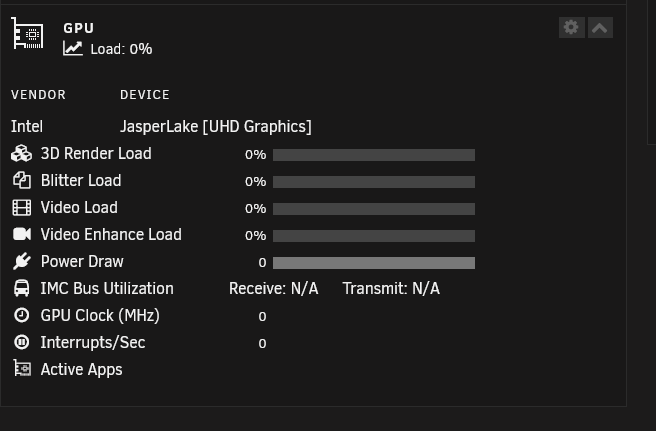
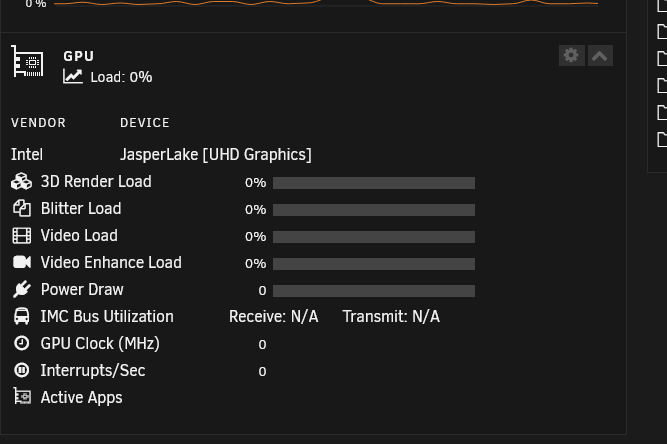
-
Hi, thanks for reply, here screenshot of my plugin settings. I dont see any "timer" item in my setting.
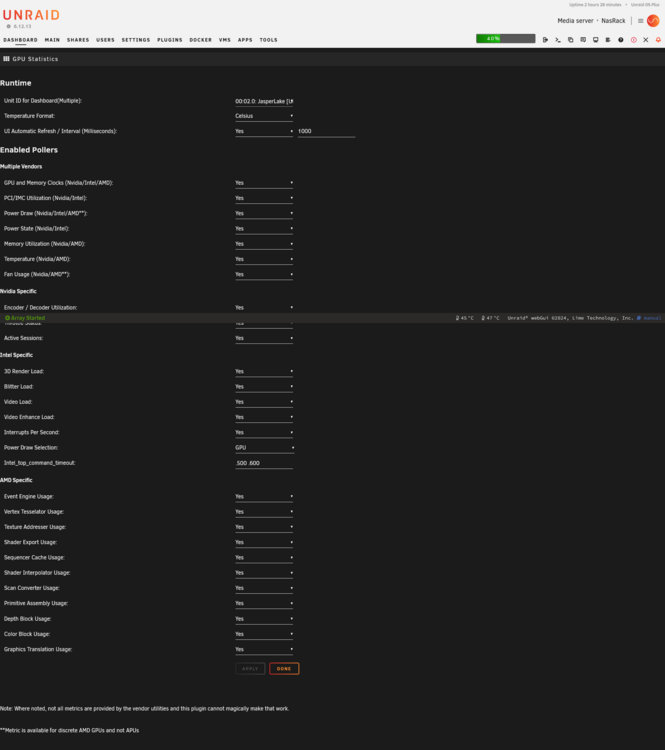
-
Hi! Just updated at version dated 2024-10-16 and all data in dashboard plugin disappeared/stop working: only showing that message Vendor command returned unparseable data. here my Intel_GPU_top screen print: Before the update all was working like expected. Any suggestion? A way to rollback to previous version? Thank you in advance.
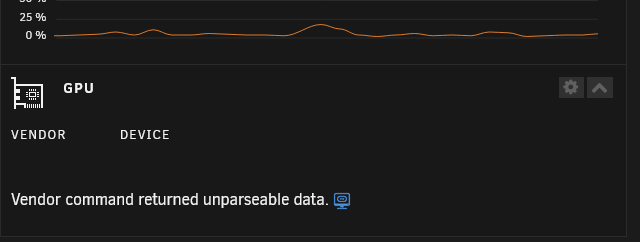
.thumb.png.fdaa87acd1b4bb854032ec2481ee373a.png)
-
@alturismo thank you a lot for input, i will patiently wait for a docker upd.
-
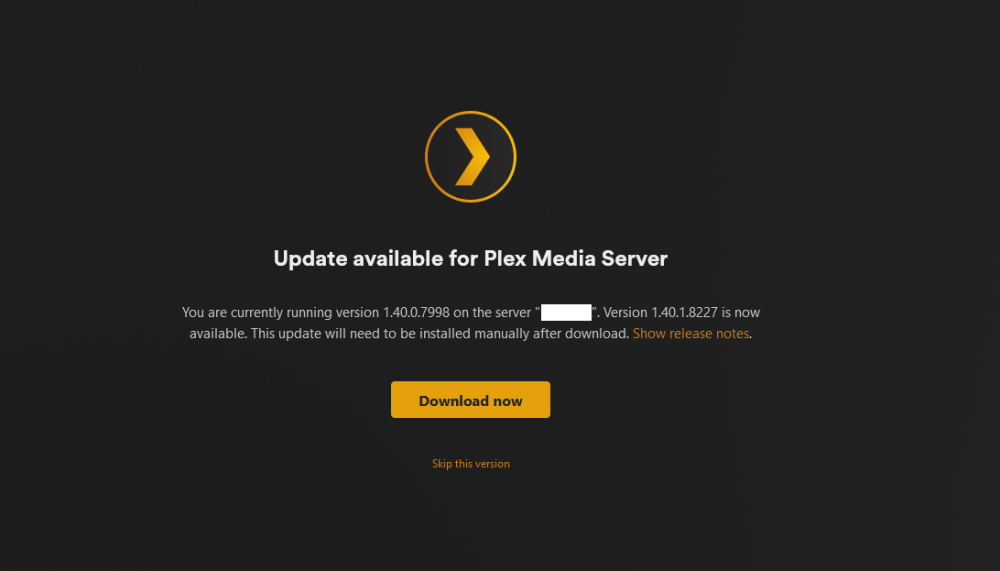
Hello guys, Im new at UnRaid and at Plex Server and not spoken english person, so please forgive my noob questions: today plex server linuxserver.io V 4.123.2 notified a new update available, like in past i fly to setting / general to make the update, but this time "the update button" is gone and in is place was a "manual update is needed" link. Clicking on it i have this screen but i dont know how to do for going through the manual update. Can someone point the right steps to execute for updating my plex docker? Thanks in advance

.png.d9614a4b0f7e6bb132d83cf05e0a97fb.png)
