GuiH
Members
-
Joined
-
Last visited
Everything posted by GuiH
-
Hello. I'm trying to use this image on my Unraid server, but the default login/password=admin/filebrowser don't work, and I don't see a generated password in the logs.
-
Ok, clear!
-
Indeed, thank you for your response and all the information! I didn't lower it too much because I have a 100 Gb file currently in the array, but I freed some more space and it is working now.
-
Indeed, the minimum free space is 146.4 GB and free space is 144 GB. Is it something I can safely lower? Working with disk share would bypass that indeed, but is it something safe to do in a docker mount?
-
Update: I seem to be able to write to disk1 and disk2, just not to the array. Cache is writable too. I did a filesystem check and had no error.
-
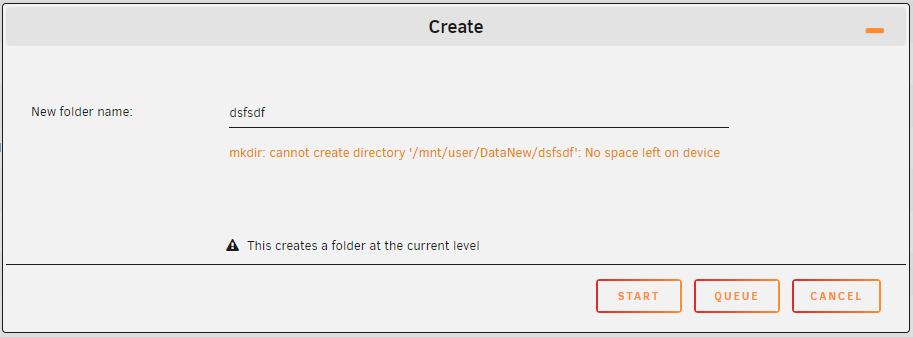
Hello, I'm unable to create a directory or write data to my array, even though there is still space left. I tried deleting data anyway to make more space but nothing helps. What could be the issue? serverh-diagnostics-20240305-1038.zip