Furioso
Members
-
Joined
-
Last visited
-
I updated too. Port mapping is ok, working dns, but webui is missing.
-
Resultaron ser los temas de ahorro de energía. Global-states. Solucionado.
-
Running for all night. No freezes, no reebots. Thx!!
-
Something change. I will keep watch.
-
Unexpected restart, with not Freeze. tower-diagnostics-20240328-1621.zip
-
Thx! With the last b450 I never had problems.
-
Second Freeze. tower-diagnostics-20240328-1221.zip
-
Hello, I need help with these freezes. Without a defined time, once the array is up, the system freezes. The only way for it to stay online is without mounting the array. Sometimes I just lose the web interface and sometimes I lose any network connectivity. The local console is not responding and forces me to perform a hard shutdown. I attach the diagnosis file. (sorry for mi google translator english) tower-diagnostics-20240328-1117.zip
-
Lo de probar el hard es básico. Tengo otra placa. Ya he probado memorias , discos duros... Y con Windows que no se cuelga. Pero viendo que hay problemas con la última actualización, voy a esperar antes de tocar más. Gracias por responder.
-
Desde hace poco la maquina se reinicia o se bloquea totalmente. Como debo proceder para encontrar el problema? Gracias.
-
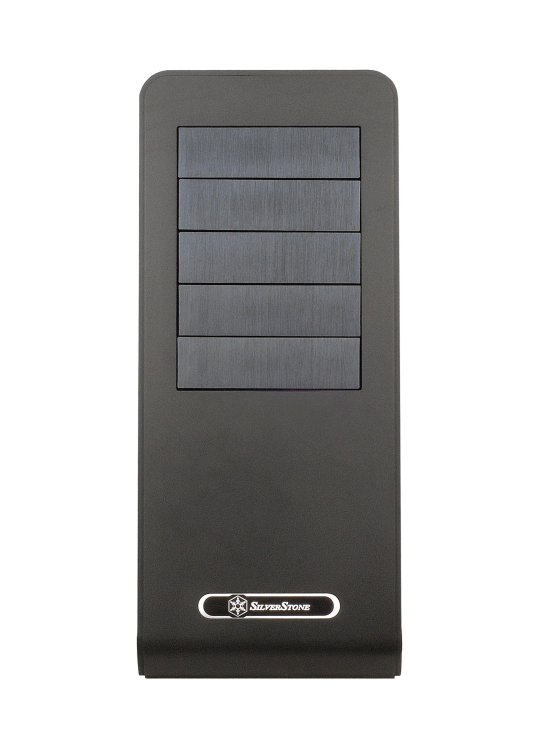
Hi! I've changed my case, again, and now have a Silverstone FT02. I'm trying to make my own icon, but I don't have the skills to do it myself. Can someone do it for me?