.jpg.b88ebb5d76a7ac4b9d3322c49c2dd57c.jpg)

Radzu
Members
-
Joined
-
Last visited
Everything posted by Radzu
-
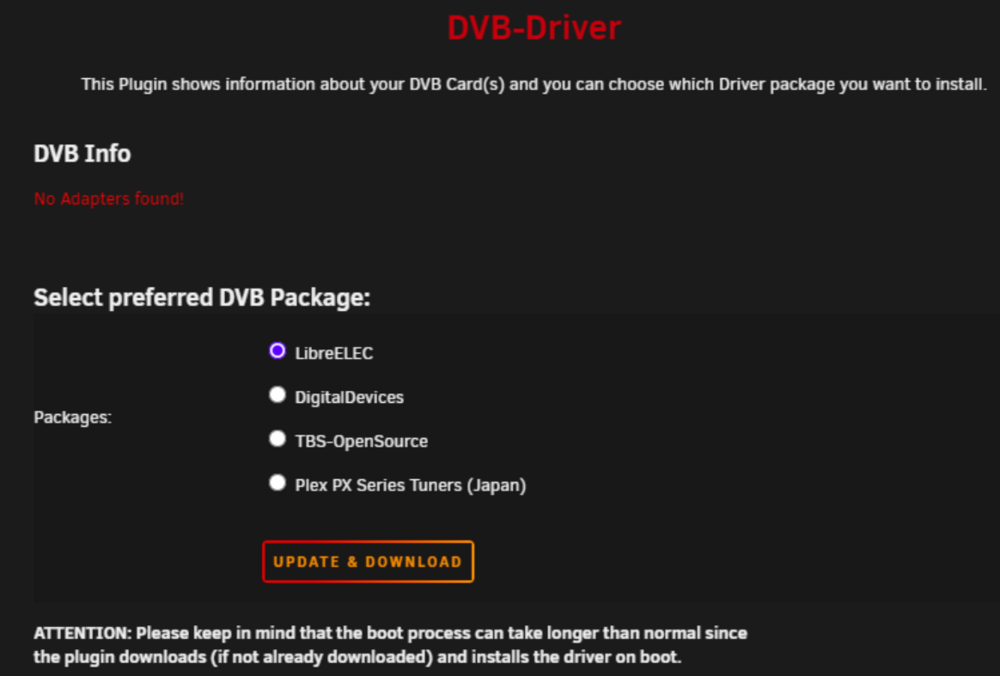
Thanks for your reply and sorry for the confusion. I went back to the mjpg-streamer Docker container and it turned out that the camera was working. I don't remember at what point I changed the container from mjpg-streamer to ustreamer. Ustreamer was supposed to be a better replacement and had everything set up the same as mjpg-streamer, but apparently something didn't work as it should and I was looking for the problem in the wrong place. What confused me was that no device was detected in the plugin window.
-
I removed Libvirt Hotplug and restarted the system. Unfortunately, but still: No Adapters found! /dev/video0 and /dev/video1 are visible in the system but the ustreamer shows < no signal > on both. smartcamp-diagnostics-20240605-2242.zip
-
The extra disk crashed between tests. At first the disk was ok, but the problem still occurred. I disconnected the camera only once, during subsequent tests, restarts and reinstallations it was still connected. I removed the damaged disk, restarted and it's still the same. smartcamp-diagnostics-20240605-2148.zip
-
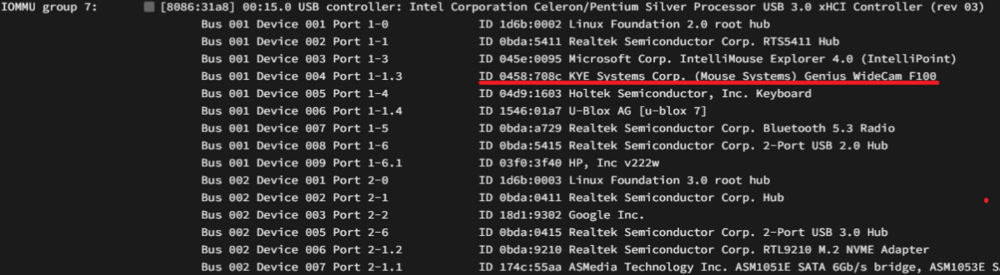
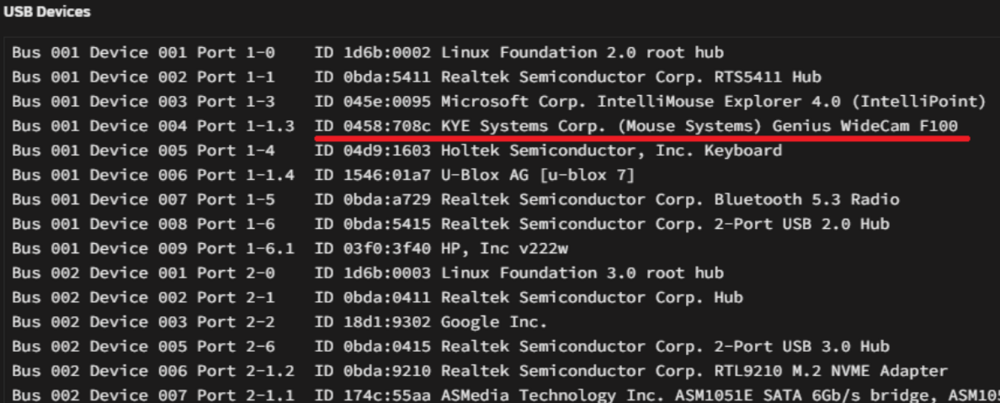
Hello, I have a Genius WideCam F100 camera, which may not be the best quality, but it has the largest field of view I could find. When I connected it for the first time and installed DVB Driver, it worked with mjpg-streamer. When I disconnected the camera and connected it again after some time, it no longer wanted to work. I checked all dev/videox, tried changing packages and reinstalling drivers many times and nothing helped. Does anyone have an idea what can be done to make this work? smartcamp-diagnostics-20240605-1243.zip
-
I purchased a license for UFS Standard Recovery and recovered most of the files. I would like to avoid a similar situation in the future. Is using btrfs safer? Additionally, I plan to configure Easy Backup to Array.
-
Hello after a long weekend. As I wrote in my first post, the "zpool import -o readonly=on nvme" command causes hang and does not mount the disk so data cannot be copied. I am a bit devastated by the information that I bought two disks specifically to protect against data loss, and a simple system error resulted in the inability to access both disks. Once I restore the server to its original state, I will certainly not use ZFS pools again. I connected one of the drives to another computer and am trying to recover data with some programs, but without purchasing a license in this way it is unlikely to be recovered.
-
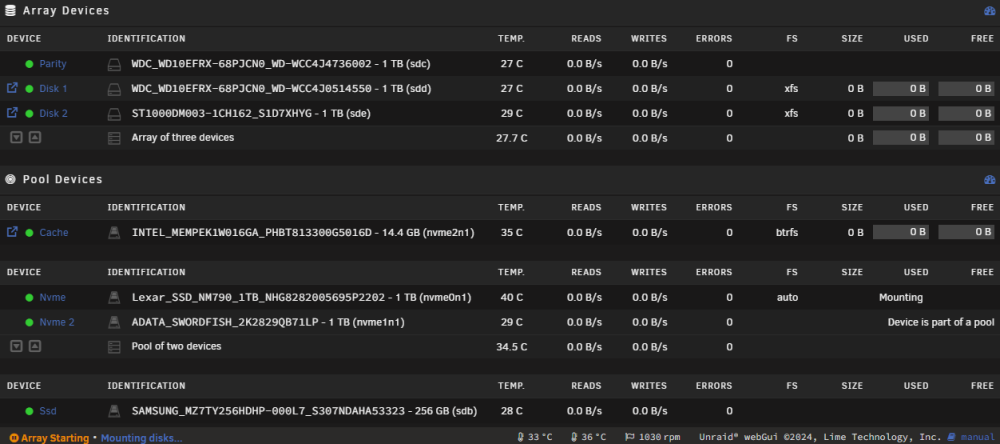
A few days ago something happened and I couldn't log in to my server so I turned it off hard. Then I had problems with one of my VMs. Finally after reboot the server was stuck on Mountunig array. I connected the monitor and saw an error while mounting: Unraid login: VERIFY3(size <= SPA_MAXBLOCKSIZE) failed (24155136 <= 16777216) PANIC at all.c:188:abd_alloc() Even though I have many pools, I finally found out that the problem is with the ZFS pool consisting of 2x 1TB disks. I saw that many people had a similar problem and many of them solved the problem by restoring data from a backup. I made the assumption (now I see that it was wrong) that if the pool is in RAID1, it protects it. I tried removing the disks from the server one at a time, but both disks produce the same error. Now I'm a bit out of ideas. I've seen a lot of advice on mounting a drive as read-only, but my knowledge is too poor to understand how to boot the system for these commands to work. I know that there is some mode that can be forced at system startup. I know that Array can be run in Maintenance Mode. When disabled array tries to execute the command: zpool import -o readonly=on nvme I have the same symptoms as when staring array (VERIFY3 ...). Does anyone have an idea how I can recover my data? Diagnostics were done before starting array, as it is not possible later. unraid-diagnostics-20240502-0010.zip