





Blizzard95
Members
-
Joined
-
Last visited
Everything posted by Blizzard95
-
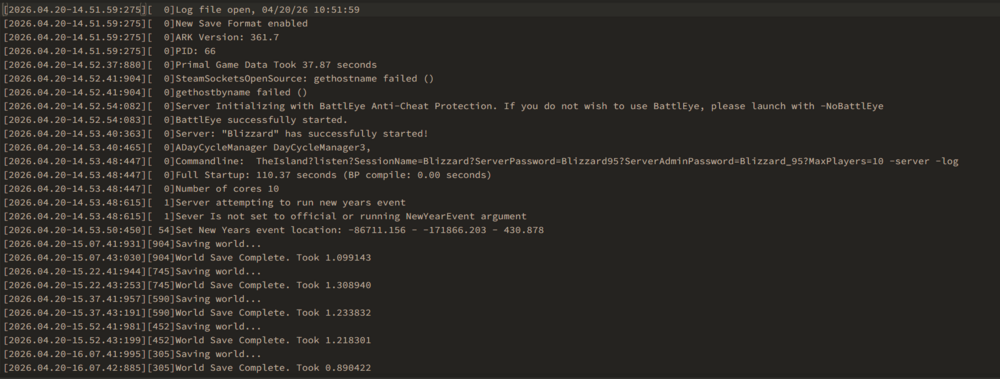
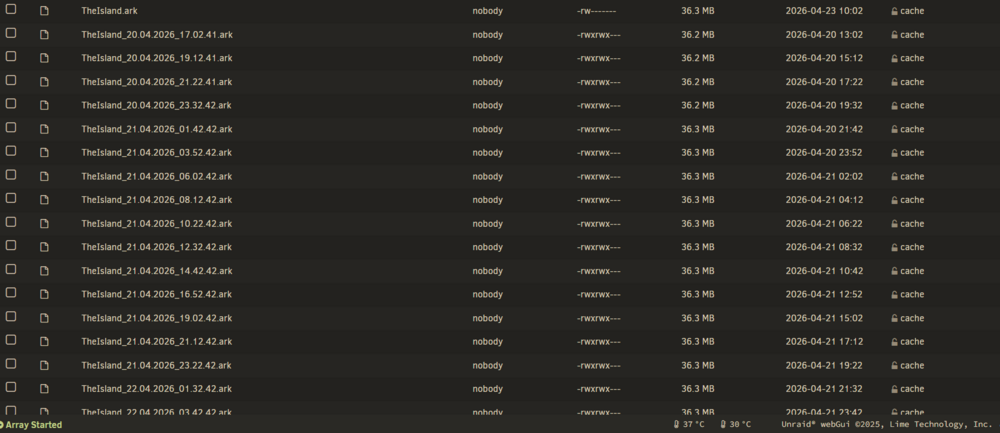
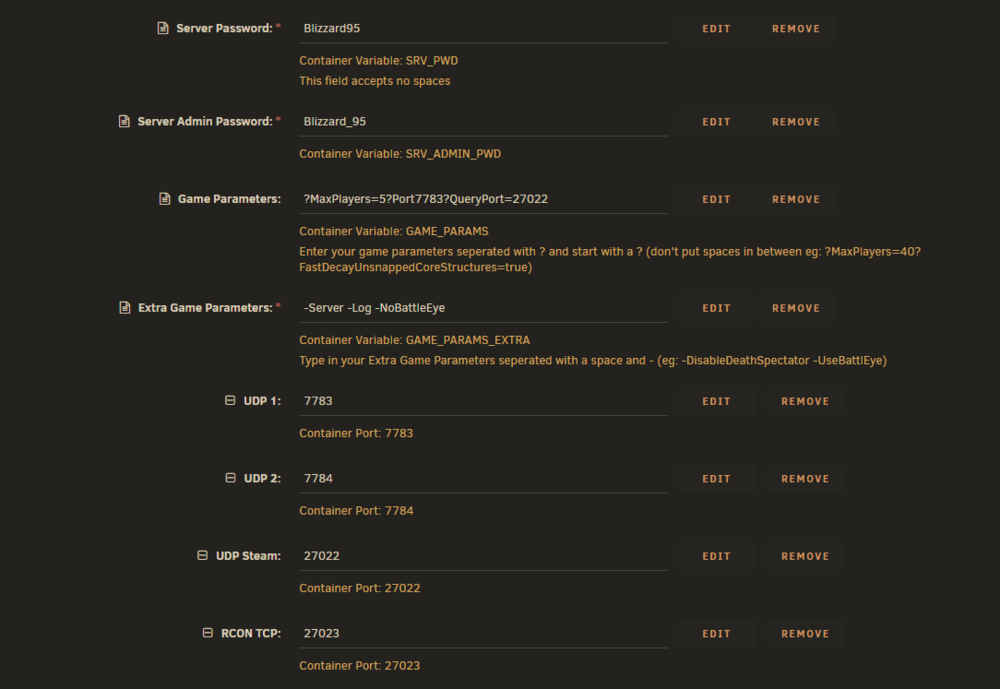
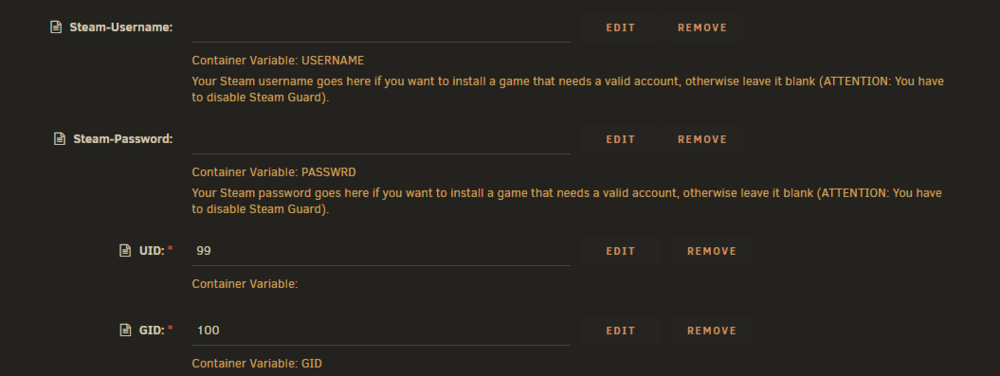
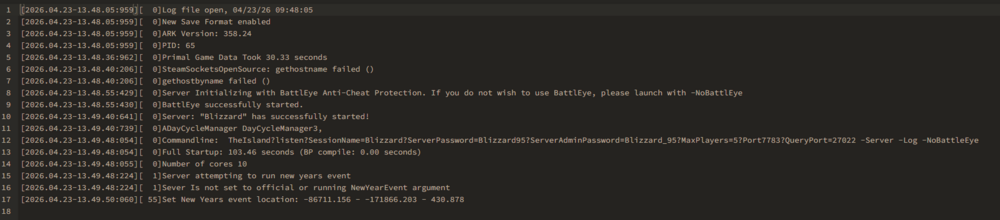
I have made progress, I've read that the Linux files were removed for a period of time, Supposedly the were re-added. I happen to leave the server running 24 hours and I see the server generate saves, and after shutting the server down, it shows that it saved successfully multiple times and I check saved arks, sure enough, there they are. Now I have reverted to pre aquatic update hoping that would fix something, it did not. I have also add the ports in game parameters. Nothing has changed. Please, I need help. Either in helping me figure it out or a point in the right direction. Im lost in the sauce.
-
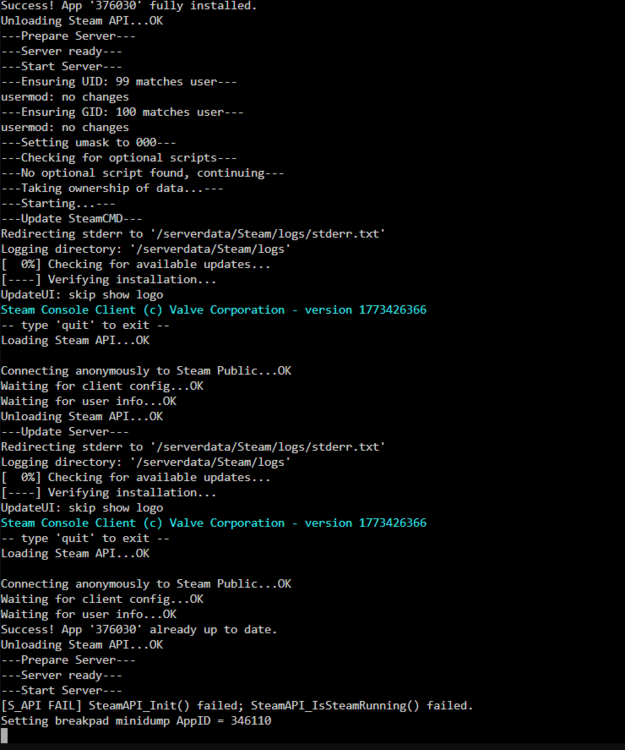
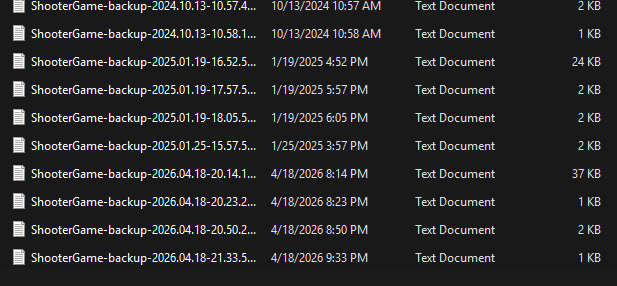
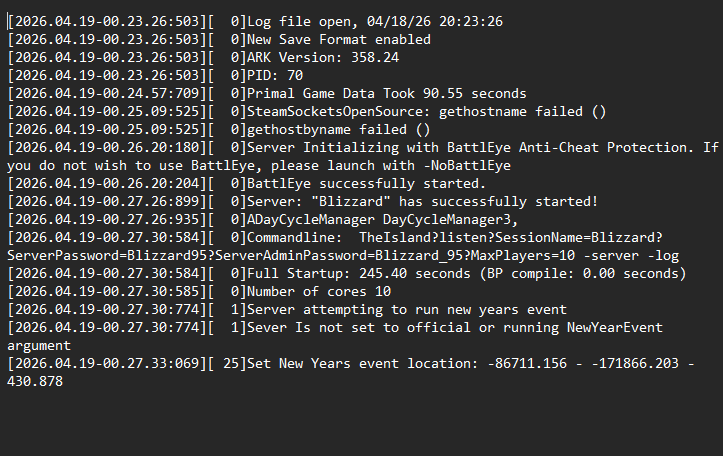
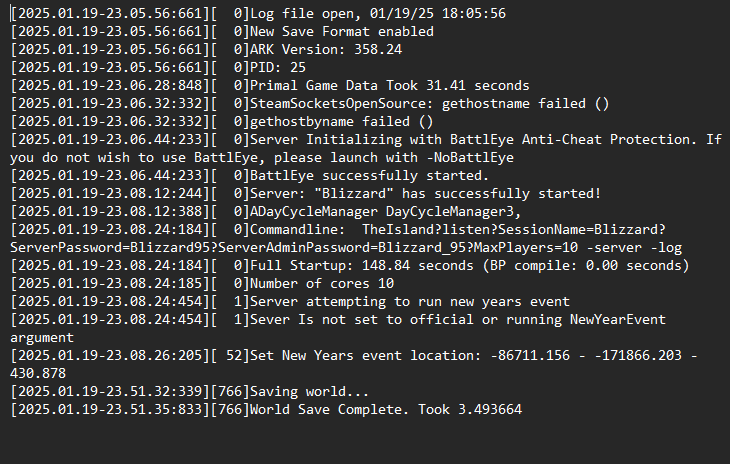
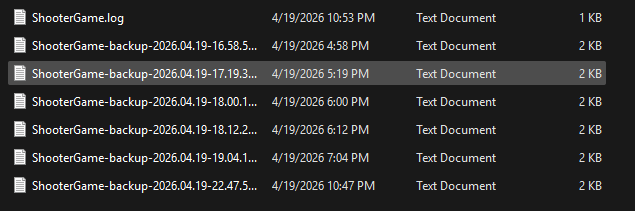
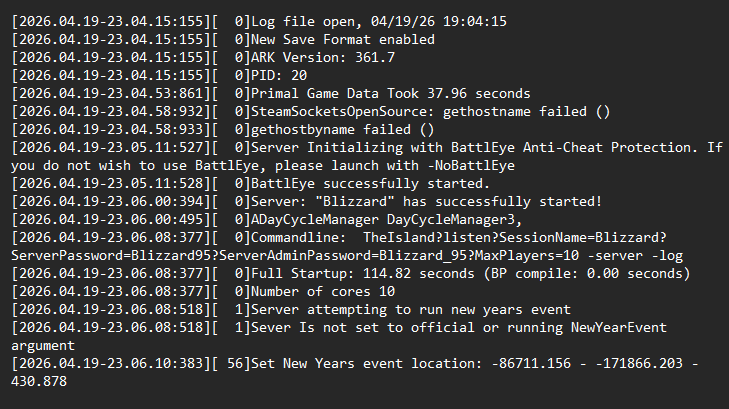
Good Morning yall, Me and my significant other decided to boot up the unraid server that I had going all 2024 to the end of January 2025. Its been offline since then. I've probably spent about a month getting it back online. Updated all the dockers and the OS. I also run windows 11 on my pc now. Its been a lot of trouble shooting, late nights and early mornings before work. I have two main servers that I was running, Satisfactory and Arkse. Now I know that you cant get ich777 Arkse container anymore. I pretty much rebuilt the container. The originals containers stopped working after I updated them, big mistake. I was able to dig for the source code under master in ich777 github and link that to the repository. I did the necessary tweaking and I got ark to install Yay!!!. I go to add it in steam servers and I can't find it, uh oh. I reboot it a couple of times. Spend the rest of the past Saturday pulling my hair out. Sunday, I attempted to try ark and leave it on for a longer time, to no avail. I attempted Satisfactory, Same issue. I see it boot, and running, I log in to satisfactory, I add it, and I SEE IT! (PROGRESS) AND I JOIN IT, ............Failed to connect, (Attempted to join 5 more times). A little after that I install 7dtd, I didn't do anything to it really, just left everything default. The server starts successfully, sweet. Go to add the server in steam game servers, IT ADDS...I JOIN IT....AND I CONNECT WooHoo (PROGRESS!) I do the same for Icarus, same results, then I do a fresh install of Satisfactory, same results. I do a fresh install of ARKse, still can't find it or join it. I plan on testing Factoria and Rust since I have them installed andI played them for about a month each back in 2024. Now, I noticed one thing in all of this, the install path is /mnt/cache/appdata/(game Server im installing). If I restart unraid, that cache goes poof. I didn't know that, but it didn't bother me, because I set all my servers up back in 2024 to install in a different folder under /mnt/user/GameServers/(game Server im installing), and I only used a VPN to join such games and manage the servers. I still use the VPN (Wire Guard) and still do not have issues. I believe that I need to do a fresh install off Unraid, since its been a hot minute and that if I use my old install path to GameServers, several either do not boot or infinite boot loop (Icarus), but I wanted to know if anyone had the same issue and has a fix for it. I have done new perms and fixed SMB. I had to fix the SMB to check some of the old Ark logs and compare them to new ones, which I will provide. There are two different Ark Server I created, the old save that has the older version that will start, but cant update and the new version that starts and checks if it updates, It will not update the recent update 361.8, regardless I should be able to see them and join them. Oh and one more thing, I have verified that I can join externally (with VPN) and internally in the network. Could be a port that isn't working , but I have swap the ports around a lot, there are a few that are the same, but one server up while the other is down. I double check the ports before I bring up the servers and I can run 3 or more at once and connect to all of them at once with different steam accounts (Family Members). Thank you for reading the past 3 days of hell for trouble shooting, I will try to respond as fast as possible, but I am quite busy during the week. Thank you to all who help me trouble shoot this, my worst fear is that the devs just royal screwed ark. Thank you Bliz
-
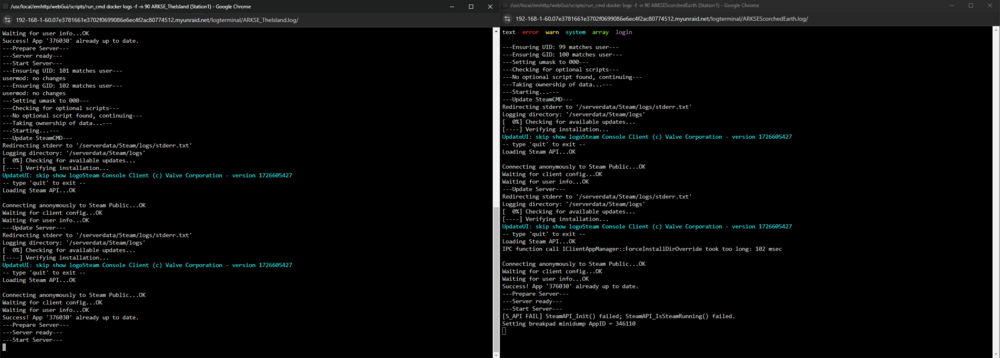
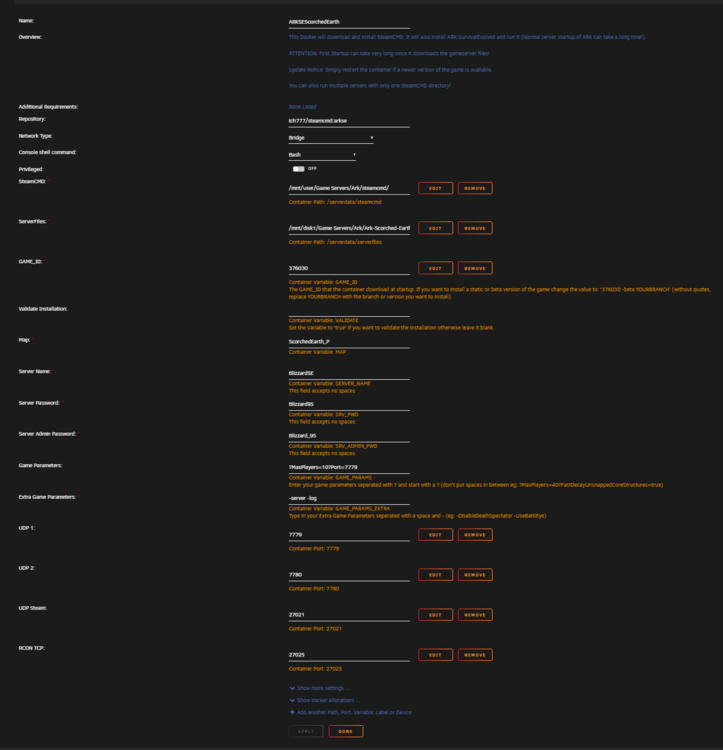
I added that and I can find it now with the new port, but Im still having problems. It revolves around the UDP Steam and RCON TCP. The Default is 27015 for Steam and 27020 RCON. When I leave them like that and have my other server off, II can see it, I haven't tested on joining it though. The moment I change them and regardless if my other server is on or not, I can not see it and I see errors on my Scorched server log

-
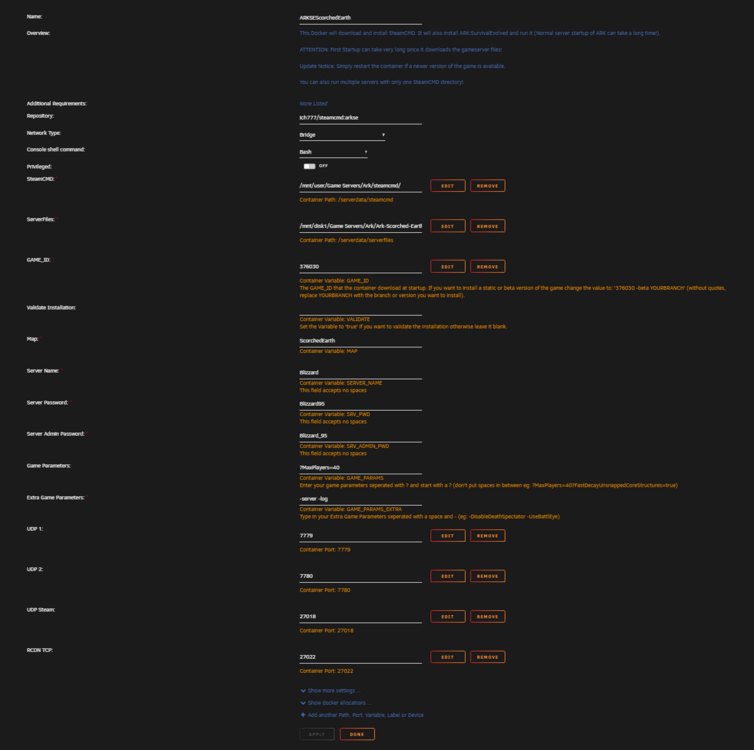
Is this correct?
-
I also believe the Scorched Earth Map ID is wrong, I can't find anything on it yet
-
Here is The Island Configs for comparison
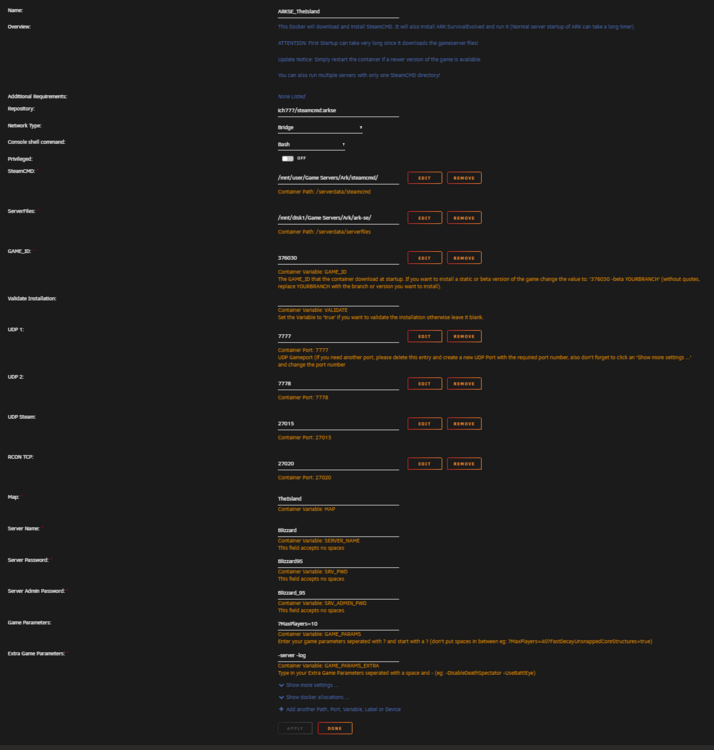
-
I have a feeling that I over read a step, The server boots, I can confirm finding it in the steam gameservers and in ark servers. It does override The Island. So of the rip its a port issue. I do route this through a VPN, but that isn't the cause for issue as I can join Ark Island just fine and I can see Satisfactory that I still have figured how to get to run. I have tested if I can run multiple servers through the VPN, so that could be an issue. I strongly believe I even overlooked something. Thanks again
-
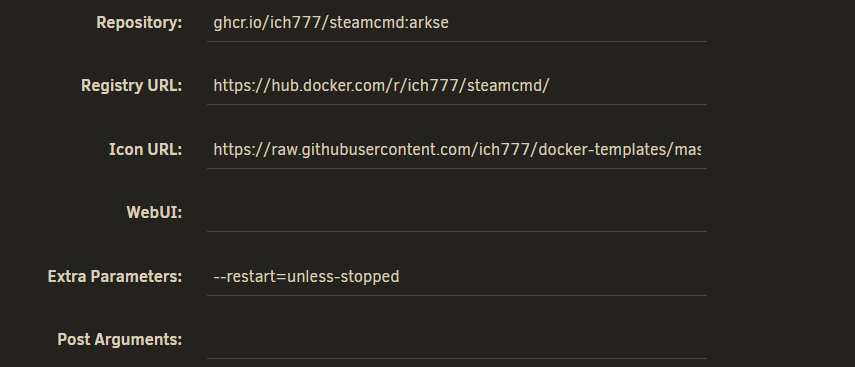
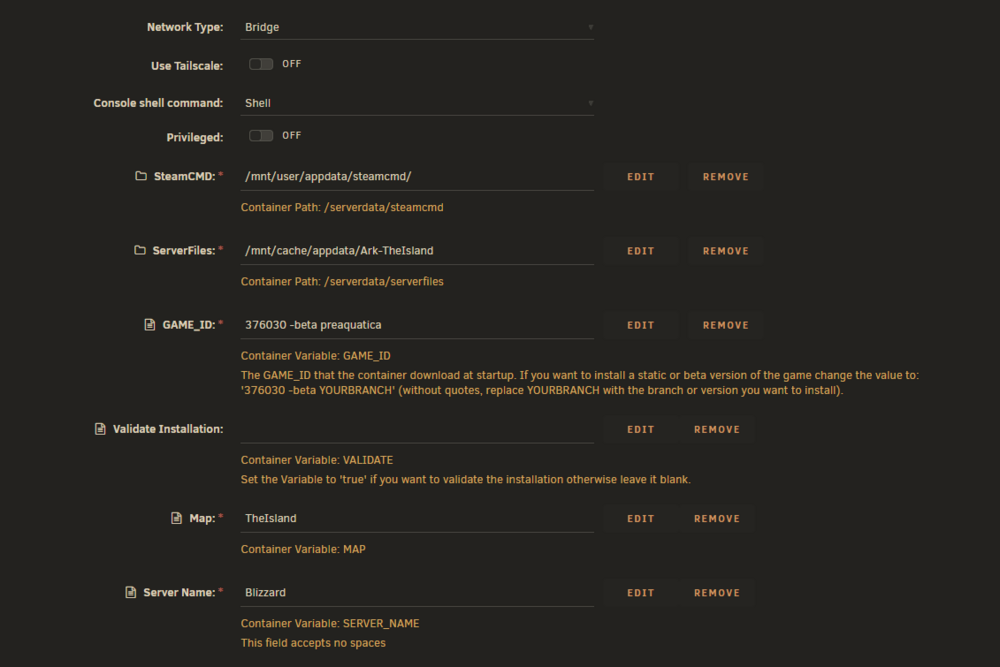
Thank you David7 I was able to get two containers to Appear now. I was able to get the server booted :however, I couldn't join because of a network error. XD Here are my screenshots of the configs ich777, these are after I have two Ark Containers

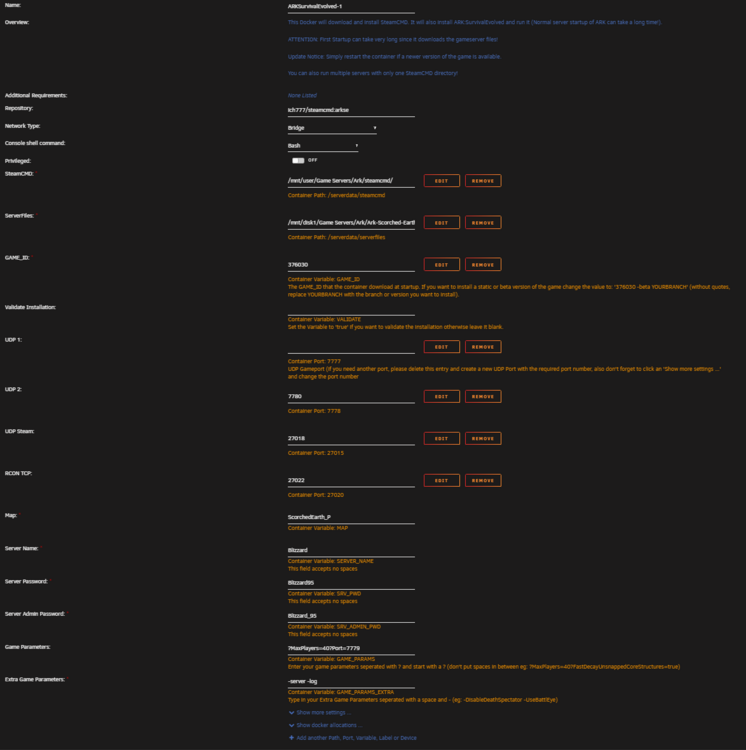
-
Howdy Yall, I am stumped rn, I have just about beaten The Island with my gf. I want to get two servers going so that we can move things over and I can let my friends finish The Island while her and I make the great ascension. I tried to add a new container for Ark sense we can run multiple of the the steam directory. I keep the steam file the same, change the file data location, change the ports and add ?Port=7779, and a few other changes. When I go to add it removes the old game container and add the new one. What am I doing wrong lol. Any help is appreciated. Thanks


