






Graaulv
Members
-
Joined
-
Last visited
-
My thoughts exactly, and sound advise. So I thank you for the help so far
-
As of right now it is a trial, pending the Samsung Bar Stick I have been recommended arriving, it will be Purchased. I have made a backup of the drive I repaired at your advise
-
Okay now everything is up and running it seems It looks to me as now it is time to switch to one of the Samsung Bar sticks that have been suggested Do I buy the license first with the "faulty" stick and then transfer to the Samsung, or do I do it the other way around ?
-
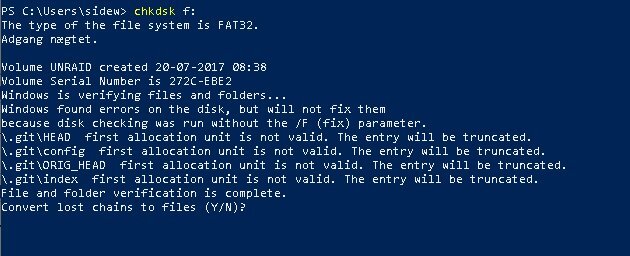
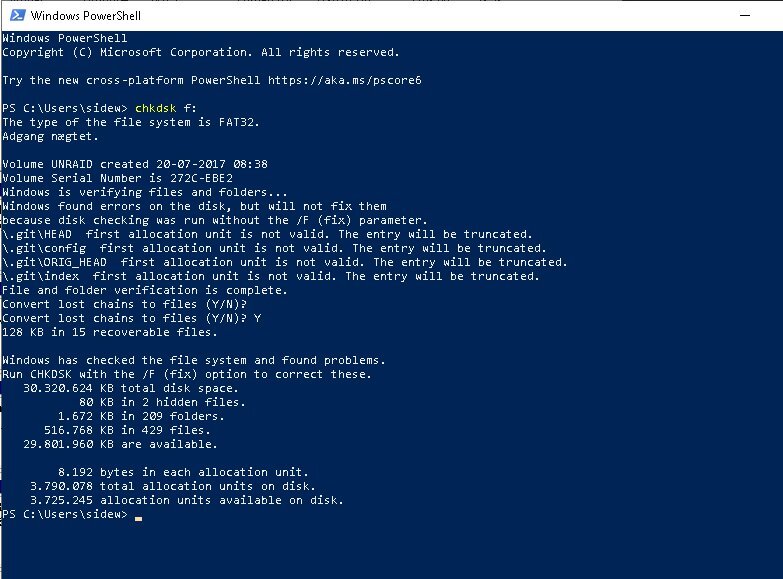
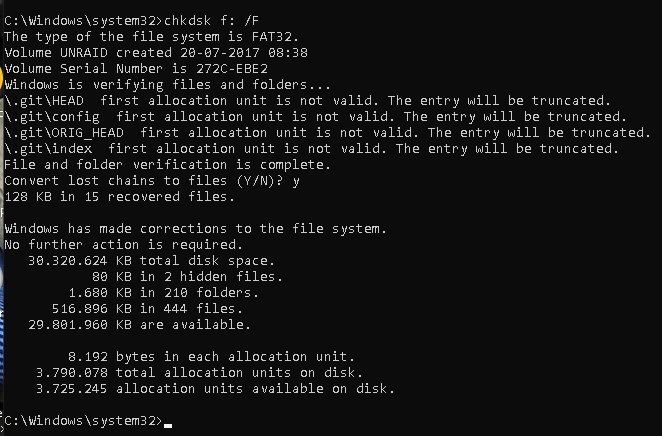
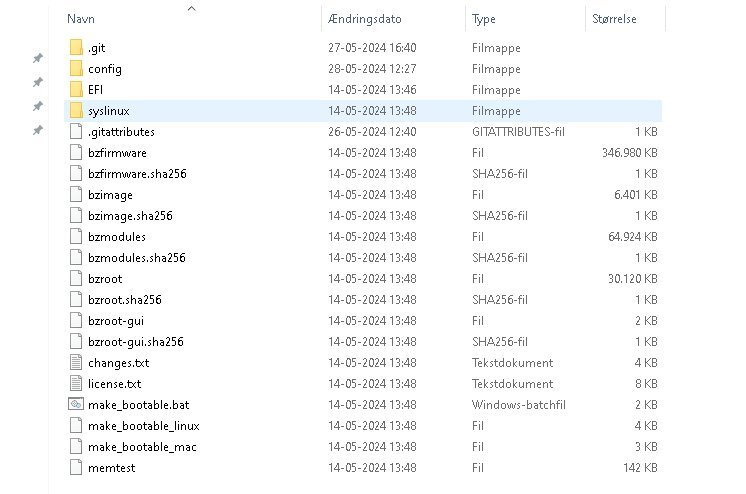
As suggested by Frank1940 I ran a chkdsk as admin on my winbox, and it has been repaired/restored I had to boot in as admin to make repairs so I jumped from Powershell to command prompt that I am more usaed to I can't seem to find any FILEXXXX.CHK HERE i'M SHOOTING FROM THE HIP Now I put the USB back, boot up the server and try to make a backup of the stick or ? do I make a separate stick, and copy anything but ? back to the "original" stick ?
-
Firstly, thank for the speedy reply I will do that, once the parity check is done in about 4 hours I read somewhere that some of the best USB drives to use should be Samsung BAR Plus, is it still true ?
-
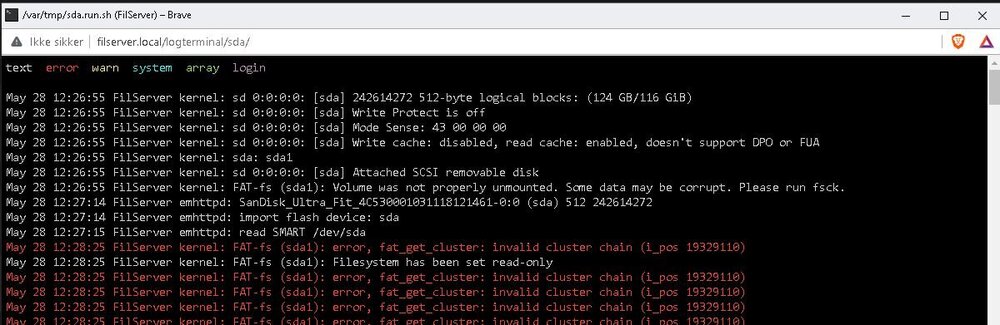
I get this when I choose disklog information under my flash drive in the main window Does that mean that I have to change USB stick, and is it the reason that I can't create a certificate under /settings/managementaccess/
-
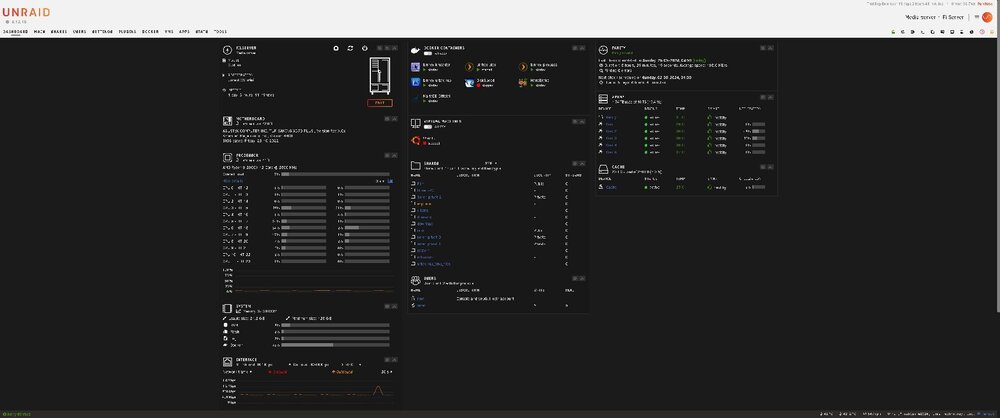
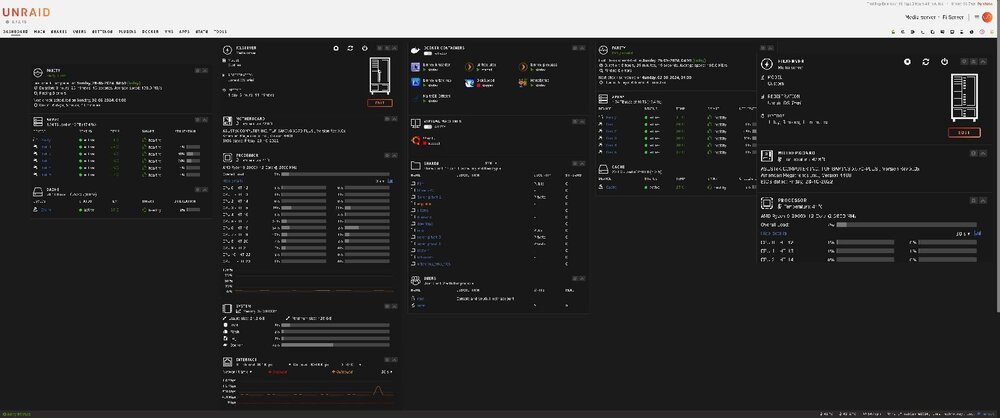
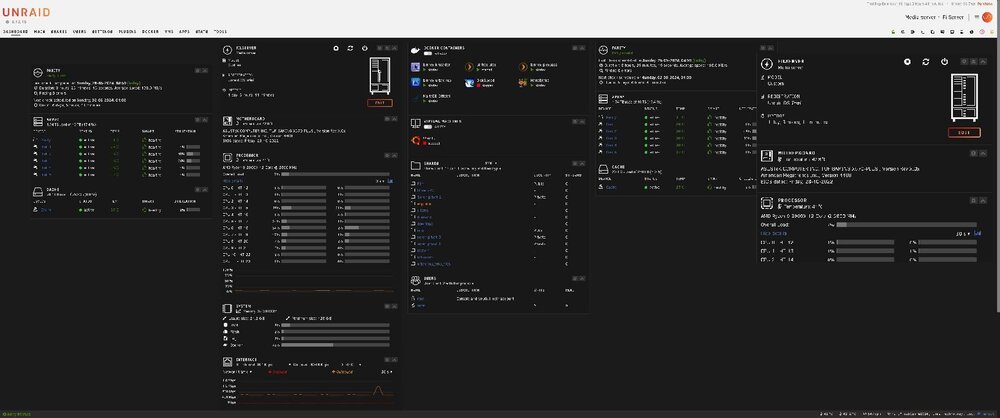
Almost where I think I want to be, and BAM I hit something else I would like to change I am using a wide format monitor 3440x1440 monitor, and even if I run dashboard in full screen mode, I have to scroll down to see the bottom templates? on the webui Is there some way and/or some app/docker that allows me to have more than 3 rows of information displayed on my screen ? I mean I tried to modify a screenprint, and I have more than ample room for 5 rows, vs the now 3 rows, where collum 1 extend below the monitor's display ability Attaching 2 pics to illustrate what I want
-
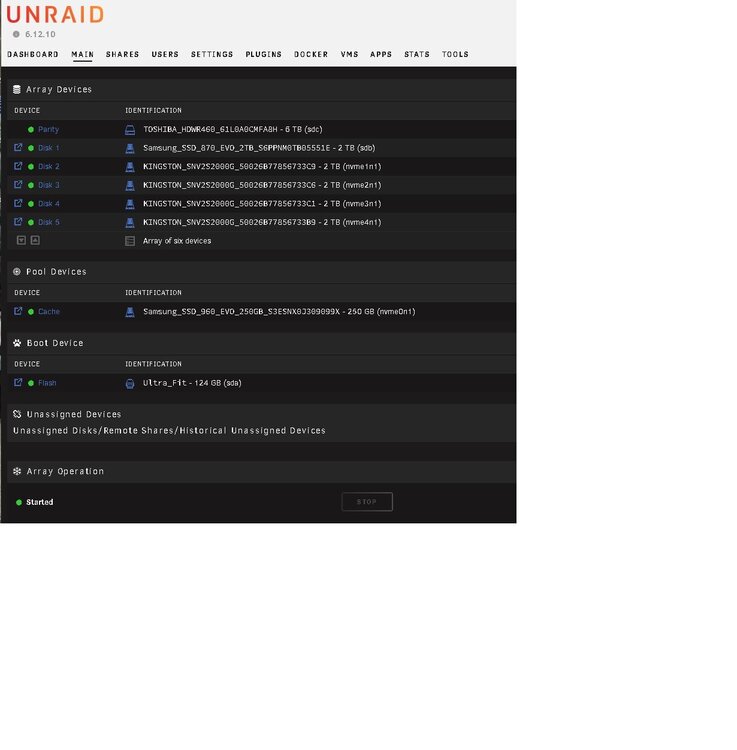
I know I am not a springchciken but, let me see if I have got this right: Parity drive, 5 data drive and a cache drive, that means I have exceded the minimum tier license or
-
Hi there This may have been thrashed to death and back again but: Do cache/parity count under 6 storage devices ? As in: I have 5 data drives and 1 parity drive. As I understand the FAQ then these make up the 6 devices, and if I want redundency by using 2 parity disks then I have to go up 1 tier in license Am I right when believing that pool devices are excluded from the license device count ? Asking because I want to buy the right tier of license, and yes I know, I can buy the lifetime license and be done with it


