Ashilder
Members
-
Joined
-
Last visited
Everything posted by Ashilder
-
It seems that I rushed, I tried without checking this box and it works, there is just a problem during the first installation, some files like ConanExiles.log does not install. edit: but you seem to have already solved the problem thank you!
-
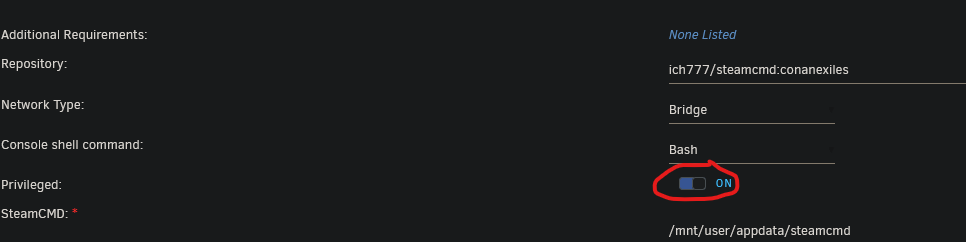
We need to tick this box
-
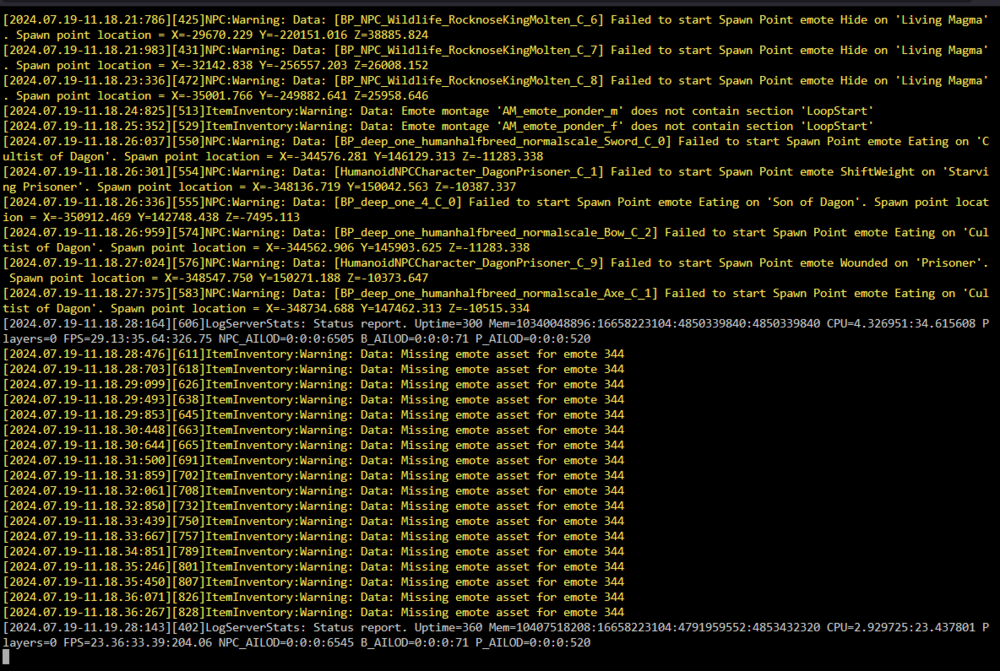
I finally managed to get the server working by removing ‘steamcmd’ and ‘conanexiles’ and redoing the installation. I get a lot of errors in the console about entities but not about the log file that can't be found Thanks you !
-
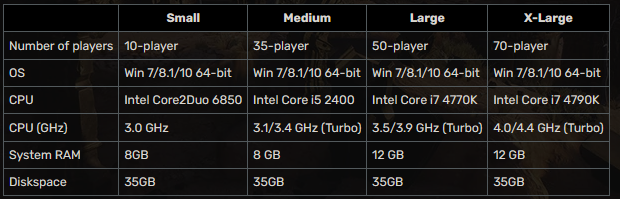
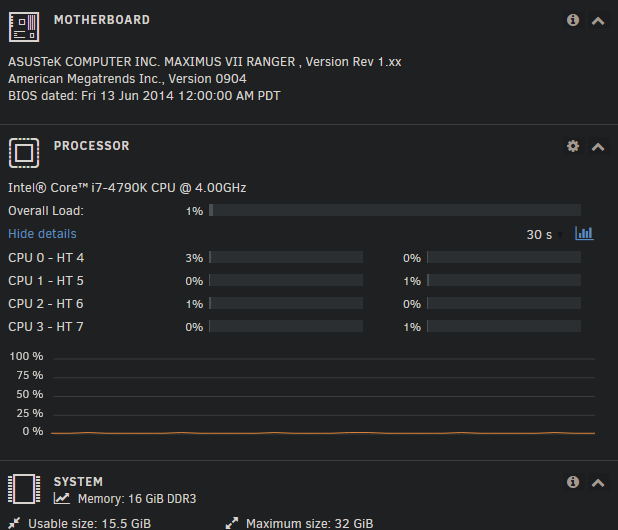
This seems a bit strange to me, I've checked the minimum requirements and my processor seems compatible: https://conanexiles.fandom.com/wiki/Dedicated_server_system_requirements Is this only due to Docker? Maybe I should try it on a vm windows server or linux?
-
Yesterday, I left it running for several hours, and the logs are still the same
-
Hello ! No I didn't modify anything, I just installed the docker with the unraid appstore, everything was done automatically
-
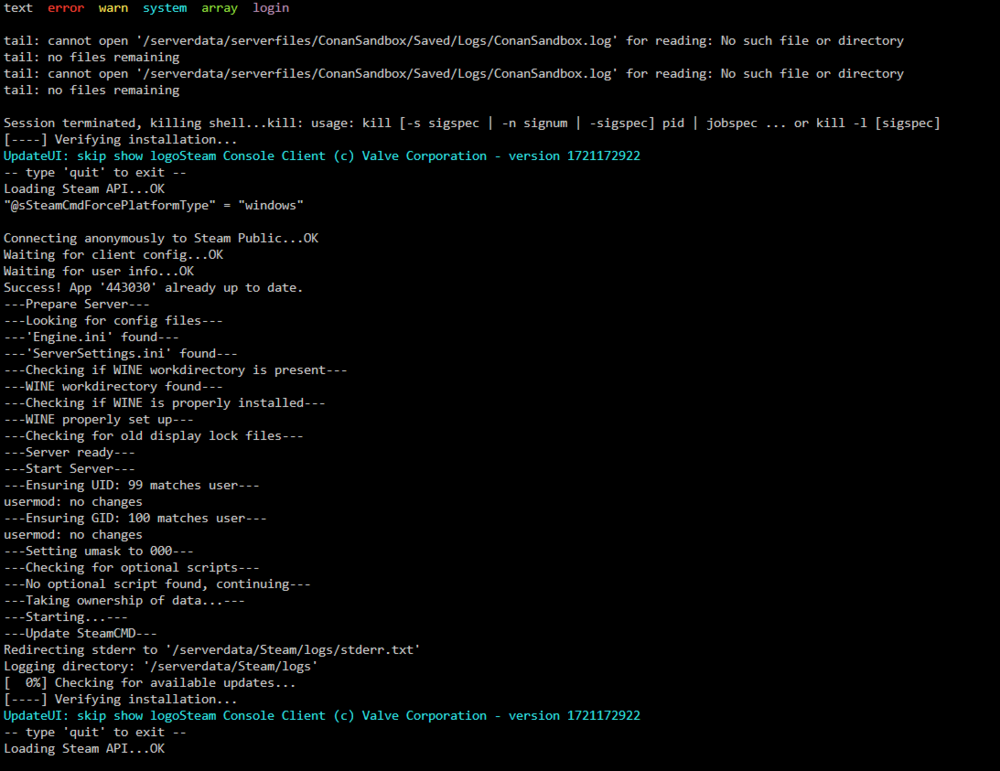
Hi , I've created a docker for Conan Exiles (ich777) but the server doesn't seem to want to start or rather it restarts in a loop. I'm new to docker so I don't really know how to solve this problem. I have this in the logs file : thank you for your help