





mluisbrown
Members
-
Joined
-
Last visited
-
Just to follow up: after a week of this not working it suddenly fixed itself without my doing anything at all, which is very strange. I first noticed that the Plex app on Apple TV was showing my libraries again, but on iPhone and Mac the issue above continued. Today my Plex server is visible to all my devices again, so no idea what was causing the problem.
-
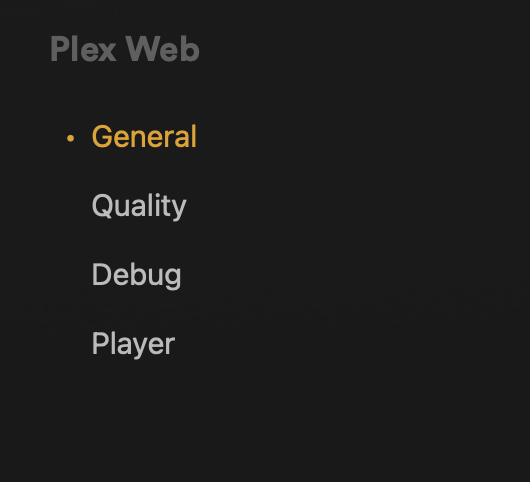
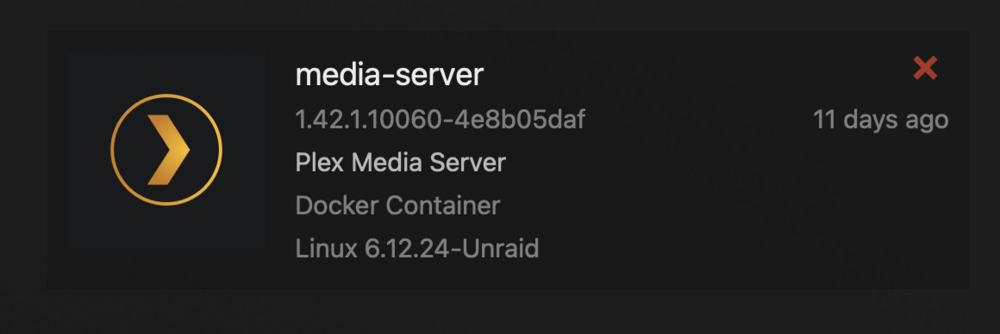
I have tried, Plex app on macOS and iOS and also the web app at https://app.plex.tv/desktop/#!/settings/web/general and the web app running on the PMS Docker container on my Unraid server at: http://media-server.local:32400/web/index.html#!/ . In all cases the issue is the same, it's as if my server doesn't exist. When I click on the "wrench" icon where I would expect to see my server I just see this: The server seems to be running fine without errors on my Unraid machine, and the web GUI component is clearly ok, but Plex somehow doesn't recognise the existence of my server. The sever appears as an authorised device in the Plex web GUI: I have a paid Annual Plex Pass so that should also not be an issue. My docker run command is this: docker run -d --name='Plex-Media-Server' --net='host' --pids-limit 2048 -e TZ="Europe/London" -e HOST_OS="Unraid" -e HOST_HOSTNAME="media-server" -e HOST_CONTAINERNAME="Plex-Media-Server" -e 'PLEX_CLAIM'='<REDACTED>' -e 'PLEX_UID'='99' -e 'PLEX_GID'='100' -e 'VERSION'='latest' -l net.unraid.docker.managed=dockerman -l net.unraid.docker.webui='http://[IP]:[PORT:32400]/web' -l net.unraid.docker.icon='https://raw.githubusercontent.com/plexinc/pms-docker/master/img/plex-server.png' -v '/mnt/user/media/transcode':'/transcode':'rw' -v '/mnt/user/media/':'/data':'rw' -v '/mnt/user/appdata/Plex-Media-Server':'/config':'rw' 'plexinc/pms-docker' 8a7f30ba93f0b27524ea9530445bece9431d0cd00ac9d17f3245fedd54ec092c
-
@Matt k I have exactly this issue. Were you able to resolve it? Two weeks ago everything was fine. I went on vacation and now I'm back and suddenly I have this exact same issue and no idea how to fix it. I've already restarted my Unraid server and (after that) the Plex Media Server and no change. It's baffling me what could be causing this.
