berrybites
Members
-
Joined
-
Last visited
Everything posted by berrybites
-
Here is the output. Text file is attached. Gui failed after allocating all drives (specifically the seagate ones) Before allocating any drives: sqlite3 /boot/config/plugins/disklocation/disklocation.sqlite "select * from disks WHERE model_name LIKE '%ST4000%';" 1|1:0:0:0|sdb|5 3152 1952939168|Seagate Constellation ES.3|ST4000NM0033-9ZM170|1|S1Z02RXX|38|829121594|273|4000787030016|128|7200|3.5 inches|0|0|0|0|0|512||||||h|||||||||||7188dcf85b0bf9bc5eb9e75e35611f911d8b2b9a9b8fe8672bc78f34a520a769 4|4:0:0:0|sde|5 3152 1702654746|Seagate Constellation ES.3|ST4000NM0033-9ZM170|1|Z1Z2N1B1|37|829121404|250|4000787030016|128|7200|3.5 inches|0|0|0|0|0|512||||||h|||||||||||7a031baba6459e6253cd96f09039e75606346675d18fb0d38def5b7e178a19a6 sqlite3 /boot/config/plugins/disklocation/disklocation.sqlite "select * from location;" (no output) sqlite3 /boot/config/plugins/disklocation/disklocation.sqlite "select * from settings_group;" 1|array||column|1|8||h|1|1|400|70 2|cache||column|1|1||h|1|1|400|70 After allocating all drives (gui fails again): sqlite3 /boot/config/plugins/disklocation/disklocation.sqlite "select * from disks WHERE model_name LIKE '%ST4000%';" 1|1:0:0:0|sdb|5 3152 1952939168|Seagate Constellation ES.3|ST4000NM0033-9ZM170|1|S1Z02RXX|38|829121594|273|4000787030016|128|7200|3.5 inches|0|0|0|0|0|512|||||||||||||||||7188dcf85b0bf9bc5eb9e75e35611f911d8b2b9a9b8fe8672bc78f34a520a769 4|4:0:0:0|sde|5 3152 1702654746|Seagate Constellation ES.3|ST4000NM0033-9ZM170|1|Z1Z2N1B1|37|829121404|250|4000787030016|128|7200|3.5 inches|0|0|0|0|0|512|||||||||||||||||7a031baba6459e6253cd96f09039e75606346675d18fb0d38def5b7e178a19a6 sqlite3 /boot/config/plugins/disklocation/disklocation.sqlite "select * from location;" 1|1|7188dcf85b0bf9bc5eb9e75e35611f911d8b2b9a9b8fe8672bc78f34a520a769||8 2|1|c34571068a6a2d7be41c5bb8be58f37e4890ccb5e35ac06b745f203eb4b14fe1||7 3|1|79133b9e7b461340c118613acbcc2a7a3da02f40c0174009cd35c59036c571e3||6 4|1|7a031baba6459e6253cd96f09039e75606346675d18fb0d38def5b7e178a19a6||5 5|1|b3e9e72973cf742fee821f8285d22cbce24df1034637fcde4c658c12a8c6b879||4 6|1|e8c9327e867ee3825211a07aa7678ea9d87fd5d0c84af112308ab1487dcd7732||3 7|1|8fe46dbc1ddaa0e5ba2506df07975db8806fed69f75815070730e523ec6f9880||1 8|2|704631c8ba99efd8c0a8992db9d730781e8757956639e975119a545d7f0e6939||1 sqlite3 /boot/config/plugins/disklocation/disklocation.sqlite "select * from settings_group;" 1|array||column|1|8||h|1|1|400|70 2|cache||column|1|1||h|1|1|400|70 Thanks again for any help! dl_debug_sdb.txt
-
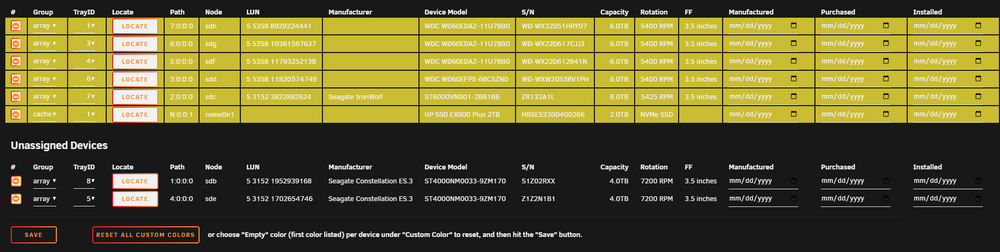
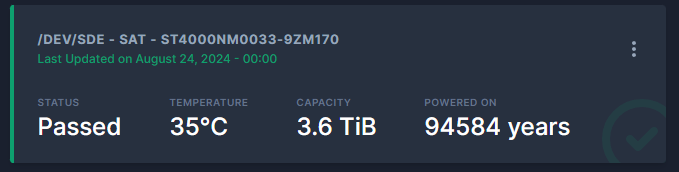
Okay, i think i made progress, but still cant add drives. Both seagate drives are older drives and have been powered on for about 65850hours each, which is more than the 2 byte value maximum of 65536 (2^16) that i believe is causing this issue. So for very old drives, i bet you will see this type of behavior. My theory is there is an overflow issue causing this. I dont have a fix, but maybe increasing the value to 4 bytes for drive power on hours, that could fix this. I noticed an overflow in the Scrutiny docker that was giving me 94584 years for the drive power on age. So maybe same issue is happening here. When running '''smartctl -a /dev/sde''', i get '''9 Power_On_Hours 0x0032 025 025 000 Old_age Always - 65850''' .
-
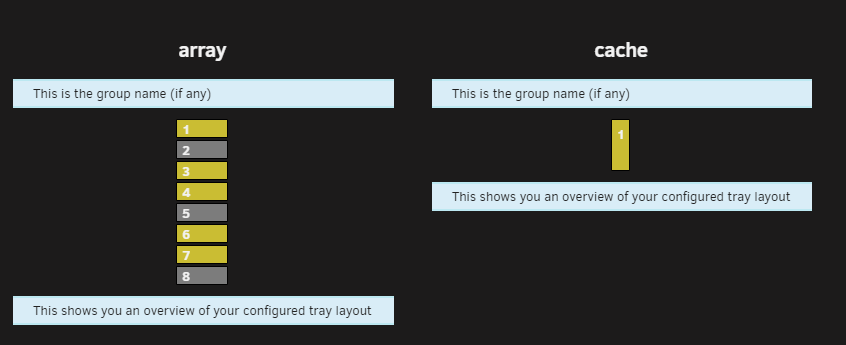
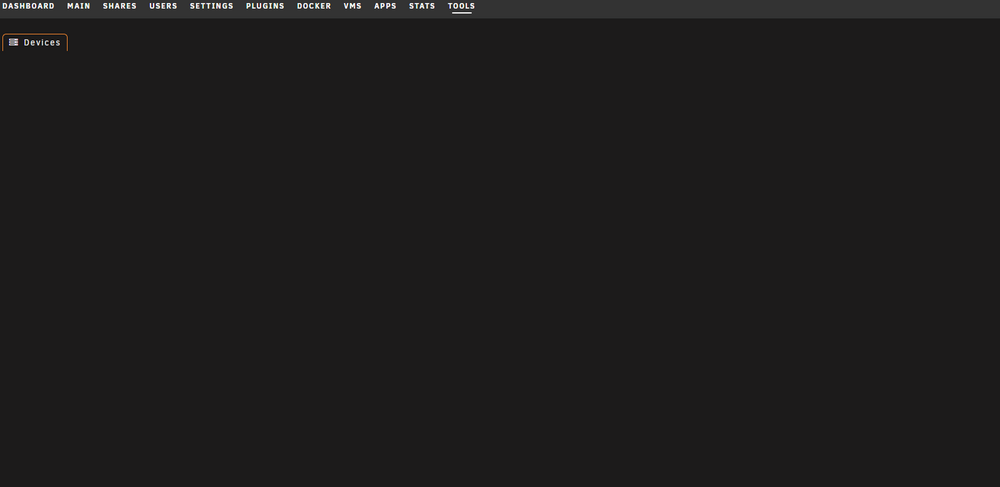
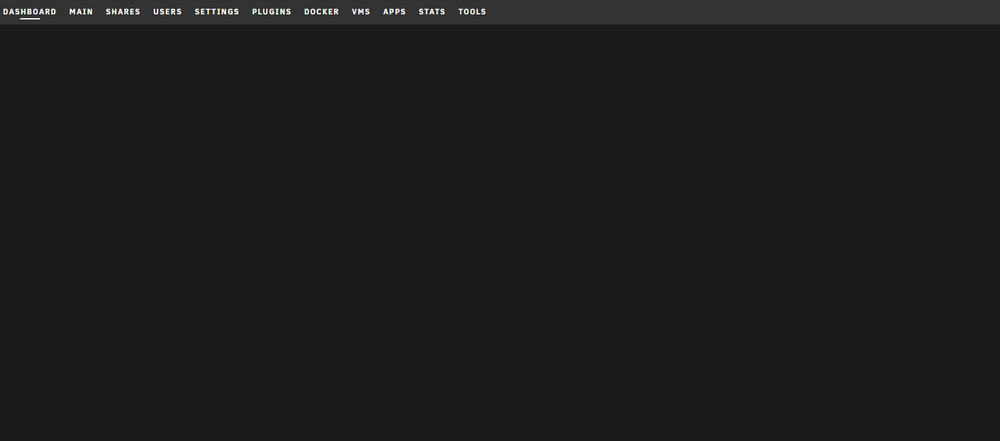
When I add some drives to a tray allocation, it crashes the gui for the disk location and the gui for the unraid dashboard until i uninstall the plugin and remove the disklocation directory in boot/config/plugins. The specific drives that cause this issue are old seagate drives. All other drives add nicely. Ive tested this to be sure, and have added the drives in multiple different orders to the tray allocation (uninstalling the plugin and removing directory each time), and it only fails when either of the two seagate drives are added. Any assistance in fixing this issue would be much appreciated! Ive attached images of the existing drive structure and the failed images.