CaymanHosting
Members
-
Joined
-
Last visited
-
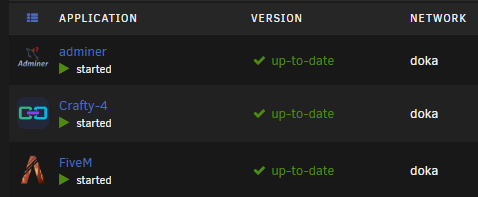
I have the server on my custom network, its starting and i can connect, the some scripts dont work, the names and ensures are right, i checked resources and fxmanifests. idk why they aren activating. !!!! For clarification!!!!! The "main" server was the files that i had on my main gaming pc where i used to test stuff now i moved it to the unraid server.
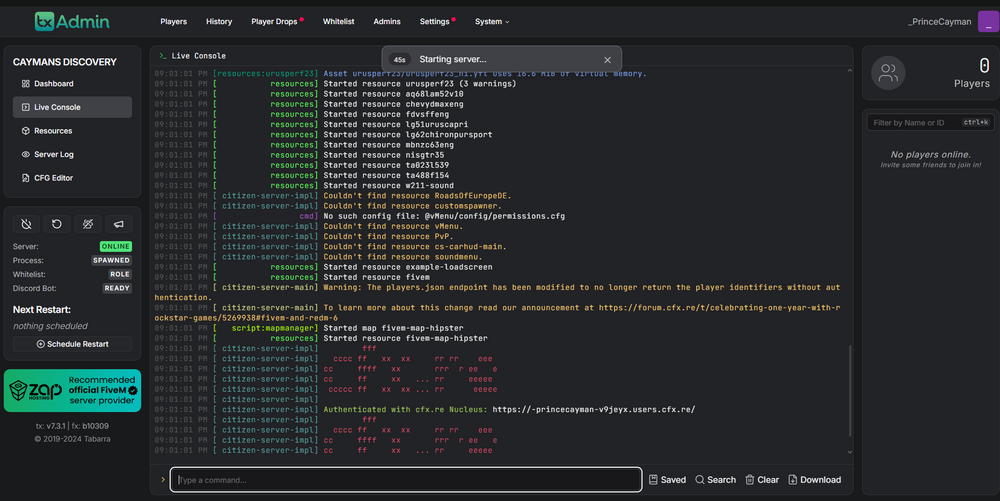
-
tested it on my main machine with the same server.cfg and resource folder and it just works
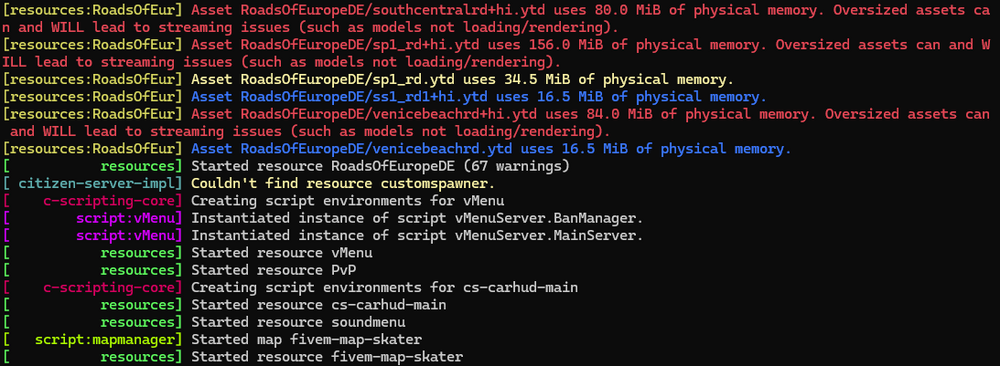
-
ok it actually doesnt, it now only loads the [] stuff and not the other stuff
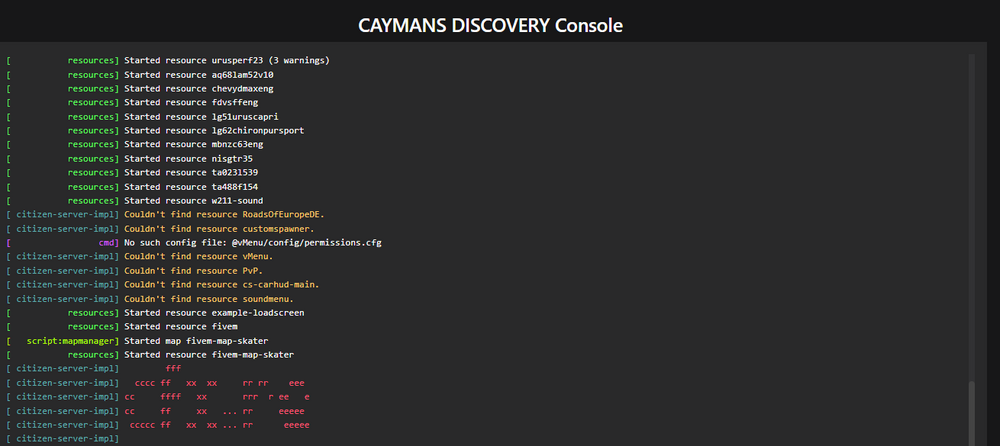
-
Oh for some reason it just works now
-
just deleted all files associated with fivem and tx, now its working but my old resource files are not being recognised even tho they are in the files. Idk what i have to do about that
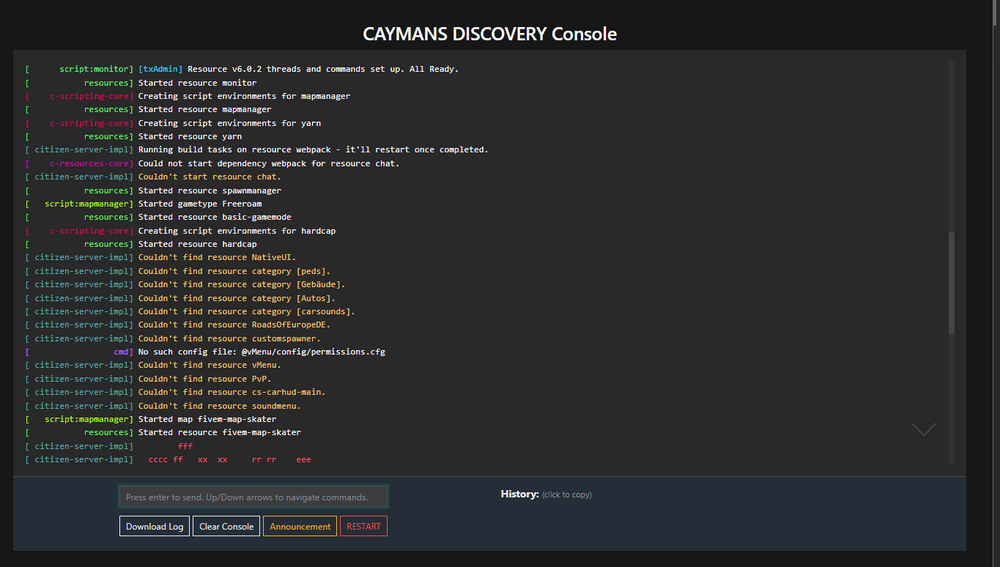
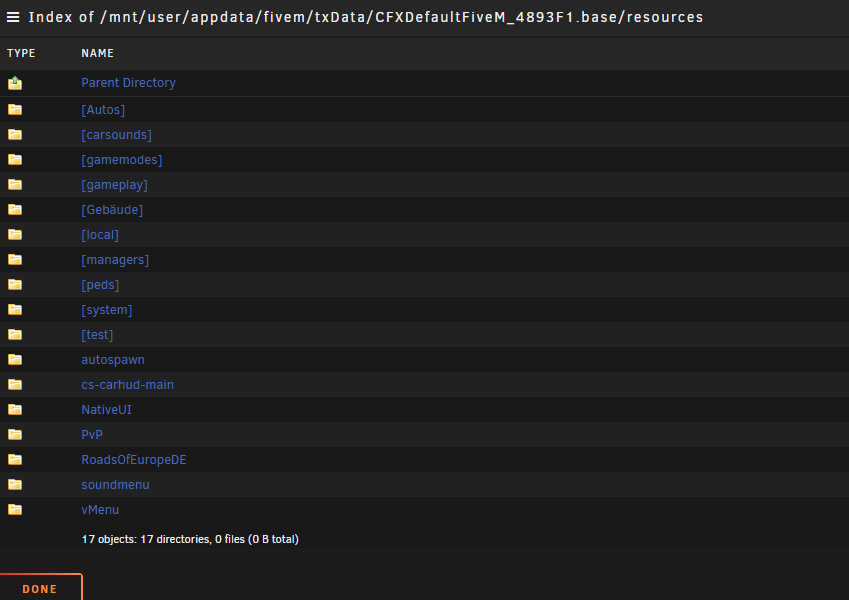
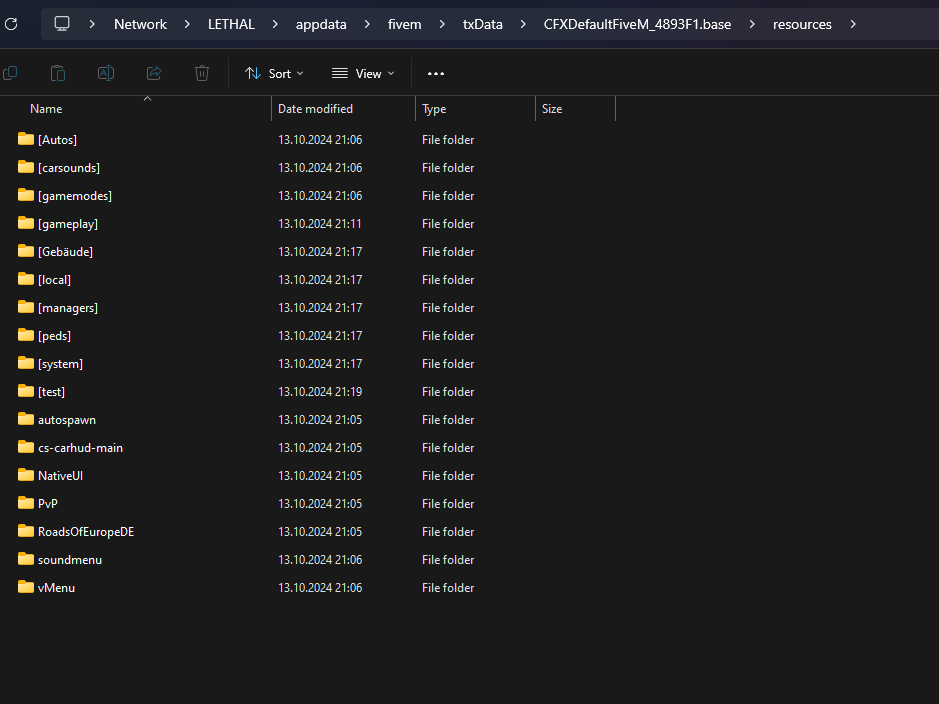
-
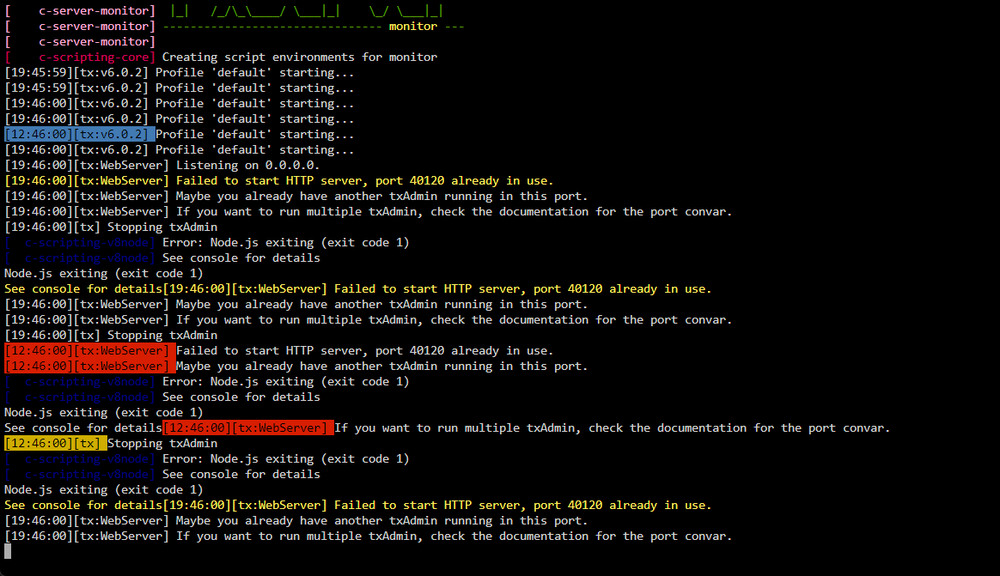
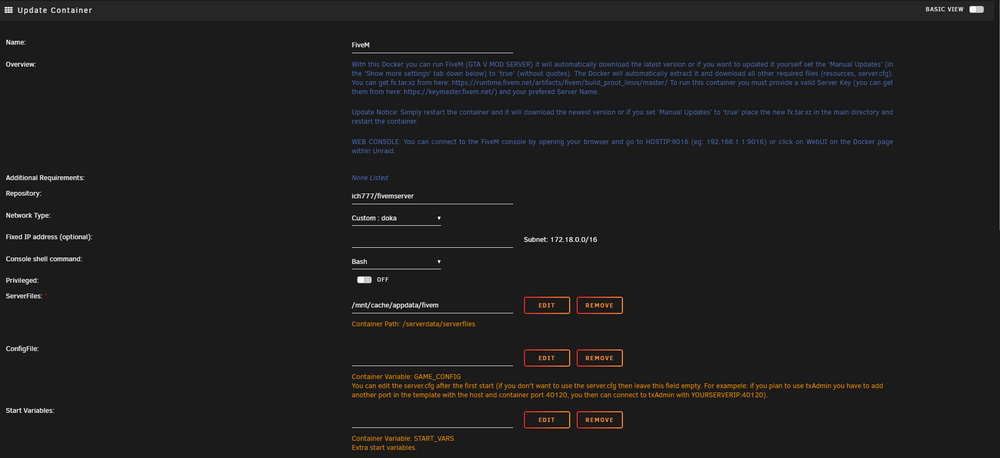
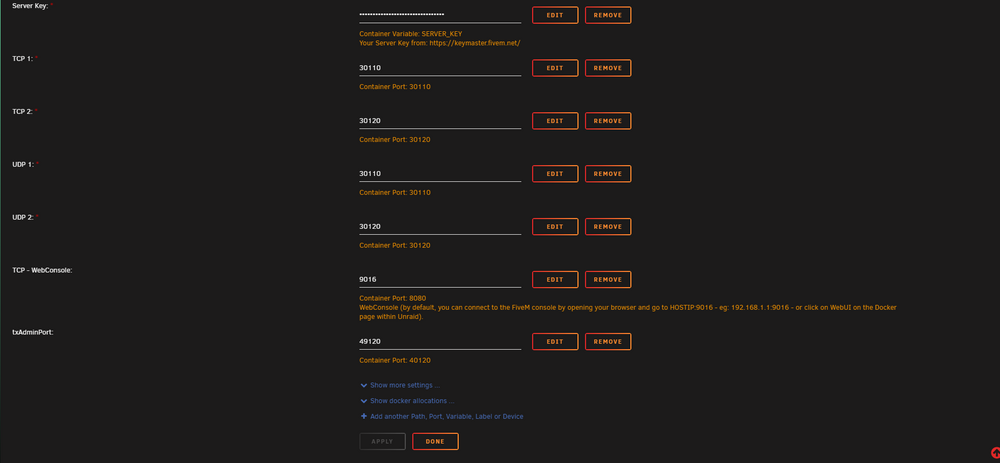
So i wanted to use my Old serverdata which worked, now in the Logs it wont let me start the server as port 40120 is already being used (picture). i also included my container config i have no idea whats up here, i restarted the Sarver and reinstalled everything but that didnt help i also changed the tx admin port and tried differrent ones but it keeps doing the 40120 being used thing. WEll, editing this here becuase i did some stuff and now it says TxAdmin port is not valid......