BDKaleb
Members
-
Joined
-
Last visited
-
Don't worry I didn't, it also wouldn't fix my problem. I have a porting issue. I have a static Ip with my ISP, where they gave me the IP, Subnet mask, Gateway and I have all that set in the WAN settings of my Router. I have all the ports open and no luck. I have moved onto trying to get Project Zomboid working from your Docker and it works great except for porting outside my network. I used br0 picked an Ip that matches my unraid sequence 192.168.50.6 and forwarded that port, the player ports, and steam. The server hasn't come up on the server list but I can connect to it locally. The only thing I have set VPN for nord but this has also been forwarded. I just don't know :(

-
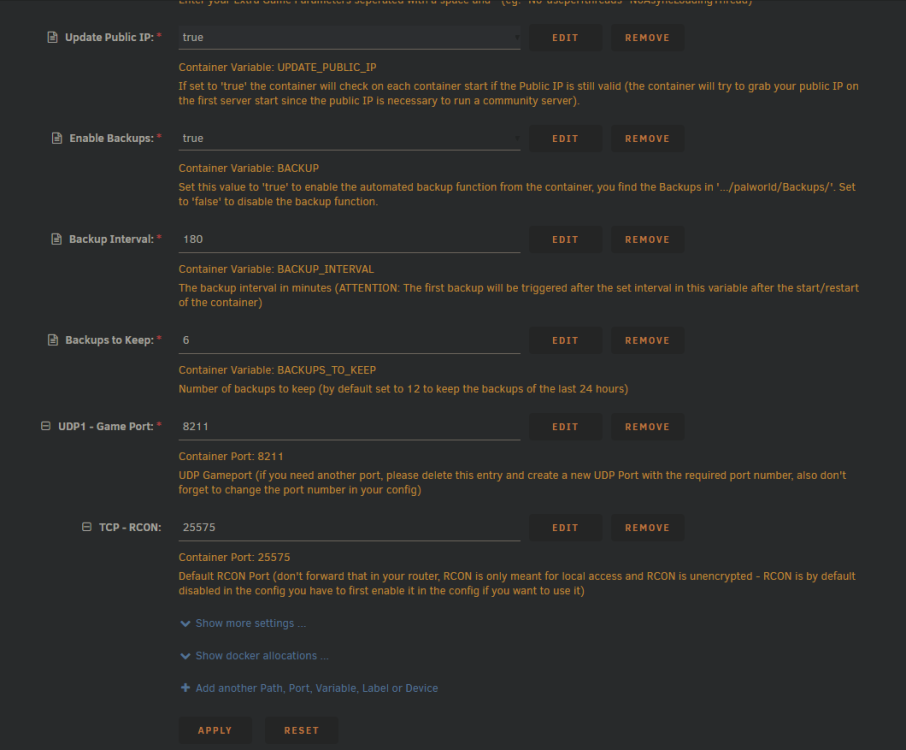
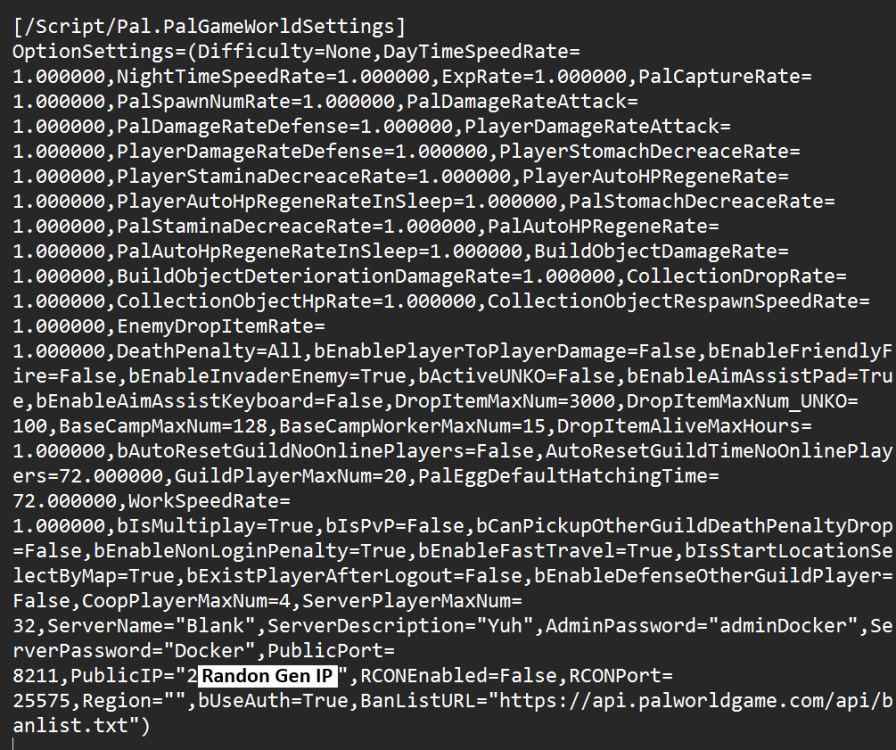
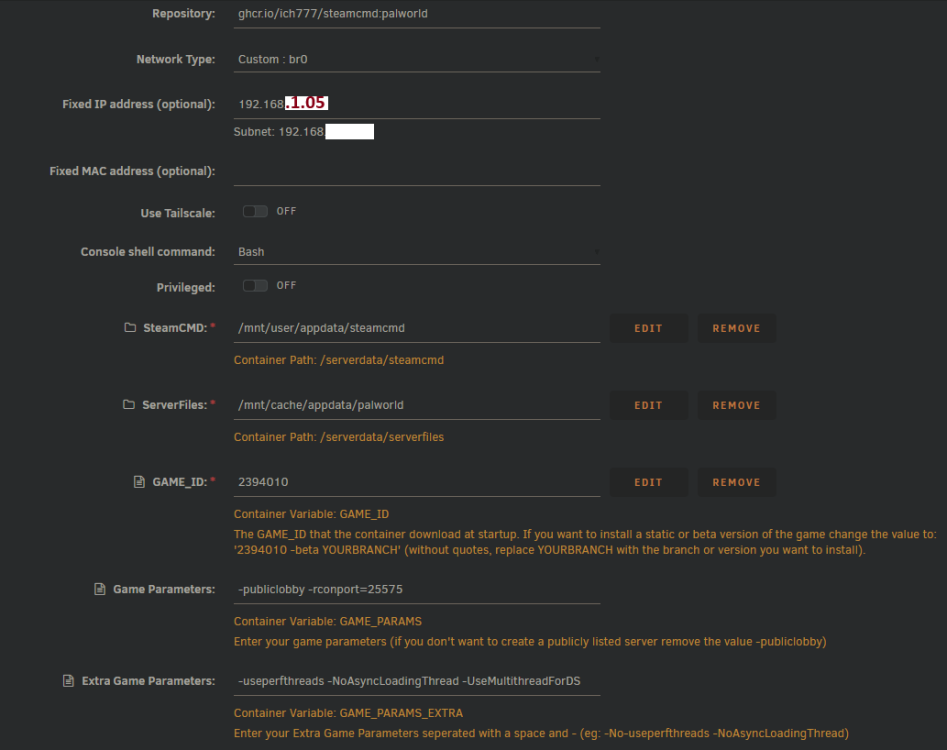
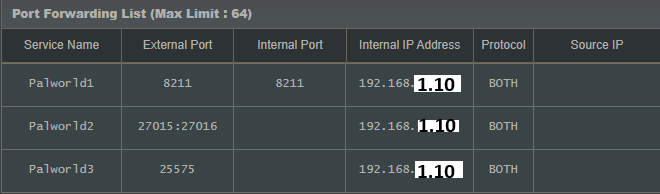
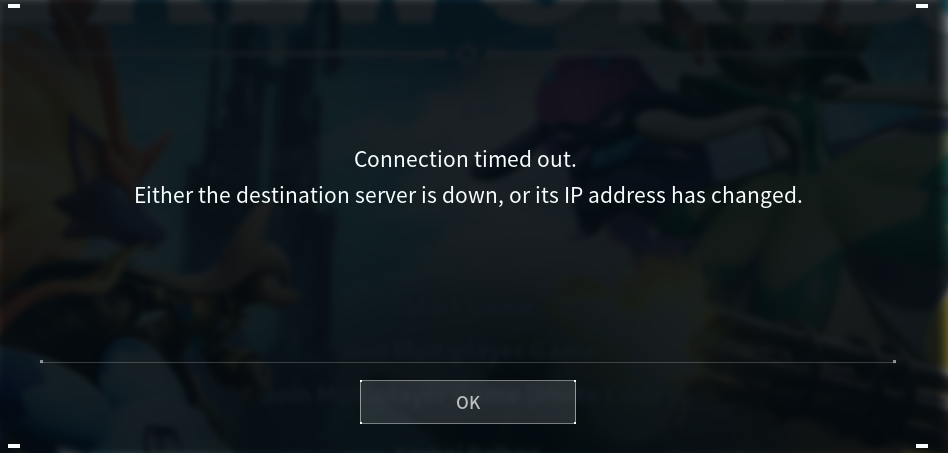
I can't seem to get my Palworld docker to work correctly. I get it setup where it shows up on the community server list but it does not allow me to connect from the community server list. I can not connect via the public ip:8211 the only connection I get is via local Ip for the container (192.168.1.05:8211). I have deleted the directories and freshly installed them. I changed the "PalworldSettings" and set "bIsMultiplay=True" and changed the server name and password. I have changed the Port in my port settings, server settings etc. My port settings set to my local Unraid device's Ip (192.168.1.10) which is running the docker on a container (192.168.1.05:8211). Attached is my docker settings, my router port fowarding settings, the message I get when i try to join via community servers, and the Server config file. Any help is greatly appreciated. Thank you :)