frothy
Members
-
Joined
-
Last visited
-
The power pins were not seated properly in the GPU. EVERYTHING WORKS. Thank you for your help. Much appreciated.
-
The 1070 worked fine up until a few days ago. I can try to test with a different NVIDIA graphics card. is there anything i can do about the errors?
-
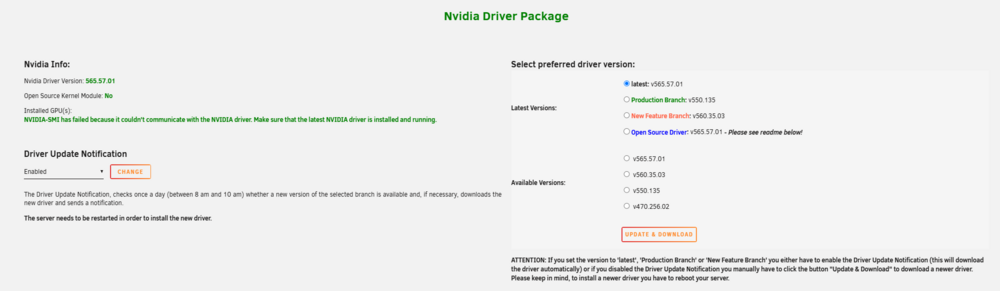
I recently noticed an issue when i upgraded to version 6.12.14 with my GTX 1070. i get an error nvidia smi not found. I tried a few to reinstall the nvidia plugin. I tried to reseat the GPU. The GPU lights up and fans spins. GPU is not listed in terminal when listing all the devices connected to the server (lspci) I tried downgrading to 6.12.13, but that did not help. i tried to remove the contents of this folder /boot/config/plugins/nvidia-driver/packages/6.1.118/ i tried to set is as an open source driver. after reboot i could see the gpu for a few min and then i got an different error.- i dont have an screenshots of the other error. does anyone have an suggestions? i also added the diagnostics too Than you for your help gormuck-diagnostics-20241128-0829.zip