Skip to content
View in the app

A better way to browse. Learn more.

Unraid

A full-screen app on your home screen with push notifications, badges and more.

To install this app on iOS and iPadOS
  1. Tap the Share icon in Safari
  2. Scroll the menu and tap Add to Home Screen.
  3. Tap Add in the top-right corner.
To install this app on Android
  1. Tap the 3-dot menu (⋮) in the top-right corner of the browser.
  2. Tap Add to Home screen or Install app.
  3. Confirm by tapping Install.

EXP

Members
  • Joined

  • Last visited

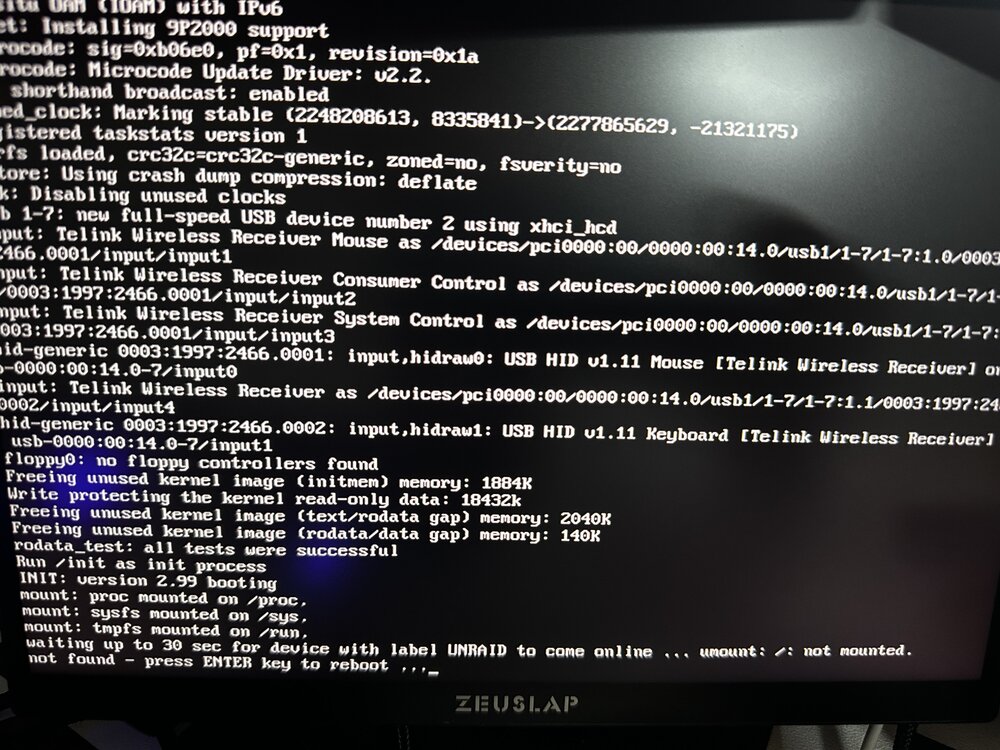
  1. However, there is a load error after booting. I'm guessing that contacting the hardkernel will solve it...
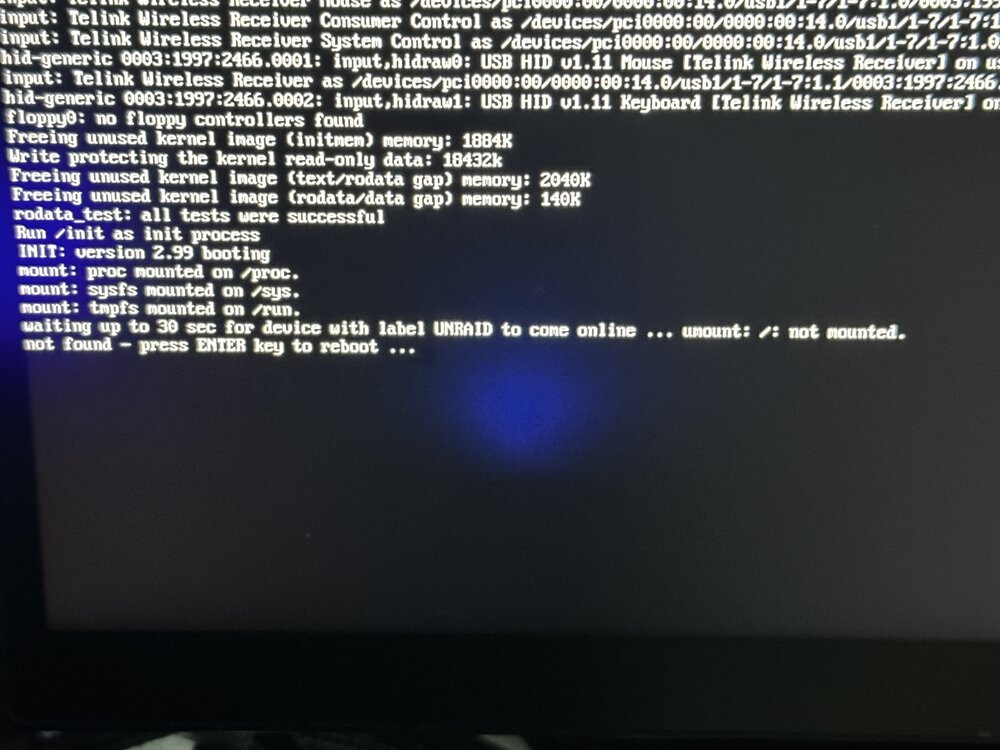
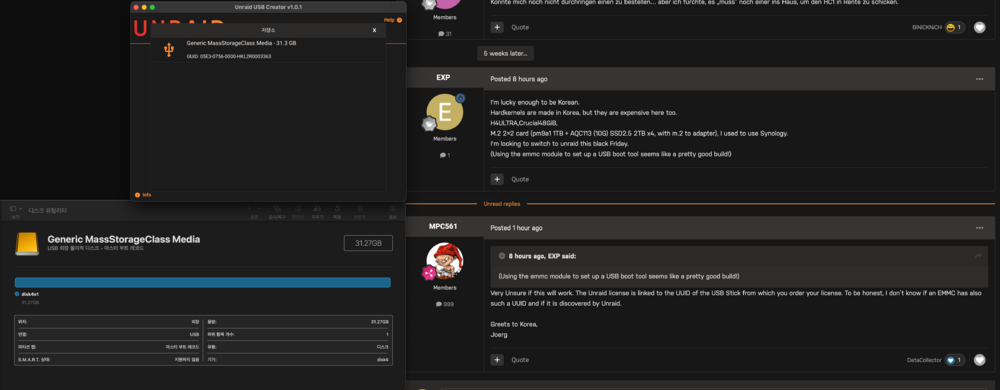
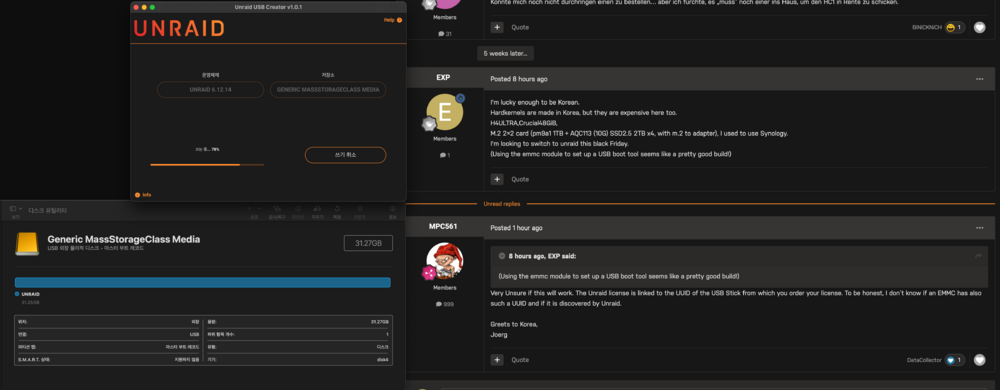
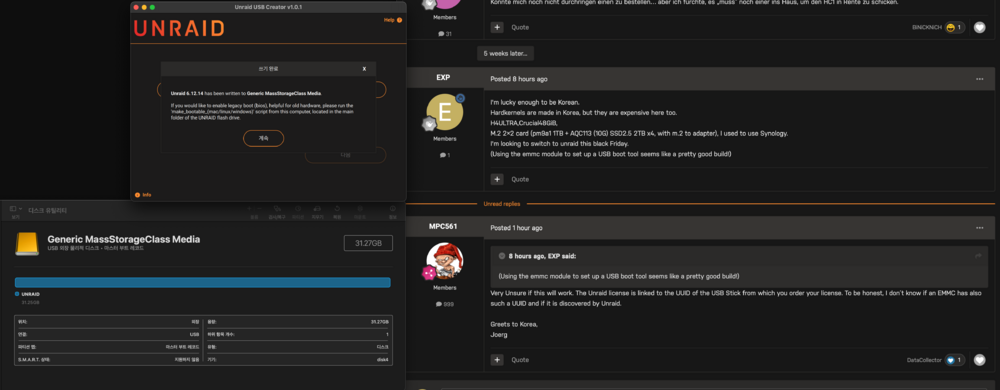
  2. First of all, please forgive me for my poor English and using a translation tool. Romwriting is possible using eMMC.
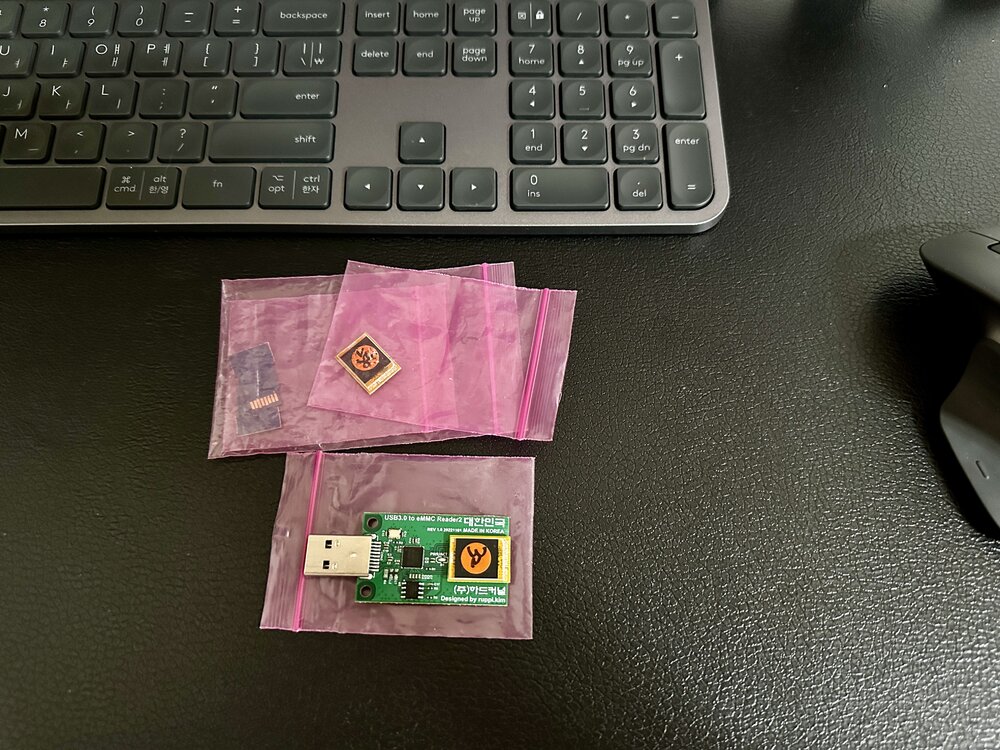
  3. I'm lucky enough to be Korean. Hardkernels are made in Korea, but they are expensive here too. H4ULTRA,Crucial48GiB, M.2 2×2 card (pm9a1 1TB + AQC113 (10G) SSD2.5 2TB x4, with m.2 to adapter), I used to use Synology. I'm looking to switch to unraid this black Friday. (Using the emmc module to set up a USB boot tool seems like a pretty good build!)

Account

Navigation

Search

Search

Configure browser push notifications

Chrome (Android)
  1. Tap the lock icon next to the address bar.
  2. Tap Permissions → Notifications.
  3. Adjust your preference.
Chrome (Desktop)
  1. Click the padlock icon in the address bar.
  2. Select Site settings.
  3. Find Notifications and adjust your preference.