Alukat11
Members
-
Joined
-
Last visited
-
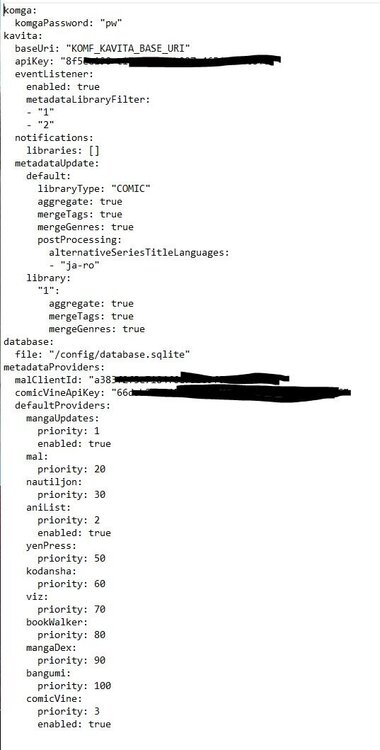
You're right, I just had to set the Kavita url with http://192.168.2.5:5000 and it worked immediately. Thanks for your support.
-
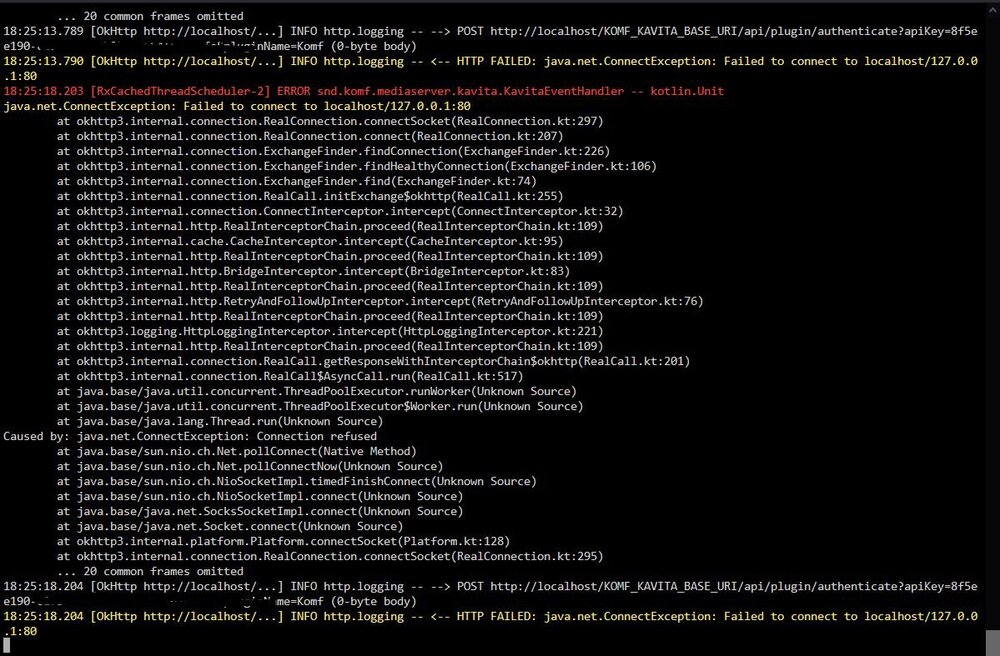
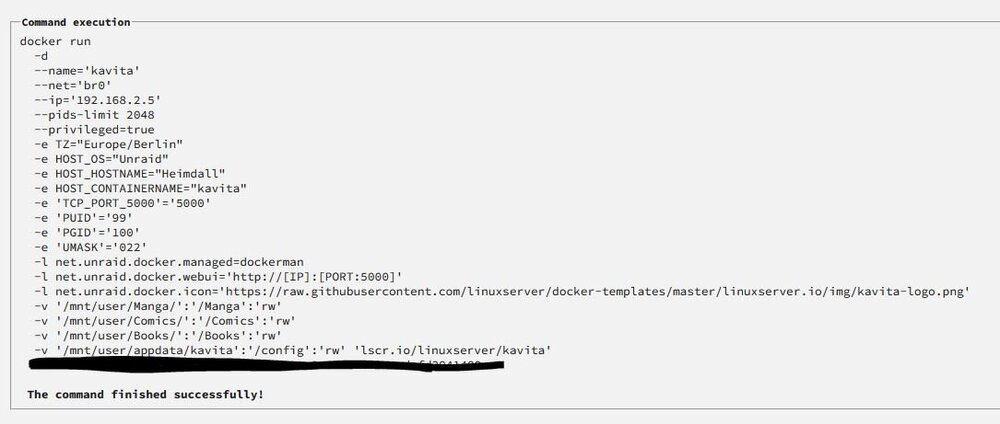
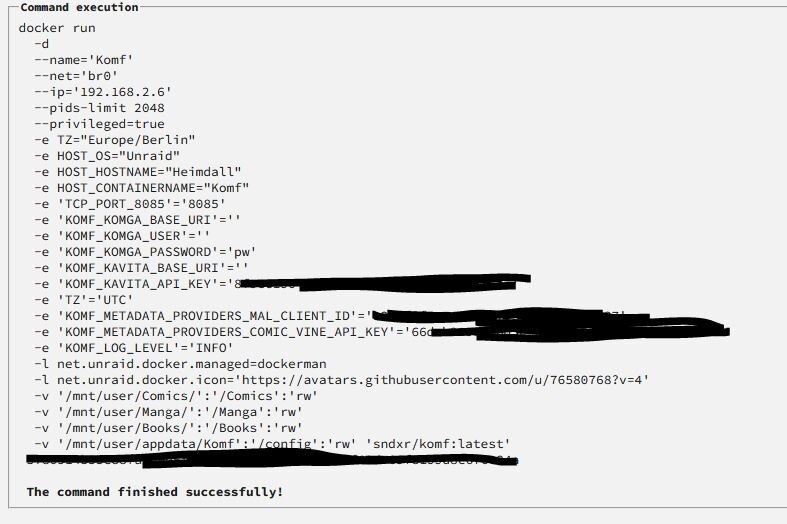
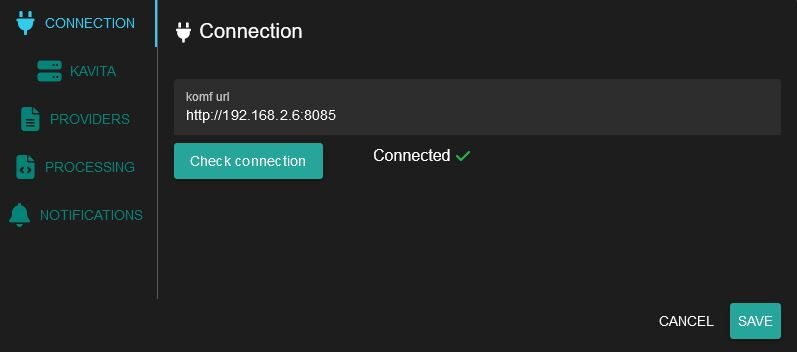
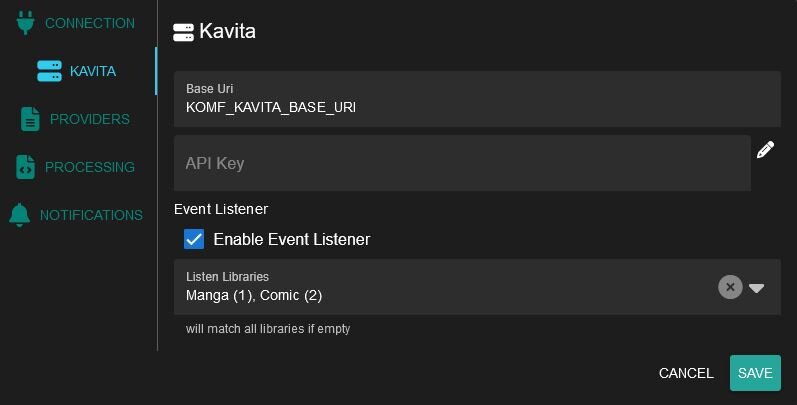
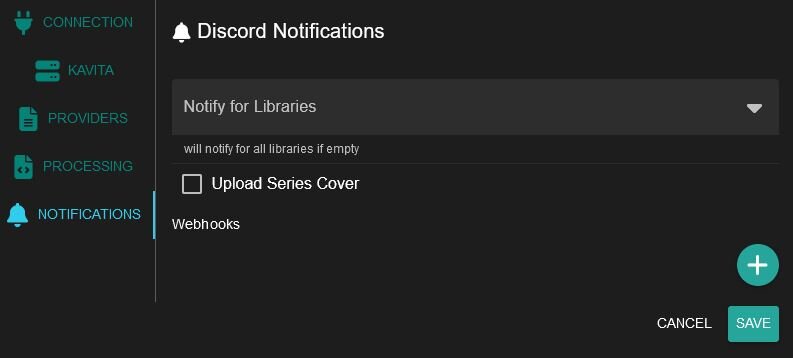
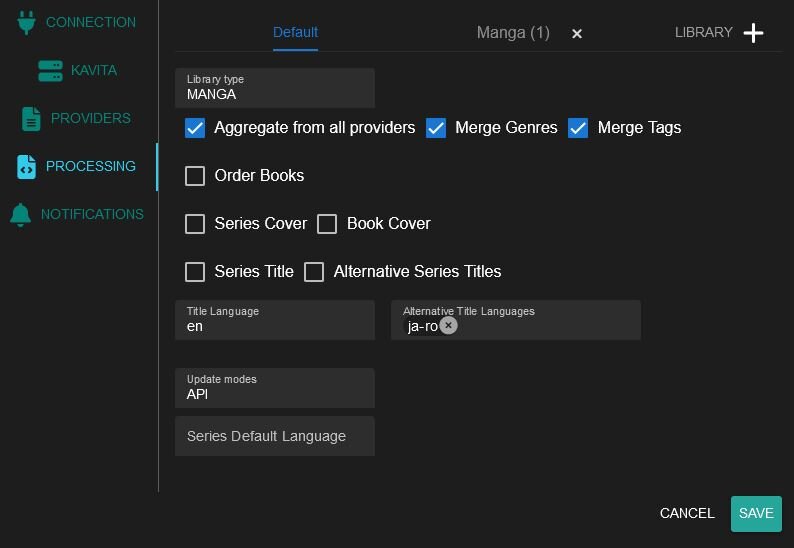
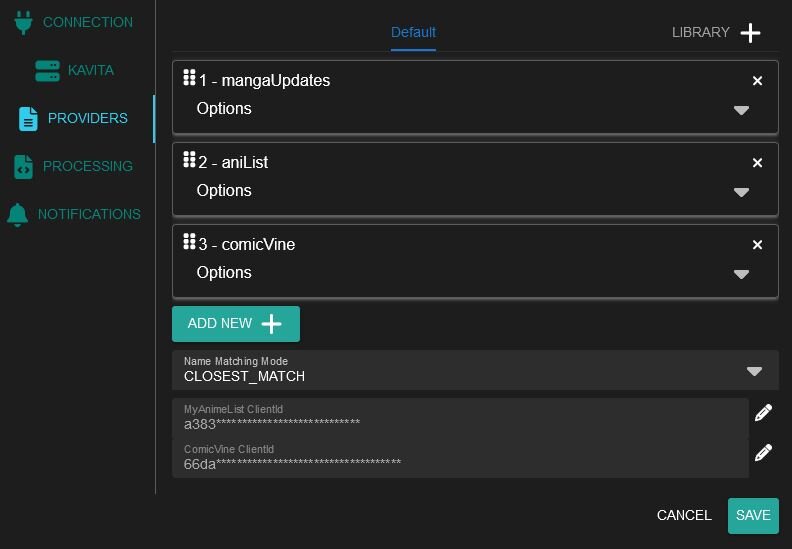
Hello C3004, first of all, thank you very much for your work with Komf-Docker. It will be a great addition to Kavita when I get it up and running. And here we are... when using the function “Reset Metadata” for a single comic series, I get this error message “Failed to reset series: Request failed with status code 500” (I have not yet used the “Reset Metadata” function for the librarie). I also get this error message in the Komf log. 18:17:58.160 [RxCachedThreadScheduler-2] ERROR snd.komf.mediaserver.kavita.KavitaEventHandler -- kotlin.Unit The settings of Kavita and Komf are in the images (containers) I add the application.yml to this folder /mnt/user/appdata/Komf. And changed die application.yml, see image. Finally, I executed the script with the changes you described. I connected Komf in Kavita and tried to make the settings there. See also the pictures. Can you please help me. Kind Regards, Alukat11