





angrybacteria
Members
-
Joined
-
Last visited
-
Can I replace or delete the file? How is it called if I would search for it?
-
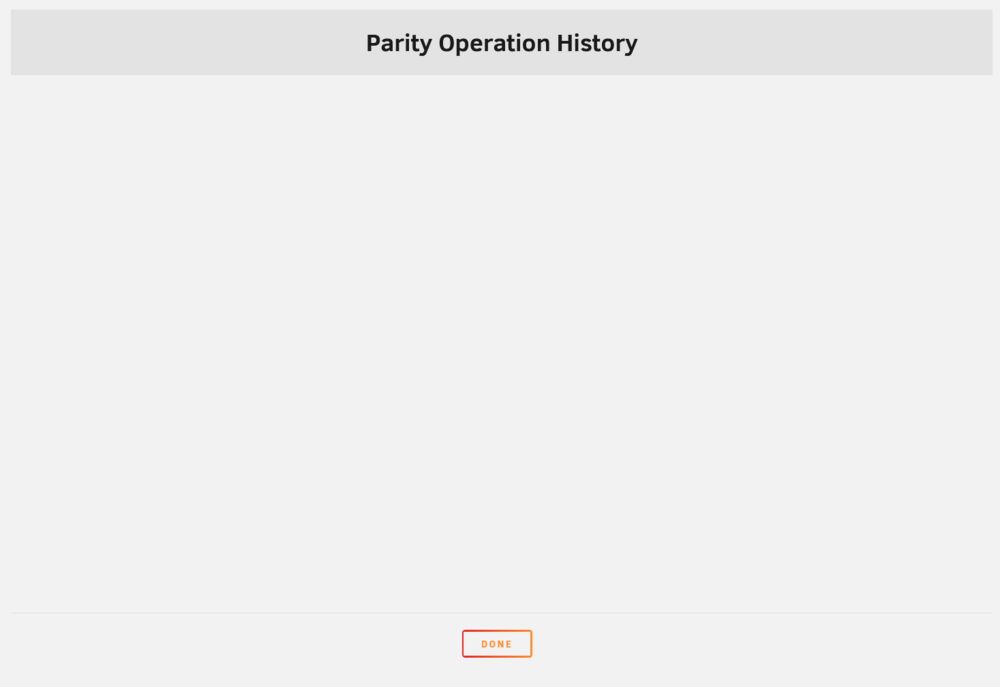
Hei there In the "main" tab of the unRaid WebUI it shows that the last parity sync is around 30 days ago and was good: Last check completed on Friday, 22.11.2024, 21:37 (thirty days ago) Duration: 23 hours, 10 minutes, 16 seconds. Average speed: 215.8 MB/s Finding 0 errors But if I then (in the same tab) click on the parity sync history, it shows an empty window, without any entries. What does this mean and how could I fix it? Or do I understand the history wrong? I attached two pictures to show the issue. Thanks in advance for the assistance Thank you all for the assistance

-
There seems to be an issue generally with my setup. I should bring this into another thread. My parity sync history is empty, but in the main tab it shows this text: Last check completed on Friday, 22.11.2024, 21:37 (thirty days ago) Duration: 23 hours, 10 minutes, 16 seconds. Average speed: 215.8 MB/s Finding 0 errors
-
Yes it paused. But it is probably another fault on my side, as you mentioned the script would just error out.
-
Quick question. I uninstalled the plugin. Could it be that the scheduling is still in place even tho I uninstalled? Or is this not something that is possible? I am not sure but my parity sync stopped without errors but I never stopped it. Could be another issue entirely

