Desret
Members
-
Joined
-
Last visited
Everything posted by Desret
-
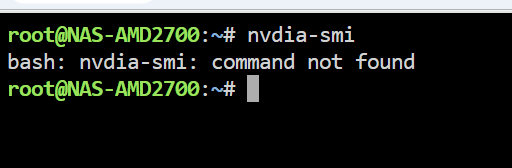
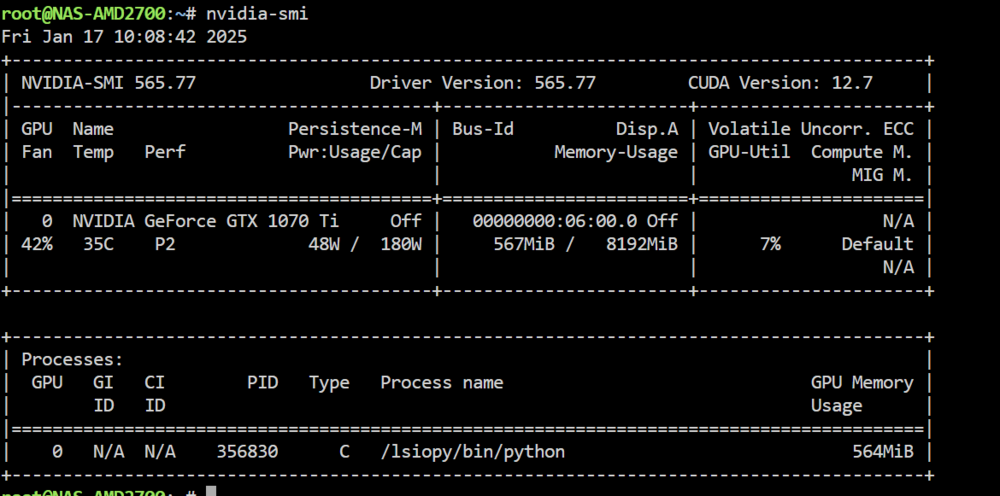
First of all, I am total noob with this stupid typo .. ! I'm very sorry! I didnt want to waste your time! NVIDIA-SMI works. Looks like I had the same typo in the --runtime-NVIDIA which was killing my Immich docker. Well, all good now and working. Thanks so much!!
-
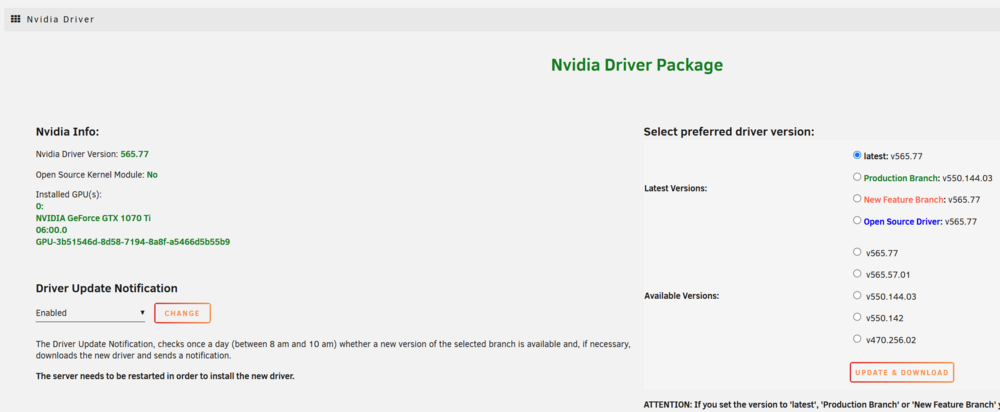
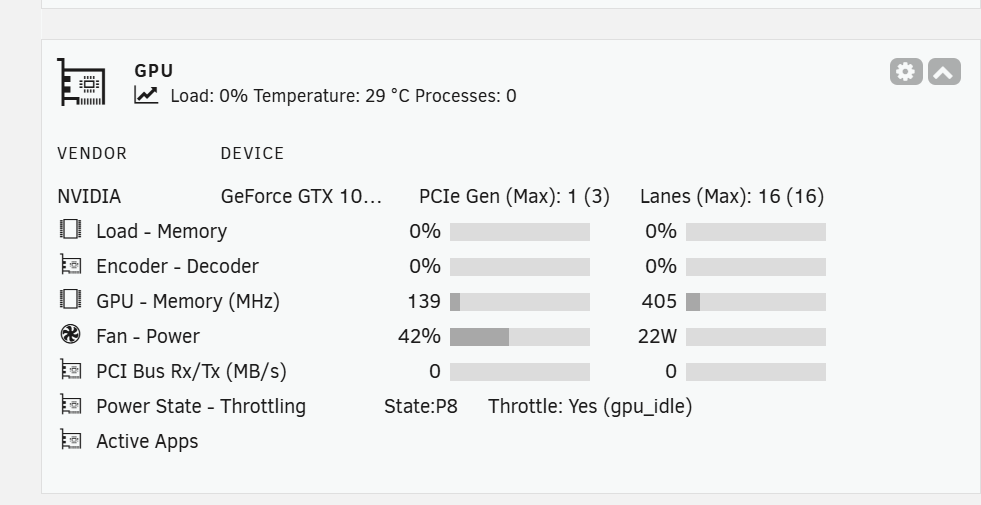
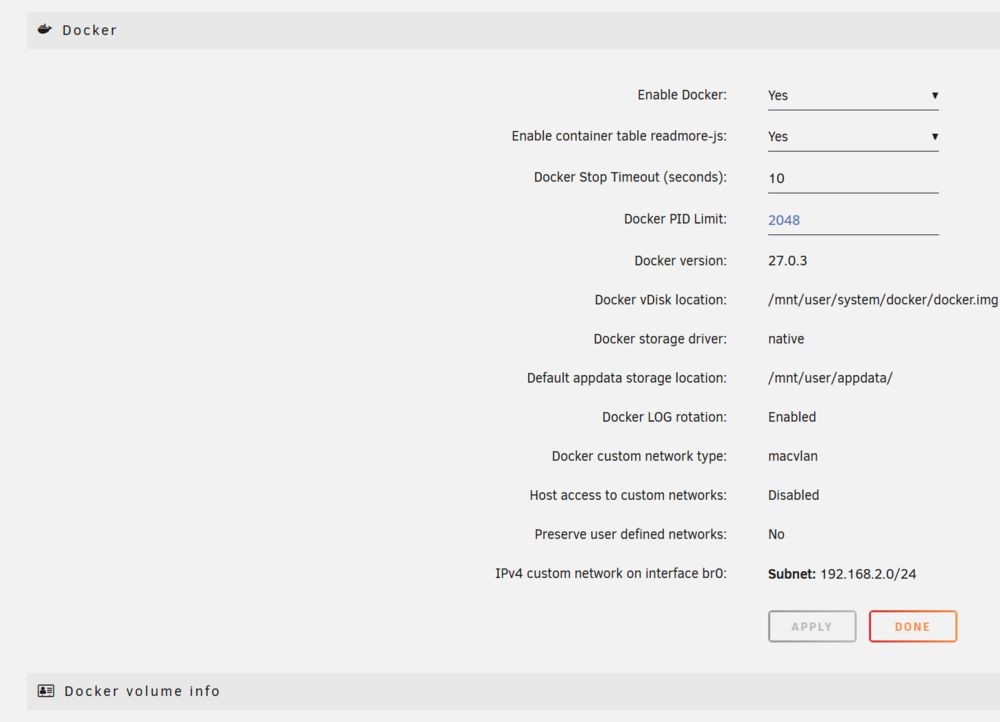
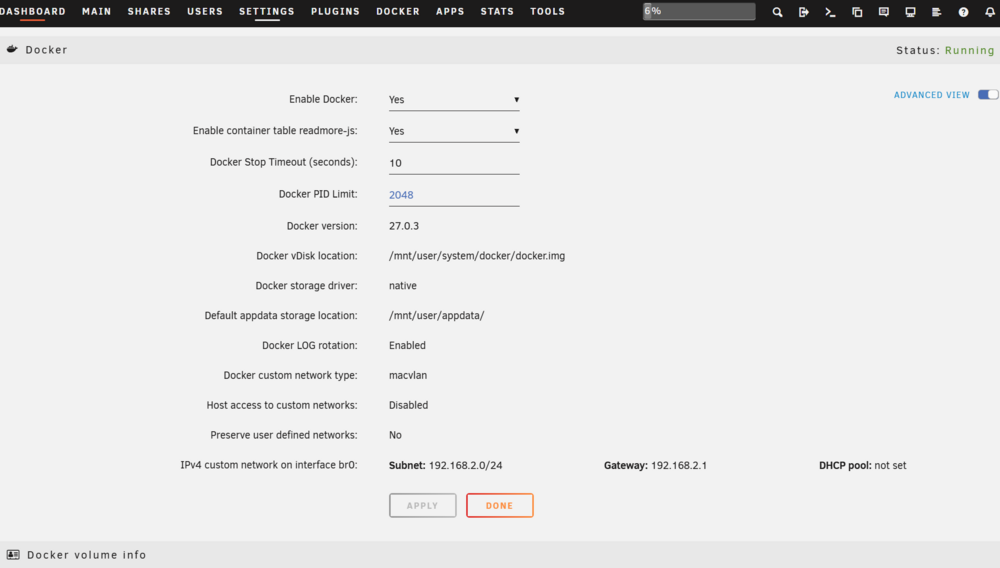
Hi Everyone, I'm new to Unraid, so please excuse me for my lack of general Docker knownledge! I am trying to get my GPU working for some functionnality in Immich and eventually in Jellyfin. However, after a lot for tickering, I think the drivers does not get install properly because I dont see the option in Setting>Docker (Advanced View) for NVDIA Driver = Enable. Also, NVDA-SMI doesnt work in console mode. BUT, my GPU is showing Tab for NVDIA Driver Package. Can also confirm that GPU Stats does show me GPU information. I have installed Unraid 7.0.0 from 2025-01-09. I have an NVDIA GTX 1070 TI installed Last things I tried is Uninstalling the NVDIA Driver, reboot, Reinstall, Reboot, Docker Enable = No, Docker Enable = Yes , but the NVDIA Driver = Enable option isn't showing.. I made sure the card is sitting properly in its slot, that 4g decoding and rebar are enable in the Bios. I am attaching Diag file hoping someone can point me to the right direction. Thank you! nas-amd2700-diagnostics-20250117-0823.zip