stoic
Members
-
Joined
-
Last visited
-
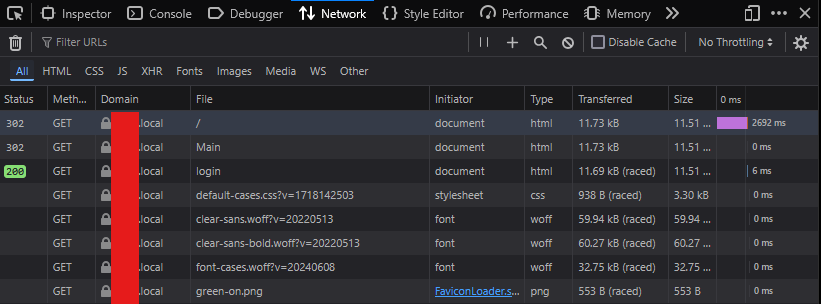
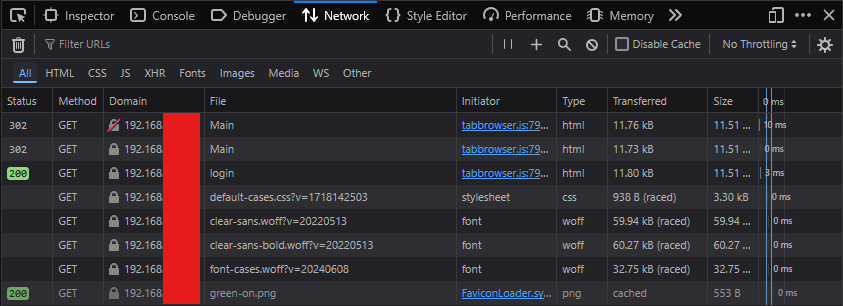
Sounds similar to what I've noticed when accessing an Unraid 7 instance from a Windows 11 24H2 machine by server name. In the attached screenshots you can see that when using https://<name>.local in the browser, I had a latency of a few seconds on the initial redirect. Like you, my Dashboard and Main pages were also greatly affected. This was ALSO noticeable when accessing an SMB share from Windows Explorer using the \\<name> syntax. If you instead access the server by IP address directly in both the browser (https://<ip address>) and in Windows Explorer(\\<ip address>), this initial lag does not occur. I've confirmed that changing browser does NOT make a difference. I noticed this happening immediately after I upgraded to 24H2, although I am not 100% certain that it did not happen before. Nevertheless, it seems the temporary solution if you had the same problem as me is to use IP address directly for now.