huymetruoi
Members
-
Joined
-
Last visited
Everything posted by huymetruoi
-
So there is no way to fix this . We have any plugins for backup?
-
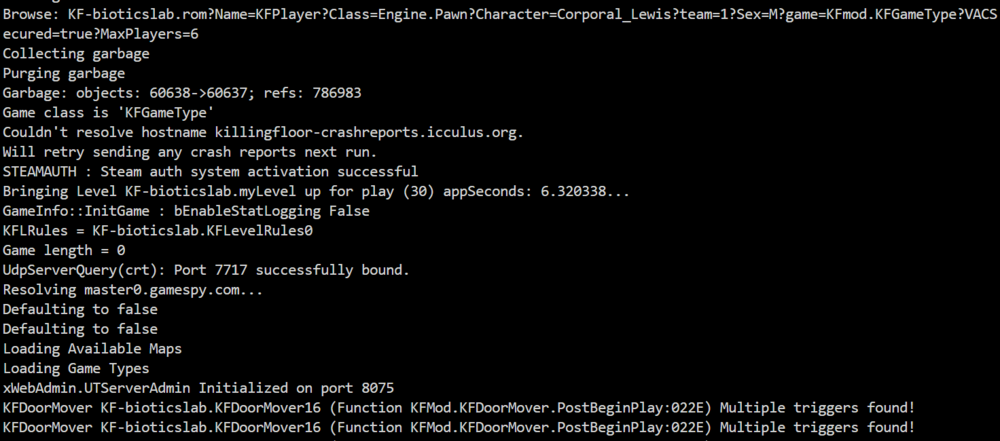
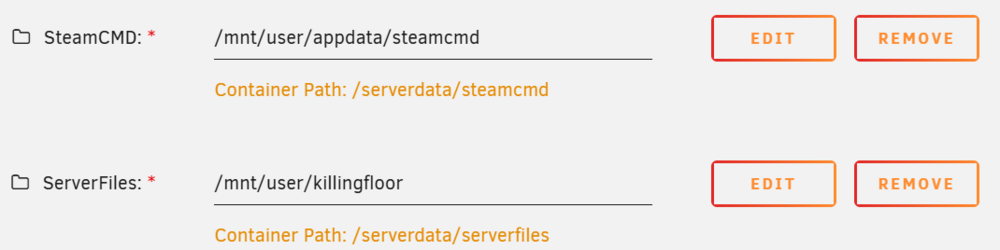
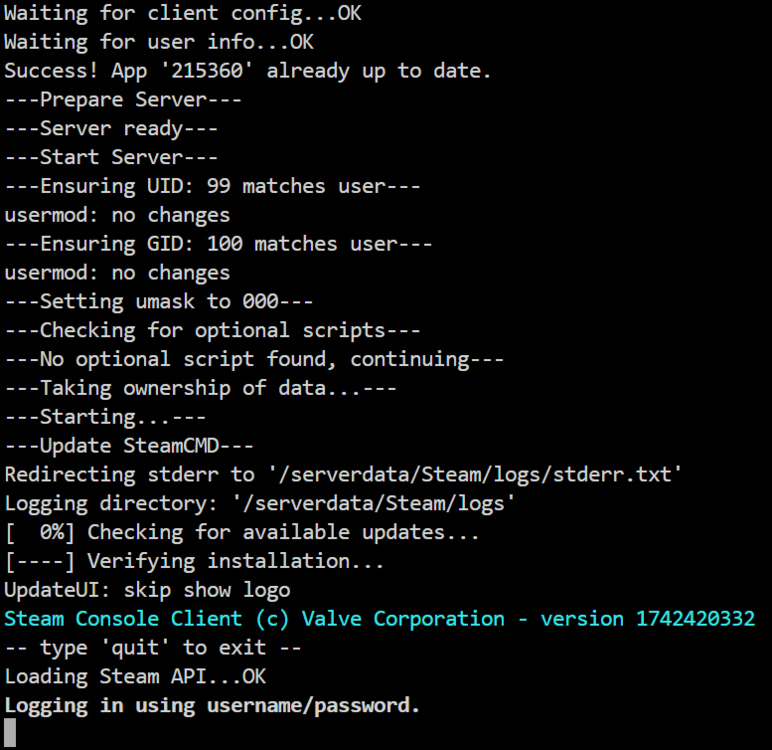
I still have problem when I set Host in Cache or mnt. When I restart Unraid all data will be lost. If I set server like mnt/user/appdata/killingfloor then Host can not start. Like this, cant start server...bootloop
-
I have a problem today, after Unraid Update OS i lost anything in mnt/cache/killingfloor. So there is no way to move the server folder out and still be able to run. Leaving the server folder in the cache will cause OS Unraid Update to delete everything.
-
Do we have a plugin to edit files or share folders from cache/appdata via SMB Share?
-
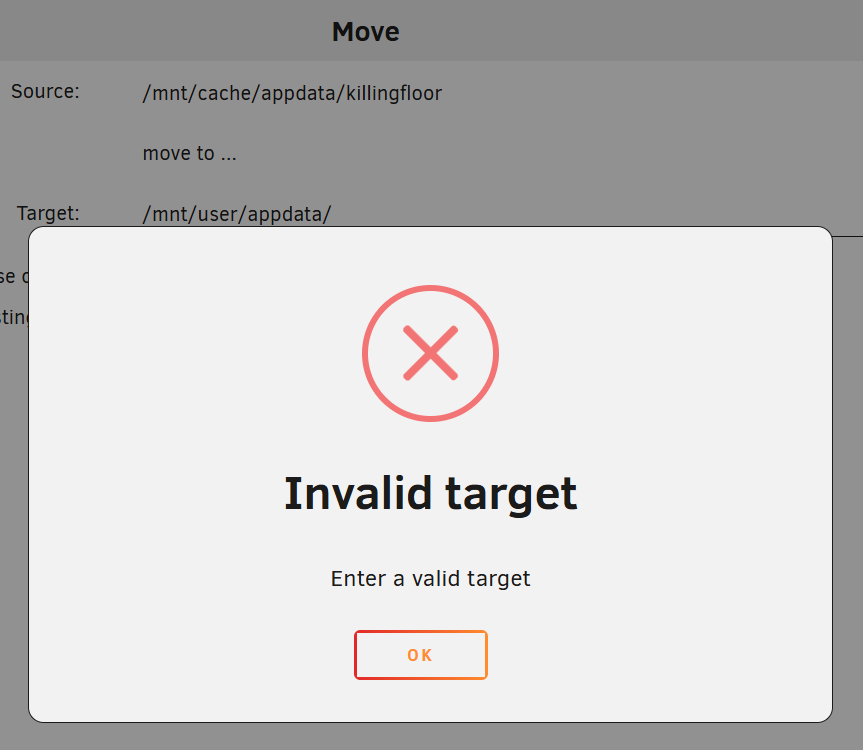
I cant move . The container start and freeze, maybe reboot loop.
-
Can I ask more? How to move the default installation directory (/mnt/cache/appdata/killingfloor) outside for example /mnt/USER/HostGame/killingfloor. Because when I install other than default, Host cannot start. This is very difficult because all the config setting are in the directory, I cannot edit directly, only download and reupload after edit.
-
I downloaded the host with my steam account so I don't think that's the cause.
-
Ok thanks you for help. This is my first time i try to Host Dedicated on Docker (Unraid). Before, I hosted on Windows and it was ok, all Ports worked fine so I didn't get it wrong. But the funny thing is that my friends still connected directly to play normally haha.
-
Thanks, this helped me. But I have another problem about Port Network, I have opened all Ports, my friends also play with me ok, but I don't understand why they can't find my Host via Server Browser, connecting manually directly to IP is normal.
-
I want to change the server startup command to my own, not the default because my server uses gamemode and customizes a lot of things. Example: ucc-bin server KF-CustomMap.rom?game=CustomGameVACSecured=true?Mutator=ScrNBalance?MaxPlayers=30... (Example).
-
I have successfully Hosted Killing Floor but don't know how to modify Launch Startup. I tried changing in GAME_PARAMS_EXTRA but it didn't work. Please help me. It will be after i set GAME_PARAMS_EXTRA