





sqrlmasta
Members
-
Joined
-
Last visited
Everything posted by sqrlmasta
-
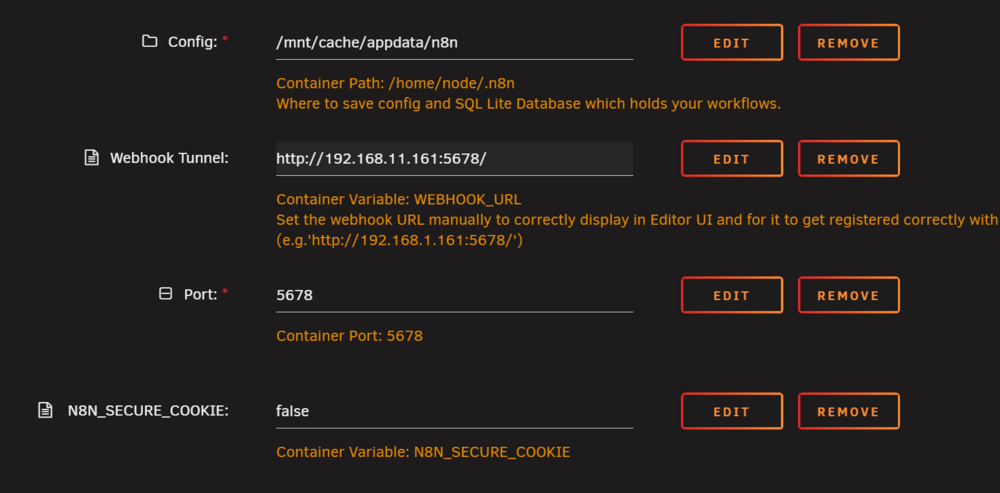
I too am still getting this error after setting the container variable to not use secure cookies
-
Thanks, binhex. I reconfigured it along with connected app and have it working again using Bridge networking, so I'll be happy with that. Definitely no deal-breaker here, just super odd. Appreciate all you do for the community. Thanks!
-
Hi, all, I too am having a similar issue to others, no longer being able to access the WebUI with the VPN running. Everything was working fine until a few days ago when I logged in one morning and it had just stopped working and no changes had been made. I've gone through a lot of the posts here and elsewhere looking for similar errors that others had been able to fix, but I'm not seeing anything in my logs that are similar. As far as I can tell, everything is starting up properly, the VPN connects fine, the container says qbittorrent is up and listening on port 8080, but I can't access the WebUI anymore unless I disable the VPN. I hope I'm a dummy and missing something simple. EDIT: I did just now see the other user who you said needed to change to use Bridge networking, which I confirmed does get me access to the UI, but until a few days ago and for the last 3 weeks I've had it up, it was running perfectly on Br0 with a static IP. I can certainly keep it running on Bridge (after changing conflicting UI port and reconfiguring my *Arr apps), but having a static IP was very nice as I don't have Proxy Manager or custom DNS running just yet. Thanks! docker run.txt supervisord.log

