Skip to content
View in the app

A better way to browse. Learn more.

Unraid

A full-screen app on your home screen with push notifications, badges and more.

To install this app on iOS and iPadOS
  1. Tap the Share icon in Safari
  2. Scroll the menu and tap Add to Home Screen.
  3. Tap Add in the top-right corner.
To install this app on Android
  1. Tap the 3-dot menu (⋮) in the top-right corner of the browser.
  2. Tap Add to Home screen or Install app.
  3. Confirm by tapping Install.

Clarskelis

Members
  • Joined

  • Last visited

Everything posted by Clarskelis

  1. I figured out that it was because our internet service provider uses a CGNAT IP setting and so we don't have a proper public IP for anyone to connect to correctly.
  2. I've got a dynamic ip but it shouldn't change often enough for this problem. The server doesn't show up in the list in game.
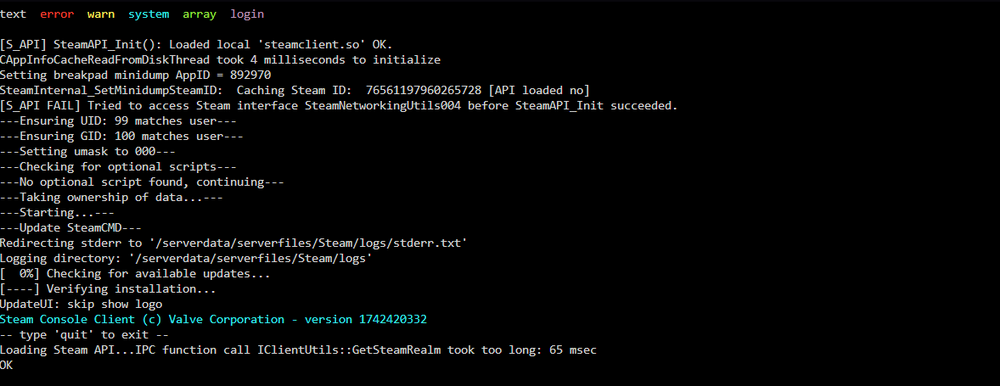
  3. I restarted it and got this at the end as well.
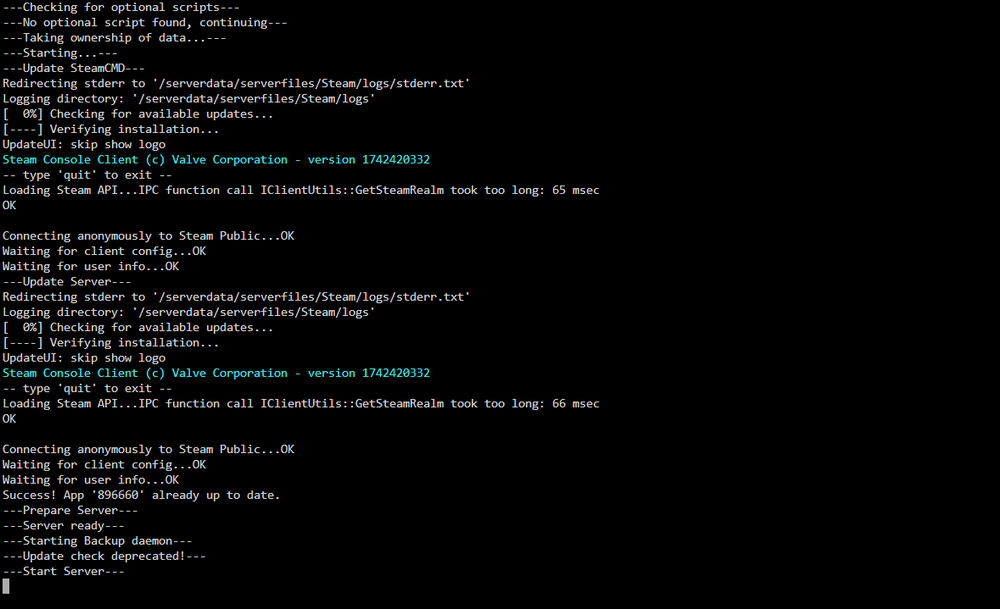
  4. I didn't see any error messages and I don't use any UniFi network gear. This is the log that I have.
  5. Hey, I'm trying to run a Valheim server and it showed up for my friends when I first started it but it is no longer showing up or working for them. I can still connect with an external IP but my friends can't connect using it. Any ideas on what I could be doing wrong? I can upload photos as needed to figure this out.

Account

Navigation

Search

Search

Configure browser push notifications

Chrome (Android)
  1. Tap the lock icon next to the address bar.
  2. Tap Permissions → Notifications.
  3. Adjust your preference.
Chrome (Desktop)
  1. Click the padlock icon in the address bar.
  2. Select Site settings.
  3. Find Notifications and adjust your preference.