





Cololate
Members
-
Joined
-
Last visited
Everything posted by Cololate
-
Yea, so sorry about that. Here it is
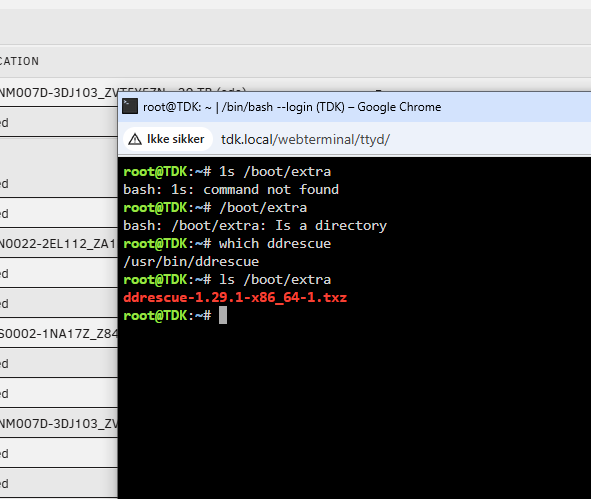
-
Alright Heres a new screen
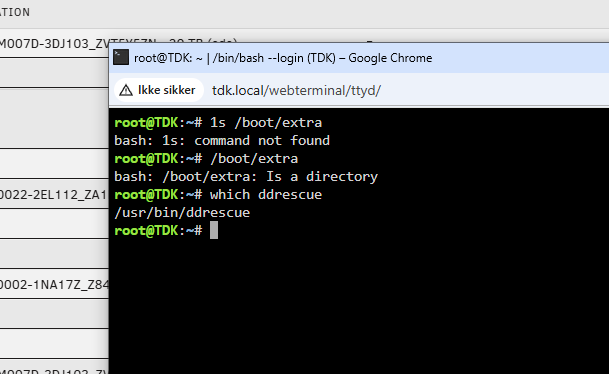
-
I am here now: How do I know that the program is installed, and how to find that console? (Sorry, but never used it) Both drives are here:
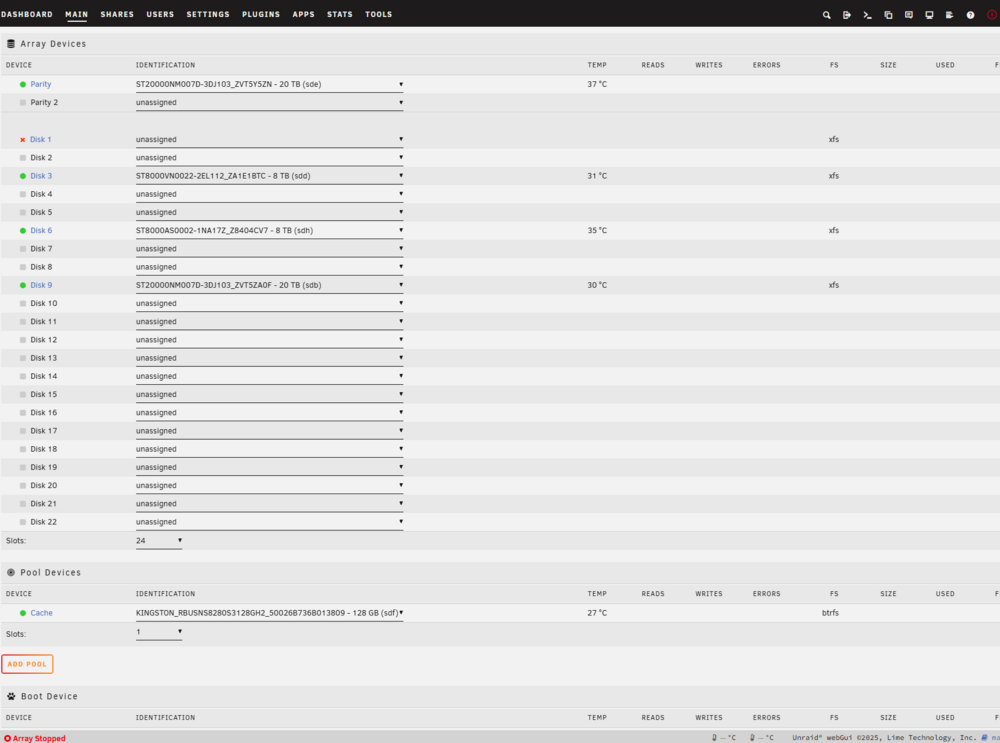
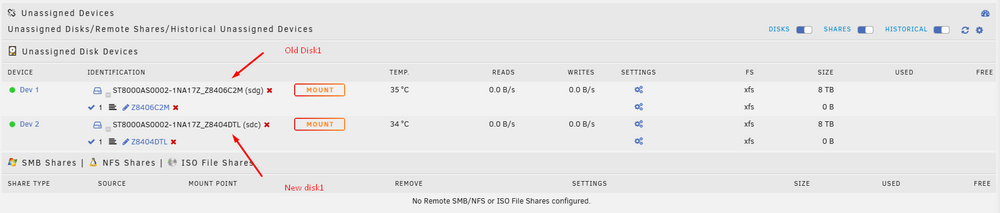
-
Thank you so much - I have just done this, and once I am back from the dentist, ill give it a reboot
-
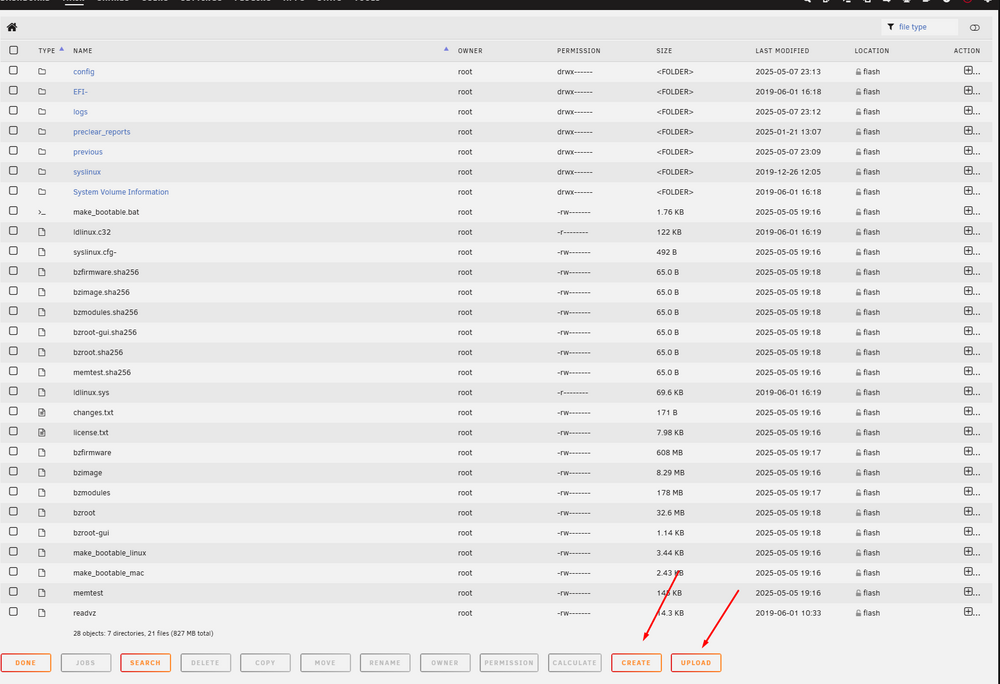
Thank you - I can already tell that I am gonna learn alot, but also ask alot - sorry in advance 1. This is the one I need to open right? 2.Then ill create the 'extra' folder, and upload the file here? I have not done anything like this before, so thats why I am abit more 'noob', than you might be used to.

-
So, this should be it :ST8000AS0002-1NA17Z_Z8406C2M-20250505-2119.txt
-
Hey As you can see from trurl, I am a guy who needs instructions on how things work, as I am a long time user, but not that technical in Unraid setup. 1. What smart report do you need, on the old or the new disk1? 2. How do I clone the disk? 3. Would the rebuilld be better? Thanks agian for all your help guys
-
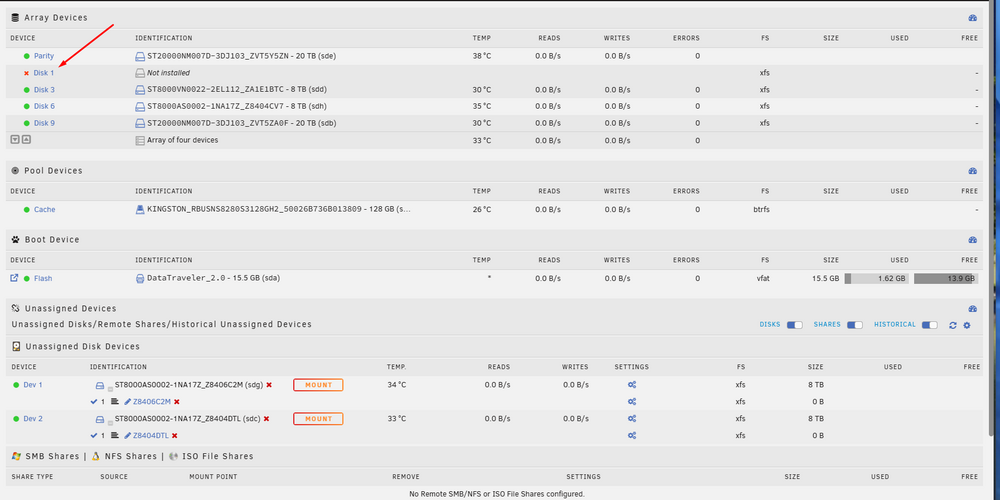
Updated, but same result. Keeps telle me to fix it, and after 2 times, the same fetal error one. I have clicked on this one - and now wondering if im an idiot for doing so, or if thats what I was ment to do.... These late hours EDIT: Off to bed now, ill check in agian tomorrow, and I will leave it as it is here. Thanks agian for all the help and your time so far
-
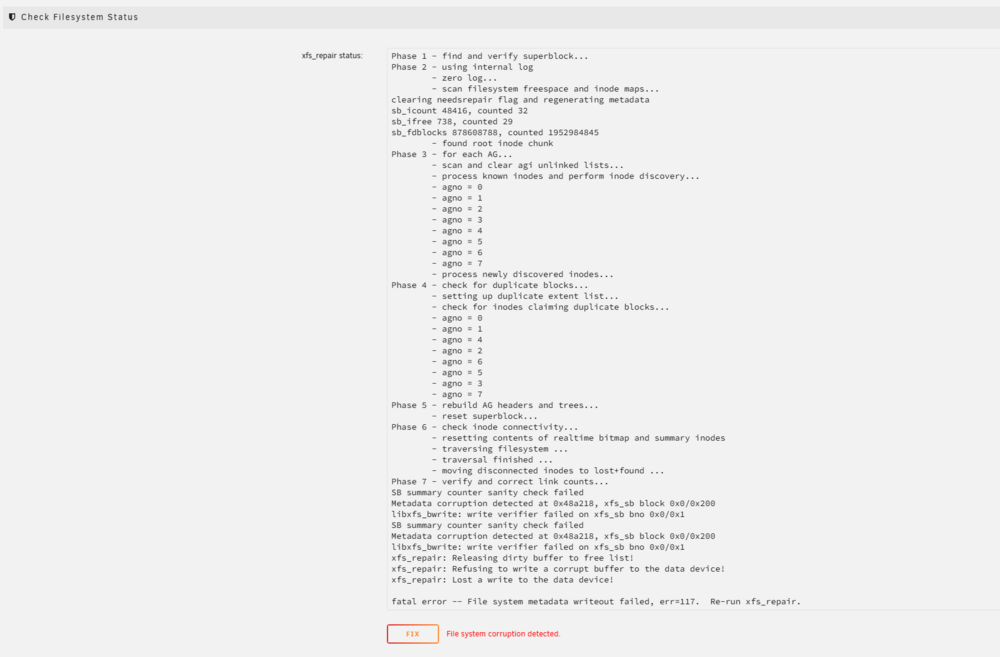
Did that, and here we are now:
-
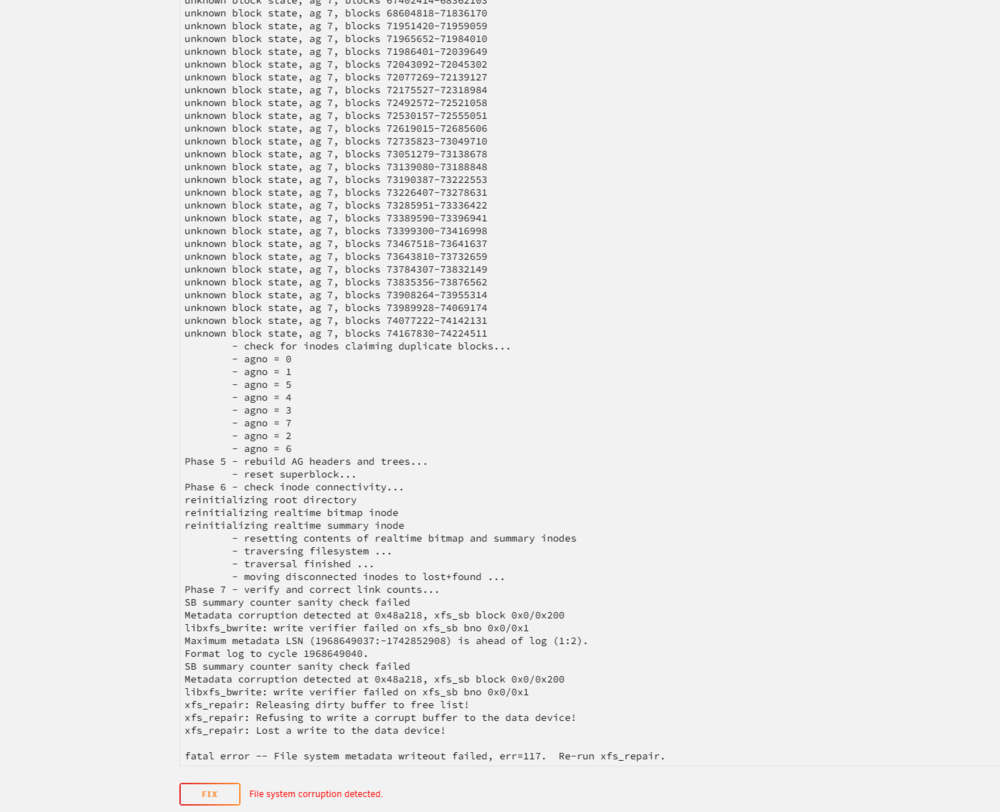
That gave me a very long new list endning with: Do you want the full log? I guess thats close to 20-30 screens.
-
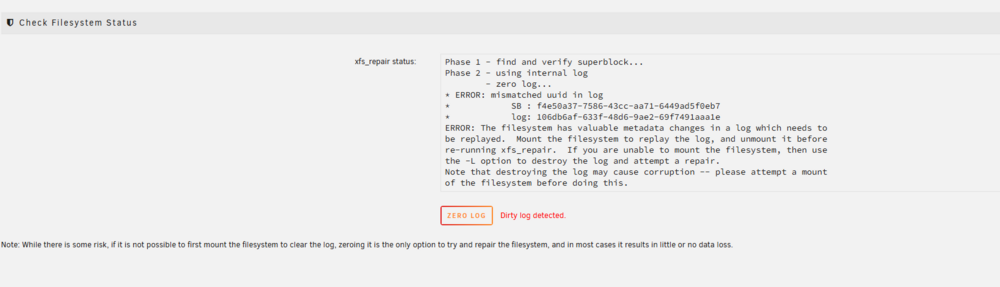
Done
-
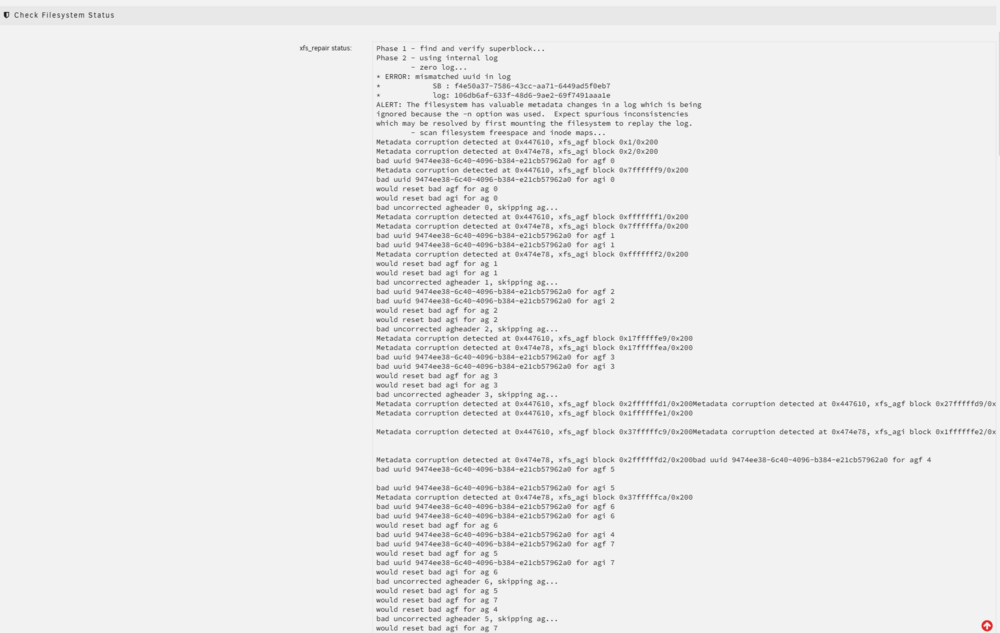
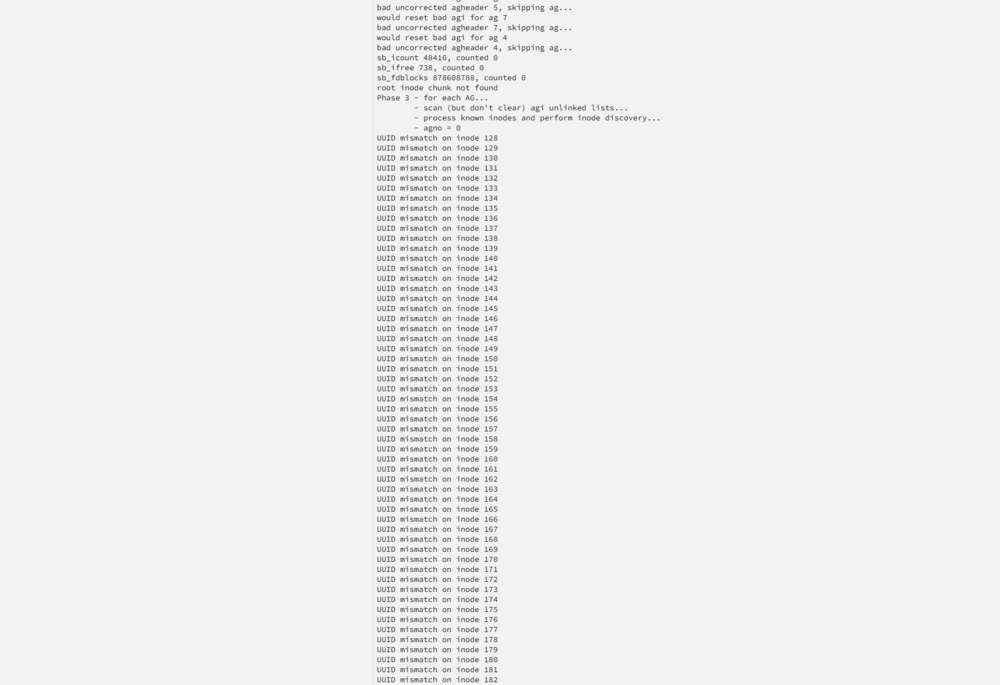
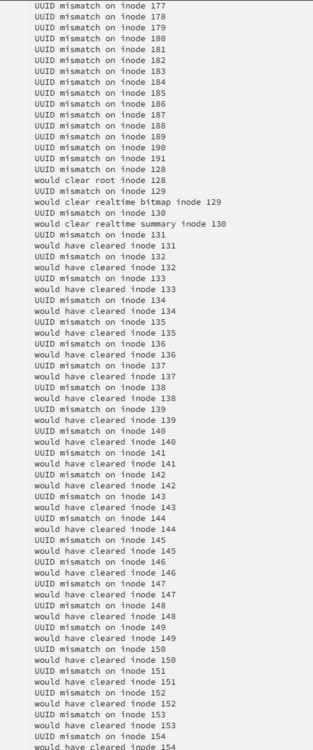
Hope this is correct and everything you need Looks scary to me - as I dont understand it
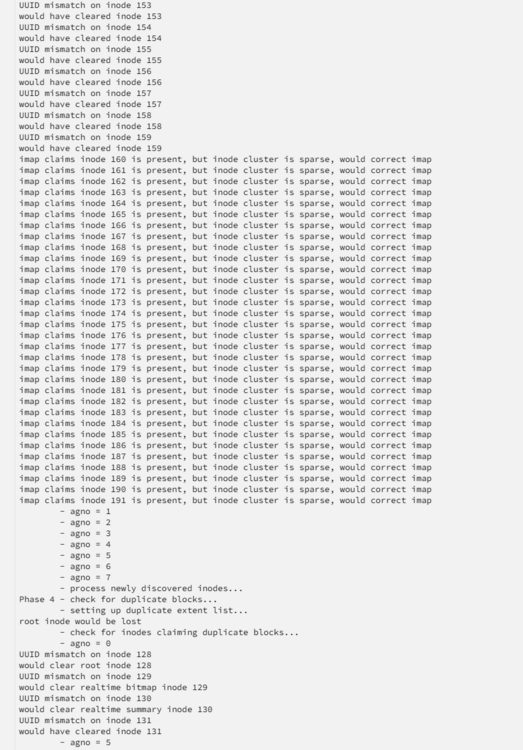
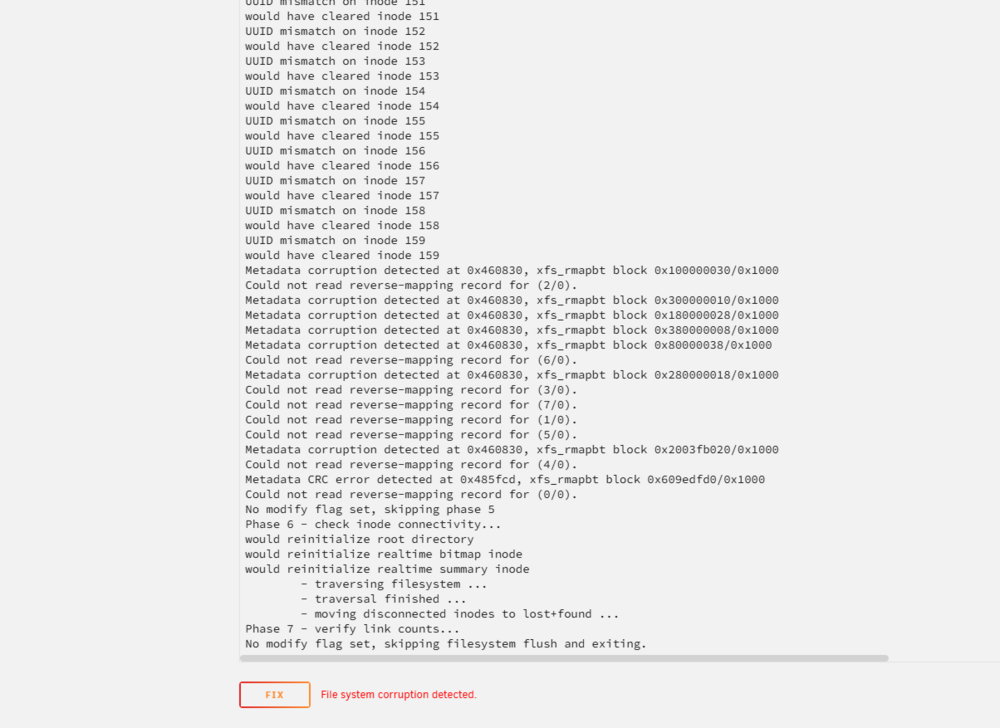
-
So sorry, yea, but I was a bit to fast I guess. I can see that I need to put in into Maintenance mode, and run the 'Check'.

-
Hope this is what you are asking for:
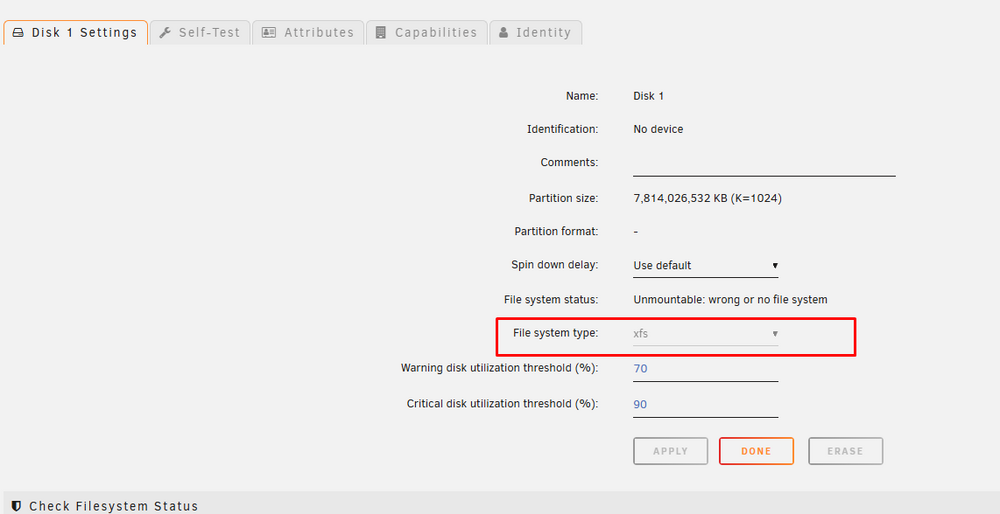
-
Perfect - here you go tdk-diagnostics-20250507-2040.zip
-
Alright - just making sure this is correct. I have started the array with both box checked, stopped the Array and now I am here: Im guessing I wanna check that, as thats what it needed to be able to pres 'start' - just want to make sure Agian, so glad you have the time to help me with this, as I would otherwise be soooo lost
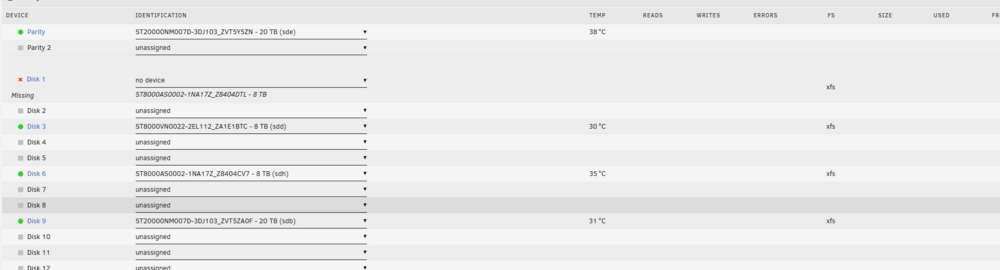

-
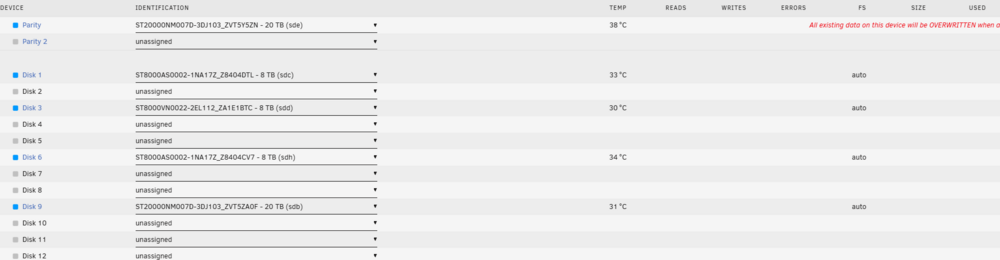
Here we go: Disk 9 have always been there aswell, just to make sure we are on the same page on that
-
Gotcha! on it
-
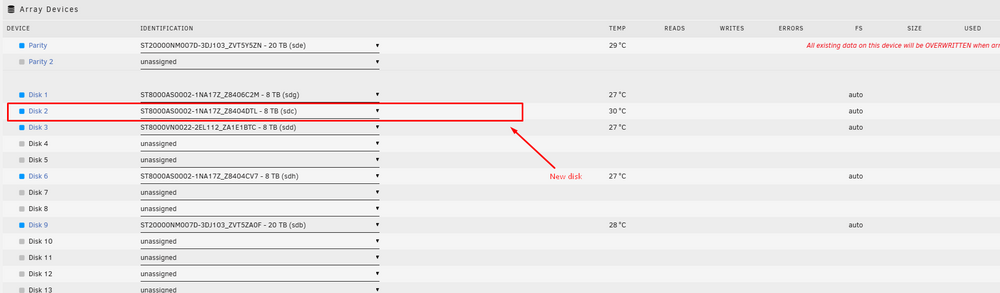
Alright Just to make sure I have done it all correctly, ill just need a final confirm, so I dont screw this up

-
Fine by me So, I am ready from now on, and a little bonus info: I have a spare cable I can plug the 'new' disk to, so that all disks can be in the server at all times, if needed.
-
Alright - didnt think it would be that easy anyways so really appreciate the offer of helping I can be online in 10 hours roughly, but when ever it suits you after that, im ready - also on discord if thats faster
-
Yea, sorry about that Yup, thats an 8 TB disk aswell. I will swap them tomorrow (getting late here), and once it is in, I will see what the server wants to do with it
-
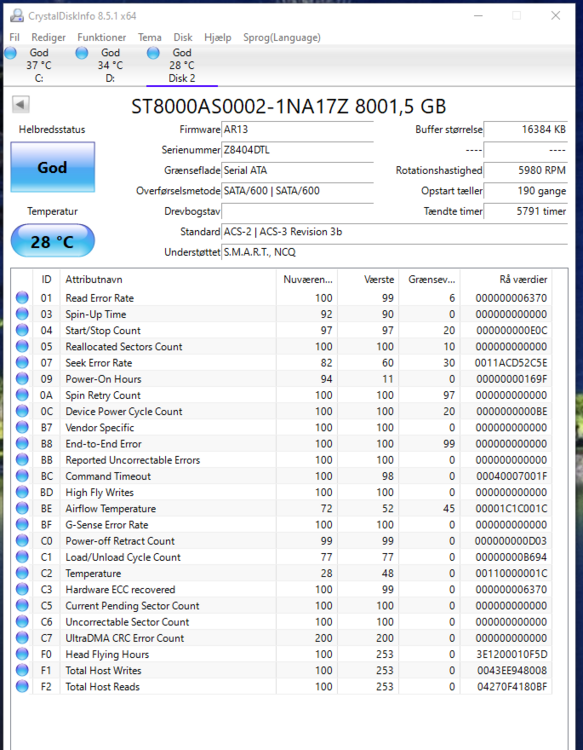
Sure thing - this is from my Windows pc, CD: Hope thats good enough, or else just guide me in the right direction
-
I have a spare disk - one that I pulled out of the setup, as it also made some errors But, in windows, its all good. I could try and swap disk1 out with that. There is not written to disk6 efter, but I have tried to pull data from it, and it work in the begining, but after lige 2 hours, disk 1 startet to act up. Is this the way to go, or what do you think?
-
So, I have disabled the docker and vm. The self test fails pretty fast at READ. (attached) I will try and have a look at all of the cables agian, and get back to you, if anything has helped on that end Thanks for all the help so far, really appreciated! tdk-smart-20250506-1959.zip


