





zenith
Members
-
Joined
-
Last visited
Everything posted by zenith
-
Can this Add macOS Sequoia support by retrozenith · Pull Request #98 · SpaceinvaderOne/Macinabox be merged to allow macOS Sequoia, it's critical for Xcode 26.2 that allows development on latest iOS ?
-
Hello again ! After a few days and some working around the house i had no crashes nor freezing so Frigate was the issue all along. Any Self-Hosted NVR Alternative Tho ? Thank's for support !
-
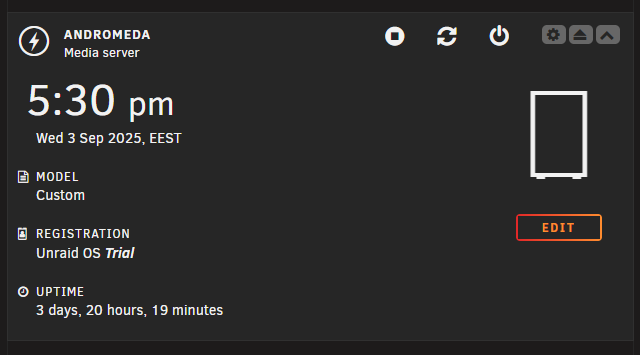
20:34 h of uptime and no crash should i start Docker services and try running a day without Frigate (iGPU Passtrough) ?
-
Disabled LXCs, VMs and docker will wait to see if it crashes. Thank you for suggesting as i was out of ideas ! Docker could be the issue but not sure as i use IGPU for Frigate but it crashes after hours of running with no error from frigate itself.
-
Here's the previous one. andromeda-syslog-previous-20250827-0525.zip
-
It just happened again after some work on my dev env vm. It runs on cache and that ssd is new out of the box. About time i can’t really estimate it feels like something with I/O crashing maybe… I am no expert at server, just a basic linux user andromeda-diagnostics-20250826-2341.zip
-
I've done that again now and enabled back mirror to flash drive. I don't know if this helps right now but here's the present syslog. andromeda-syslog-20250826-1326.zip And found this old one as well: andromeda-syslog-previous-20250825-0637.zip
-
Hello. I've wanted to try UNRAID so i got myself an USB and a trial key for now. I am loving the experience until now, but there is a problem with my hardware or configuration that i am unable to figure out. My system crashes after some time and i can't find anything in syslogs that i've got until now. SETUP: (HP ProDesk 600 G2 Tower PC) CPU: i7-6700 Memory: 40 GB at 2133 MT (2 x 16 + 1 x 8 | Tested with memtester for 48h contnously without crash / errors ) Network: PCI-E 2.5 Gb Card (Realtek Semiconductor Co., Ltd. RTL8111/8168/8211/8411) Storage: 1x 512 GB cache 2x 500 GB HDD (Server is used for storing some unimportant data) My suspicion is related to the two HDDs being extremely old, but i don't want spending too much for it when i use it just for testing and some fun stuff. I have a Smart Plug installed as well and when crashes happend power usage stays at >=40 in case that helps. Any help or suggestion is very much appreciated. I left SMART data from every hdd i've tried to swap. andromeda-diagnostics-20250826-1548.zip TOSHIBA_DT01ACA050_662KJ7WAS-20250825-1506.txt WDC_WD10EZEX-22MFCA0_WD-WCC6Y3HENFP8-20250825-1505.txt WDC_WD5000AADS-00L4B1_WD-WCAUH1494019-20250826-1608.txt
