.png.e962faa269de2efac57687605cc03432.png)

AussieSerenade
Members
-
Joined
-
Last visited
-
From what I can tell there is no difference in any of the plugins between OS versions. somehow BepInEx or a translator for 'dll' (such as 'wine' or 'mono') is doing what it needs to... all of the install and setup instructions I have been able to fine is: 1. Install the correct BepInEx version for your OS (if Linux, distros with GCC 10 or newer, Wine or Mono) 2. Adjust config file 3, Start server/game for BepInEx to generate extra files/folders 4. unzip mods into 'plugins' folder 5. start server/game. Now im assuming that you have the config of BepInEx covered as it IS running when the Container is started so im at a loss as to why they are not loading, especially when others seem to be using the container with mods running.
-
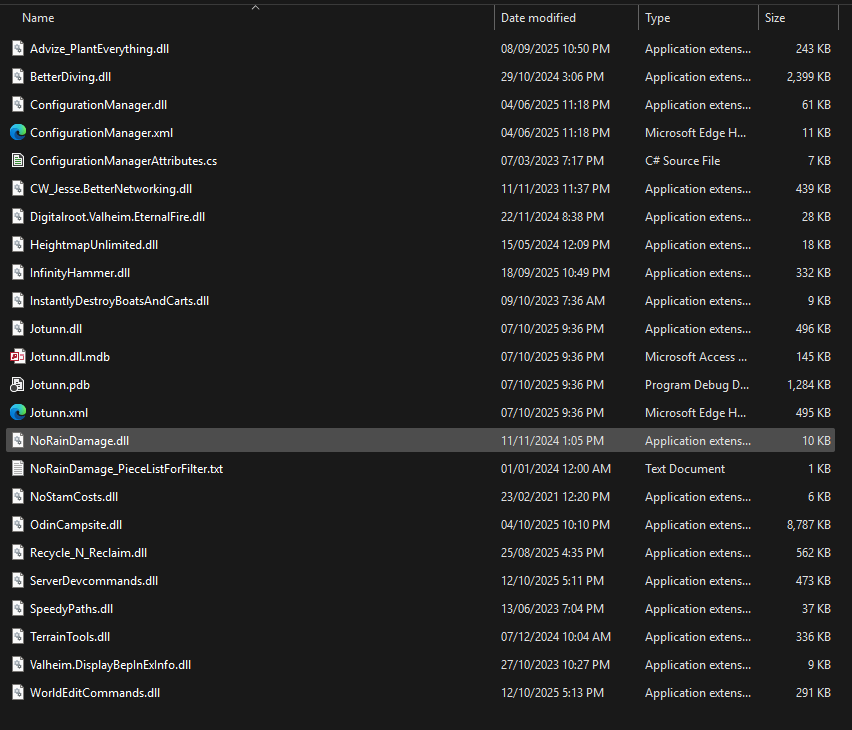
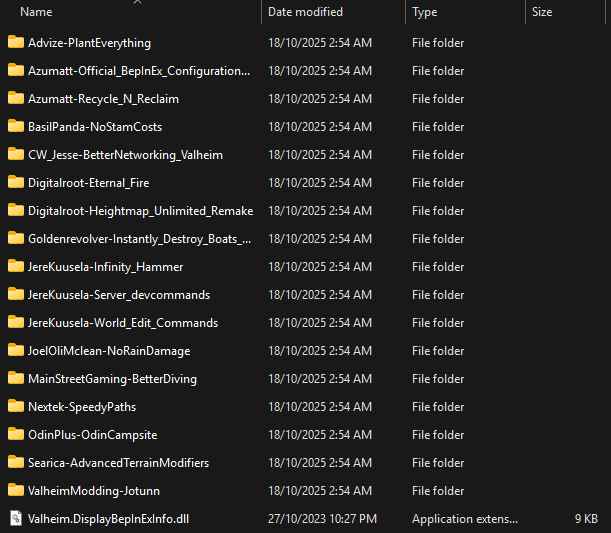
Hello @ich777 , Firstly Thanks for all your hard work, I am new to Unraid and Docker but have managed to get a V Rising and Necesse server up and runing with ease. Im hoping you or the cummunity at large can help me with an issue I am having. I have just setup a Valheim server container, and migrated all the data (world save, BepInEx Plugins, Plugin Settings ect) from my server that was running up until yesterday just fine in a Windows VM. The container is loading as expected, however the mods are not loading as you can see from the BepInEx log here (2nd last line): LogOutput I have tried: "Force Update" after deleting the file "BepInEx-5.4.2333" from the container. Pasting the Plugins into the correct folder as they were in the windows version. (SceenShot Below) Extracting the '*.dll' files and removing the sub folder structure. (SceenShot Below) Removing the container and starting again Extracted Native For now I will have the server active back on the VM (which Im hoping to retire) until I can (with your help) get the Docker container running with the mods loading. Kind Regards AussieSerenade