mabolland
Members
-
Joined
-
Last visited
-
Any Suggestions on how to mitigate this issue for us?
-
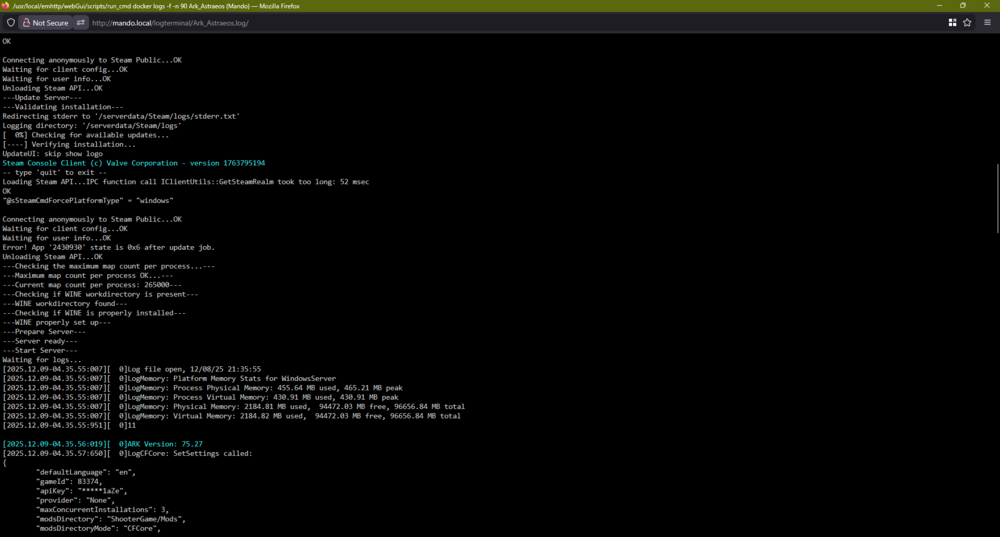
I'm having a consistent issue with Ark Ascended with updates, one I see on here for other apps, but our symptoms are different. We shut down the server every night, before we start playing we fire the container back up. If there is an ark ascended update, it will not update. I get: 'Error! App '2430930' state is 0x6 after update job'. However, no amount of restarting the container will resolve the issue. I've gone so far as to start a fresh container, to experience the same issue on the next Ark Ascended Server update. I have tried turning on validate install. It did not help. The only solution we have found is to delete the '/serverfiles/steamapps/appmanifest_2430930.acf' file, which will then allow the update to work... once. Anyone have any ideas of a fix?