Kosturi
Members
-
Joined
-
Last visited
Everything posted by Kosturi
-
Shockingly enough, Disk 4 looks to be behaving again. I have also stopped the rebuild it triggered on the array startingtower-diagnostics-20260212-1902.zip
-
Here are the diagnostics after the reboot with the array not started tower-diagnostics-20260212-1657.zip
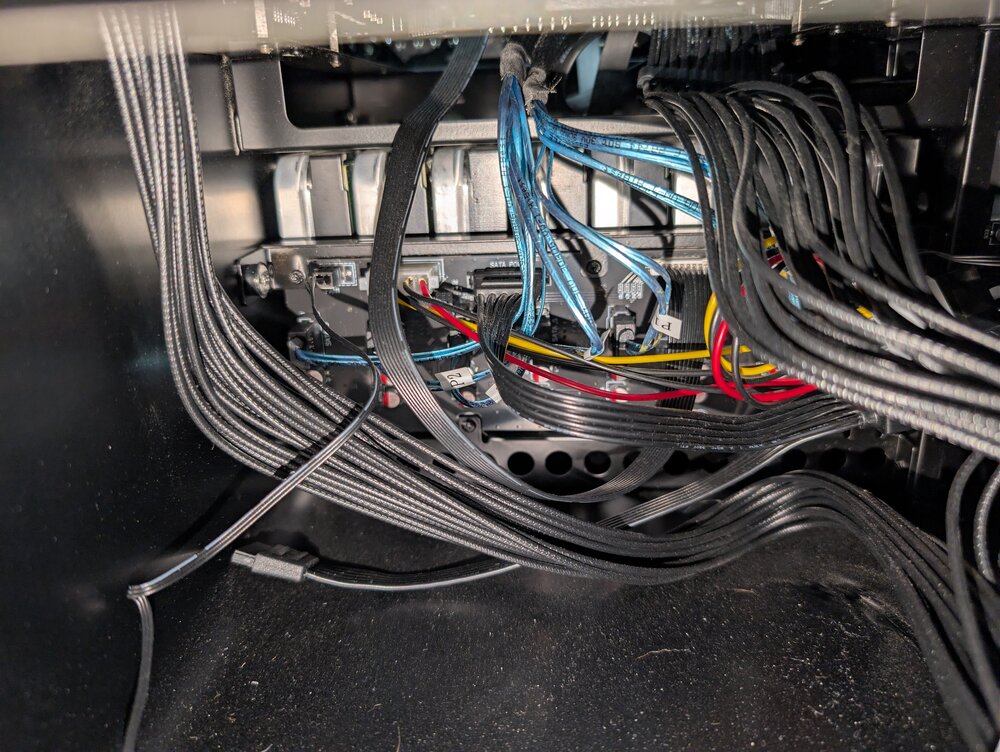
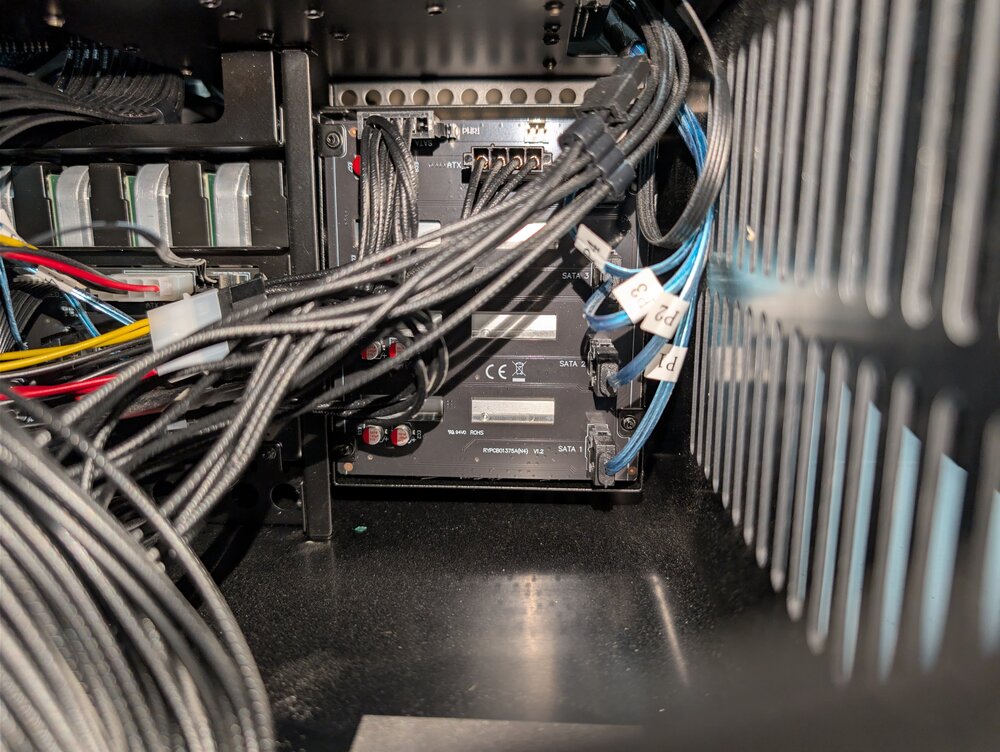
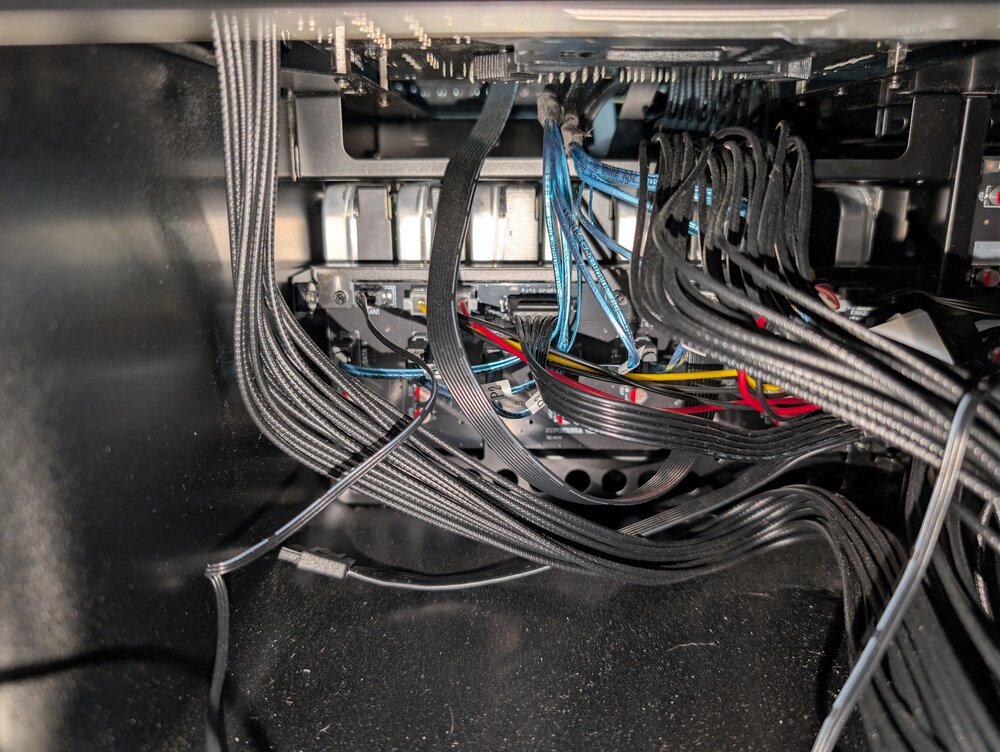
-
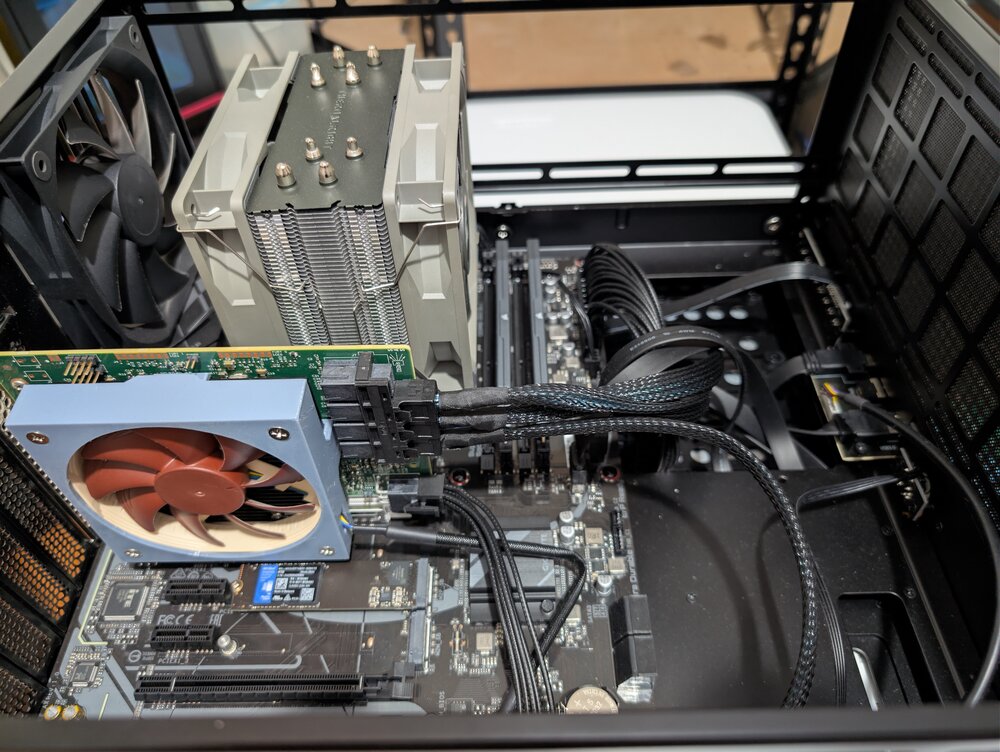
Okay so I opened it up and checked all the cables and they are all secure with slack. I reseated both sides just to be sure. HDD 1-4 5-8 9-12 are all on 3 separate bays feeding a backplane. They are both Feb by sata power as a primary and molex as an aux power feed.
-
Okay, my bad. Array is stopped now, I will leave it now until I check all the physical connections
-
tower-diagnostics-20260212-0245.zip
-
I started the array in maintenance mode and did the webGUI check disk and this is what it gave me
 looks like it didn't save my settings from last time, probably my mistake.
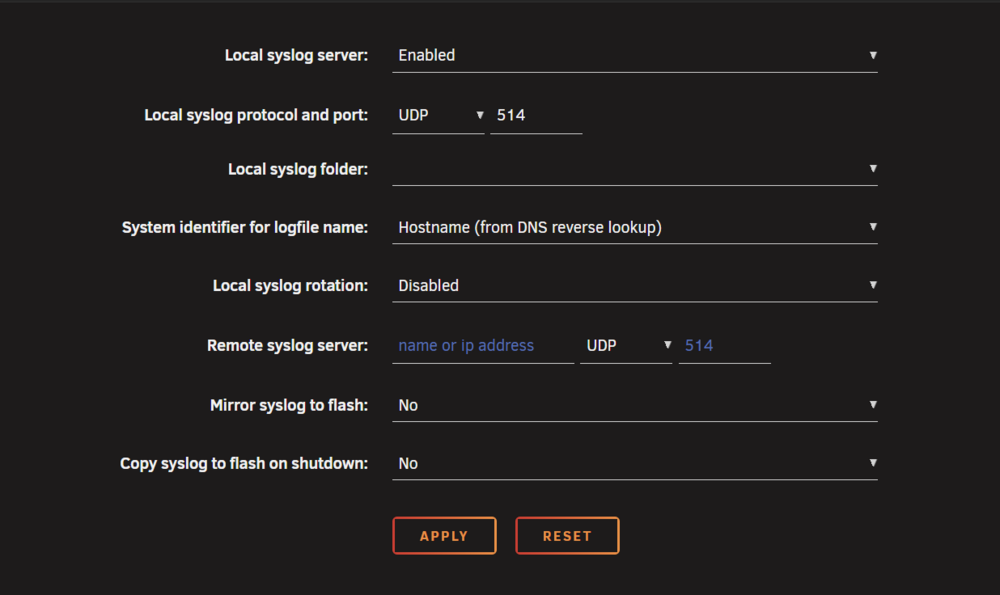 Okay, I will have to wait until I am home from work to play around with the cables. I will have to double check but if i recall correctly the first 4 are direct SATA power and the last 8 are Molex to Sata. I am using the Jonsbo N5 case. I am using a LSI SAS 9300-16I 12GB/S HBA card, and have a fan mounted directly on the heat sink. I did read somewhere people saying to potentially look at upgrading to the 9305, as it is a dedicated chip for 16 ports, as opposed to the 9300 16I which is functionally 2x 8 port chips put together. I have stopped the rebuild and stopped the array for now. I will disable to autostart and everything, and have a look at the physical connections when I get home. Thanks for looking into this. As for the Syslog, I thought I set it to be continuous, though it seems to generate a new one every reboot.I was using this tool to check the drive
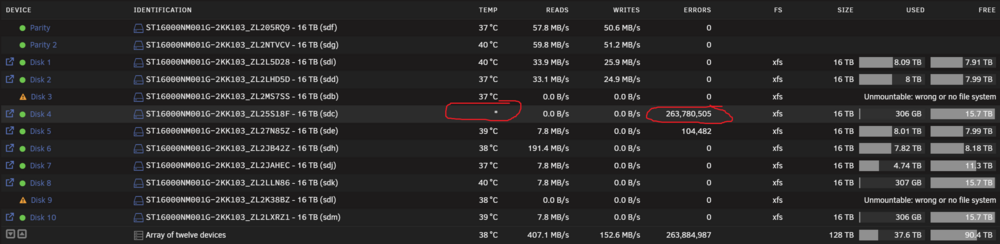
 Yes when the rebuild is completed, typically the drive is okay, but as shown in the screenshot, during the process another disk flags like disk 4, and just goes in a limbo state, and if i stop and start the array it will say disabled. Otherwise it will go orange and say emulated.tower-diagnostics-20260211-2310.zipHi, I have been having problems for probably the last month with my Unraid server. Everything was running smooth until my Parity drive 1 started throwing SMART errors. Not a lot but enough that I thought it would be smart to replace it before it became an issue. When I was rebuilding the new Parity drive, I had a random Disk flag as "Device content emulated" and "unmountable". Looking it up, the only real way to get it back online was to stop the array, remove the drive, start the array in maintenance, stop it again, add the drive back and start the array to initiate a rebuild. Ever since then, every time I have been trying to rebuild one disk, another one or 2 random ones drop out. As you could tell this is a pretty infuriating game of whack-a-mole. I have upgraded the firmware on my 9300-16i, I have replaced the Flash USB with a better quality and bigger Samsung one, but this issue still comes up. The XFS repair says "Dirty log detected" but I don't know how to deal with this. Any help would be much appreciated. Note: in the attached syslog, it is around 17:09 when the latest culprit of "Disk 4" started acting up. syslog.txt FS xfs_2.txt FS xfs.txt