





Supporter
Members
-
Joined
-
Last visited
Everything posted by Supporter
-
Thanks a lot for the update! The critical CVE has been removed. There are many other CVE's with state high, I don't know if there are any security fixes already released.
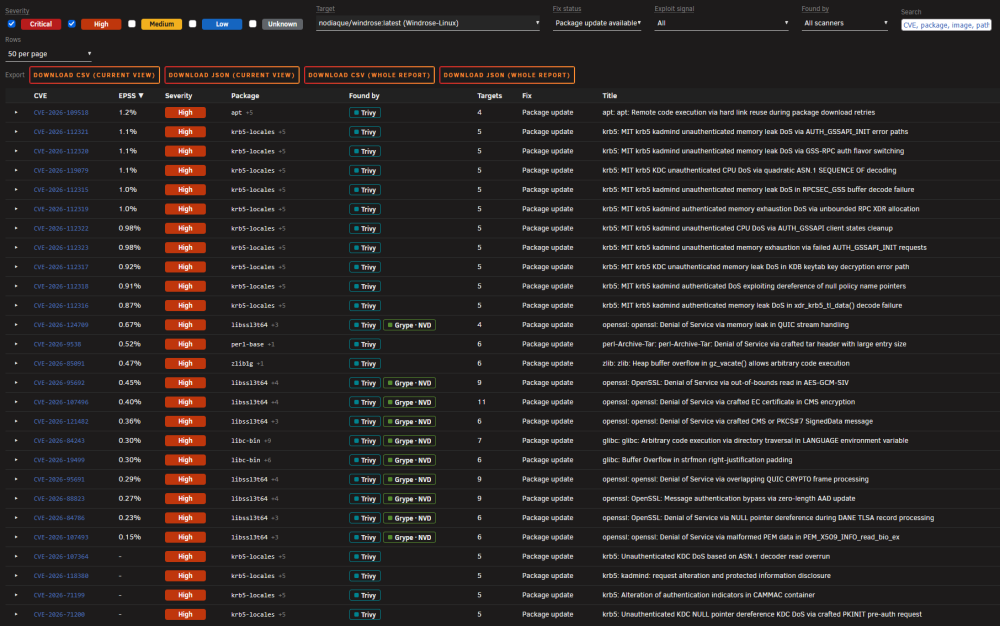
-
Hi Nodiaque, first of all, thanks for you work with the windrose-linux docker! It runs much faster and less cpu intensive (in idle mode) than the normal windrose-steam docker on my system. I was checking for CVE via CVE Lens and it warned me of an CRITICAL CVE with the libary libbrotli1, that should be updated to an newer version (1.1.0-2+deb13u1). Is it possible, to update the windrose dockers? Image or OS Containers Package Found by Installed Fixed in Status Newer image Target or file nodiaque/windrose:latest Windrose-Linux libbrotli1 Trivy 1.1.0-2+b7 1.1.0-2+deb13u1 fixed No newer image sha256:727c3c4ca1c0... (debian 13.6) Thanks in advance!
