





fitbrit
Members
-
Joined
-
Last visited
-
Happy ending. Renaming the EFI- folder allowed the desired boot configuration. I managed to register my GUID and back up my files to a new flash drive. I have not booted from that drive yet, but the system is running ok on the old drive. Will move to the new one next month. Thanks all for your assistance.
-
Thank you so much. Will try all this.
-
Yes. My system is from the before times, and is not there. I need to register it manually. I need to find the GUID of my flash drive to do so.
-
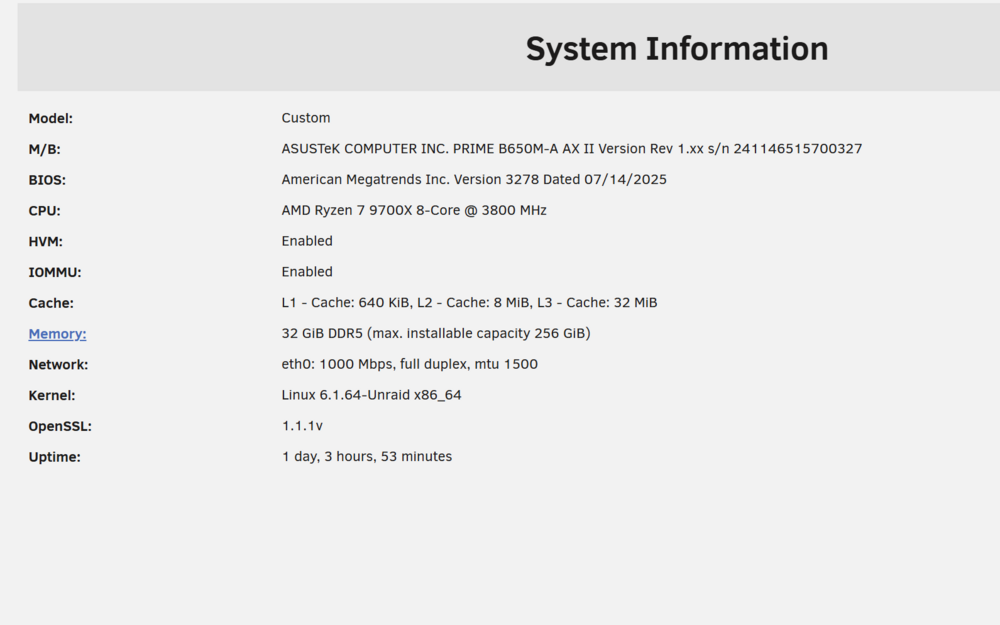
I made my Kingston Traveller 1GB USB flash drive back in December 2007 or so. Unraid 4.0, I believe. It's still working to this day, and my 24 drives in a Norco 4220 were doing well. However, one of my RAID cards died recently, and I decided it's time to upgrade my hardware, including my old flash drive. I've changed the mobo, CPU and RAM, as well as the RAID card. I am currently running a version of unraid 6, and my flash drive is too full to upgrade further I think. There are a number of issues I want to get past in my new build: 1. In order to boot from the old USB drive, I need to have CSM turned on. This option is only available in the BIOS if there is a GPU in one of the faster PCIe slots. I wish to use the integrated graphics on my APU instead. Recent builds I have made for others prove that this is possible - it just isn't on my system. Could I "re-create" my flash drive to do this? Bear in mind it's only 1 GB and 18 years old! Do I simply copy all the files, use a utility to make it bootable and then copy all the files back? 2. If I want to change the flash drive, how do I go about it? In the past, one would send Tom the GUID, but now all the licences are online. However, mine are not there and I don't know whether my current unraid meets the minimum version number to link my flash drive. There's definitely not enough space on the drive to do the backup feature, which requires 1 GB of free space. I also want to change my registered email address. Many thanks in advance for any help for this guy, who suddenly feels old! mediaserver-diagnostics-20250923-1942.zip
-
See the attached screenshot. I cleared two disks simultaneously. The other disk just said it had been precleared successfully with no other data appearing. I assume that's a good thing. This disk, on the other hand showed a few things. Any help/disaster warnings appreciated.
-
Thanks so much Rob for the analysis, and Joe for the utility! It's been a godsend, now that I'm using it with good drives. I'm going to read through the thread now and see if I can figure out what everything means, so I don't have to bother anyone during future runs. I may even be able to help someone.
-
Here's mine. Anything I should worry about? ============================================================================ S.M.A.R.T. error count differences detected after pre-clear note, some 'raw' values may change, but not be an indication of a problem 54c54 < 1 Raw_Read_Error_Rate 0x002f 200 188051 Pre-fail Always - 16 --- > 1 Raw_Read_Error_Rate 0x002f 200 188051 Pre-fail Always - 27 ============================================================================
-
I also have a Netgear ga311 GIGABIT ethernet card (PCI) and a Promise TX4 4 port SATA PCI card installed. Seven 750GB drives (Seagate, WD and Hitachi) give me 4.5 GB of parity protected storage. I'll be upgrading to 1 TB drives soon.

