



Skip to content
View in the app

A better way to browse. Learn more.

Unraid

A full-screen app on your home screen with push notifications, badges and more.

To install this app on iOS and iPadOS
  1. Tap the Share icon in Safari
  2. Scroll the menu and tap Add to Home Screen.
  3. Tap Add in the top-right corner.
To install this app on Android
  1. Tap the 3-dot menu (⋮) in the top-right corner of the browser.
  2. Tap Add to Home screen or Install app.
  3. Confirm by tapping Install.

flake

Members
  • Joined

  • Last visited

Everything posted by flake

  1. Thanks, that resolved the issue
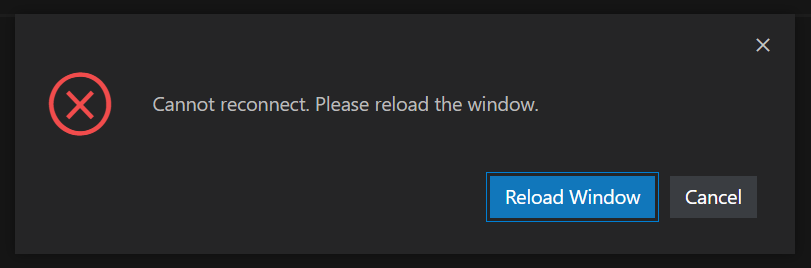
  2. I added the docker yesterday and continually get disconnected every minute with the following entry in the log. I'm using SWAG. From reading the FAQ if I set the use self cert to no then the coder server becomes unavailable, if I set it to yes then I can access the code server as normal but experience this issue. [2022-02-22 11:23:35.735] [remoteagent] [error] [172.19.0.5][028827a7][ExtensionHostConnection] Unknown reconnection token (seen before). [2022-02-22 11:23:35.744] [remoteagent] [info] [172.19.0.5][0242f291][ManagementConnection] The client has disconnected gracefully, so the connection will be disposed. [2022-02-22 11:30:07.315] [remoteagent] [info] [172.19.0.5][de3cee2d][ManagementConnection] New connection established.
Account

Navigation

Search

Search

Configure browser push notifications

Chrome (Android)
  1. Tap the lock icon next to the address bar.
  2. Tap Permissions → Notifications.
  3. Adjust your preference.
Chrome (Desktop)
  1. Click the padlock icon in the address bar.
  2. Select Site settings.
  3. Find Notifications and adjust your preference.