





jaht
Members
-
Joined
-
Last visited
-
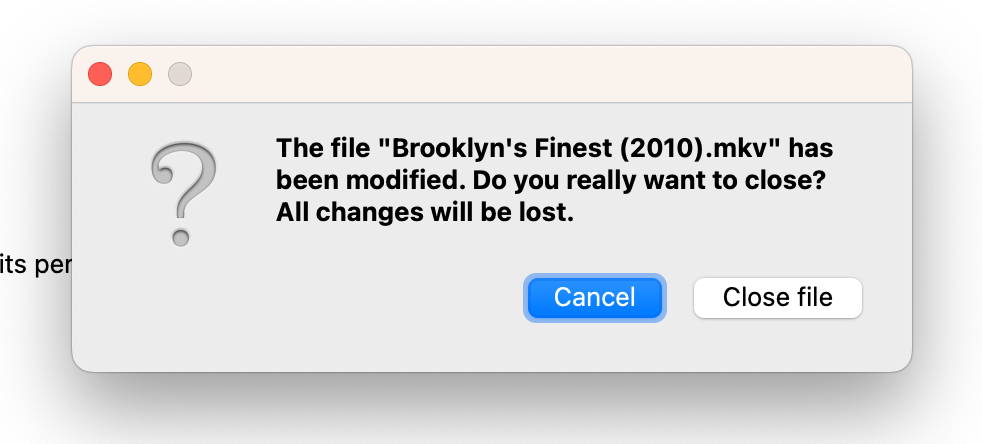
New error in version 78.0, after you open a MKV file in Header Editor even if no changes are made, it gives a warning that some changes have been made and if you want to save them.
-
The Spanish subtitles are shown as English and if you want to edit title of mkv on Segment Information the program crashes. Thanks for your help JAH
-
Both working again, thanks
-
-
After Recent update, neither works. Thanks for help JAH
-
ok, thanks
-
After the Upgrade today, web GUI not working, just VNC. Thanks JAH
-
Hi Saarg, new MakeMKV version available. Thanks JAH
-
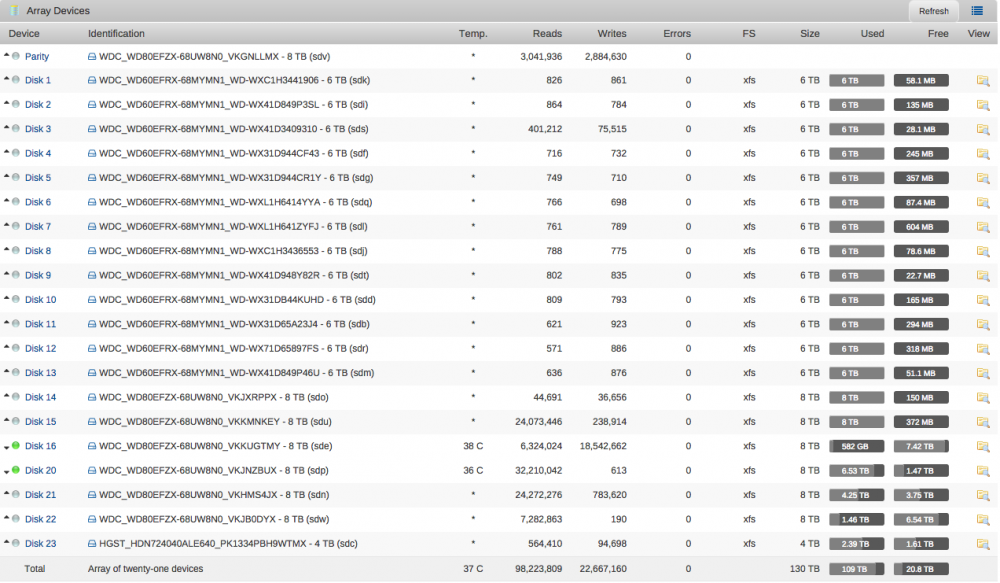
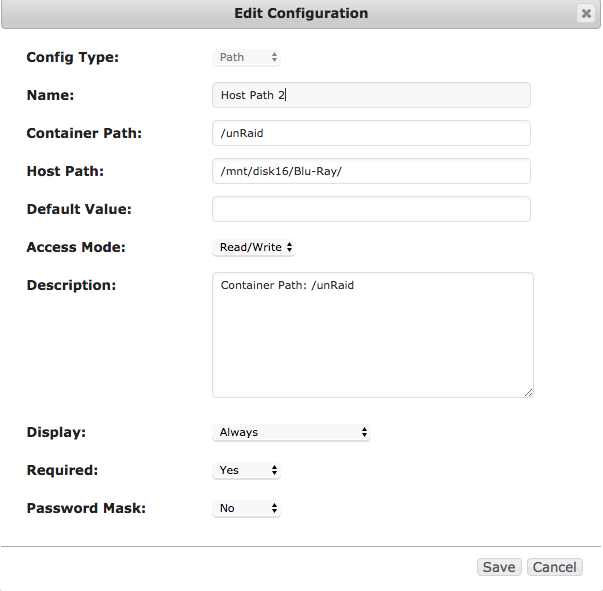
That is writing directly to the disk and not a user share. If I remember correctly makemkv is running as root and should have write access. Make sure its not mounted read only. Post your diagnostics.zip. I Have always done it like this and it's been working fine for a long time, included is the info requested and another screenshot. Once again, thanks for your help. Your problem is that you don't have any disk16. So change the volume mapping to a disk that exist and it should work. I don't have a Disk 16?
-
That is writing directly to the disk and not a user share. If I remember correctly makemkv is running as root and should have write access. Make sure its not mounted read only. Post your diagnostics.zip. I Have always done it like this and it's been working fine for a long time, included is the info requested and another screenshot. Once again, thanks for your help. unraid-diagnostics-20170211-1544.zip
-
I will do that but the problem is ripping to a share, Disk16/Blu-Ray/, with SMB Security Settings at Secure. Thanks JAH
-
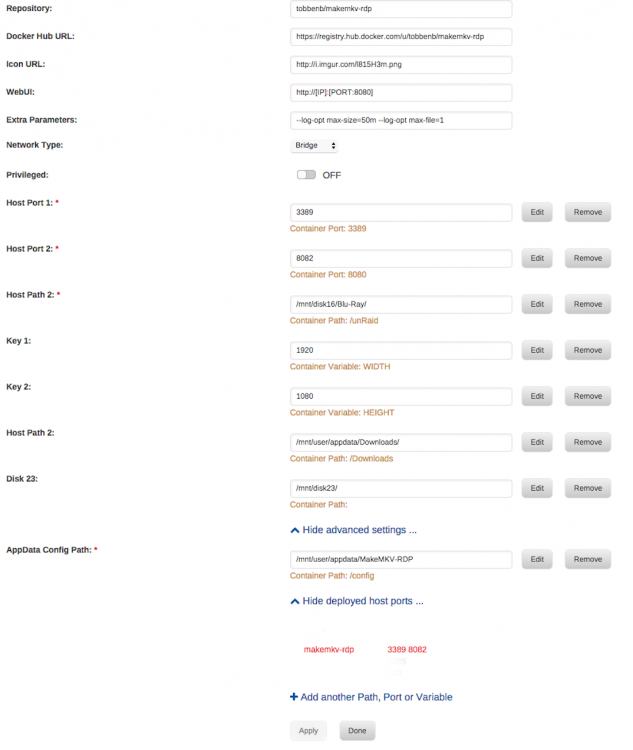
I have no idea why this is happening. I guess the error message is in makemkv? What is your docker run command? I don't know what you mean by Docker run command but here is a screenshot of my MakeMKV Settings
-
Since adding a new disk to my server I am getting Error 'Posix error - Permission denied' occurred while creating ...., so I need to run New Permissions each time that I would like to rip a new movie, from OS X and windows all is fine, any Idea what might be wrong? Thanks for help JAH
-
Your docker.img is still full. Doesn't look like you managed to delete it. It works now, I only have 6 Docker Images and only using 4, Plex Server, PlexPy, Filezilla, MakeMKV-RDP, why did it fill up, is this normal? Thanks for your help solving this issue.
-
I doubled the size to 20GiB, I will try again


