





monoman
Members
-
Joined
-
Last visited
-
When I replicate the problem (so when it boots into a clean Tower config) and run diagnostics, I can see the log file saved in the /boot/logs directory. Then, when I mount the stick on another computer, the file isn't there ...
-
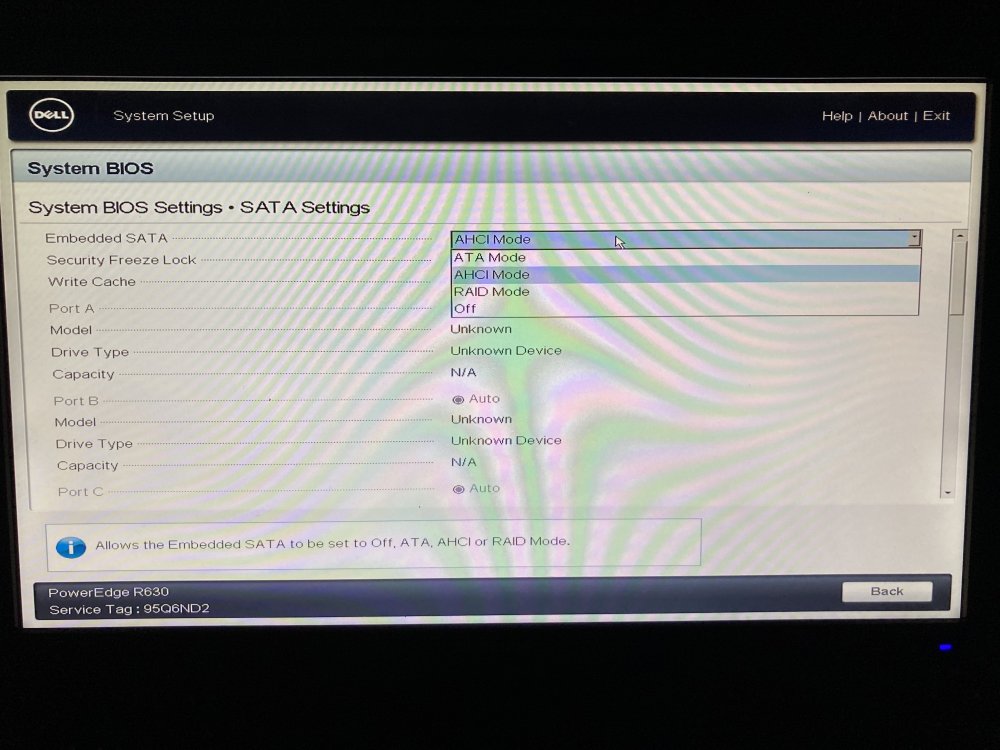
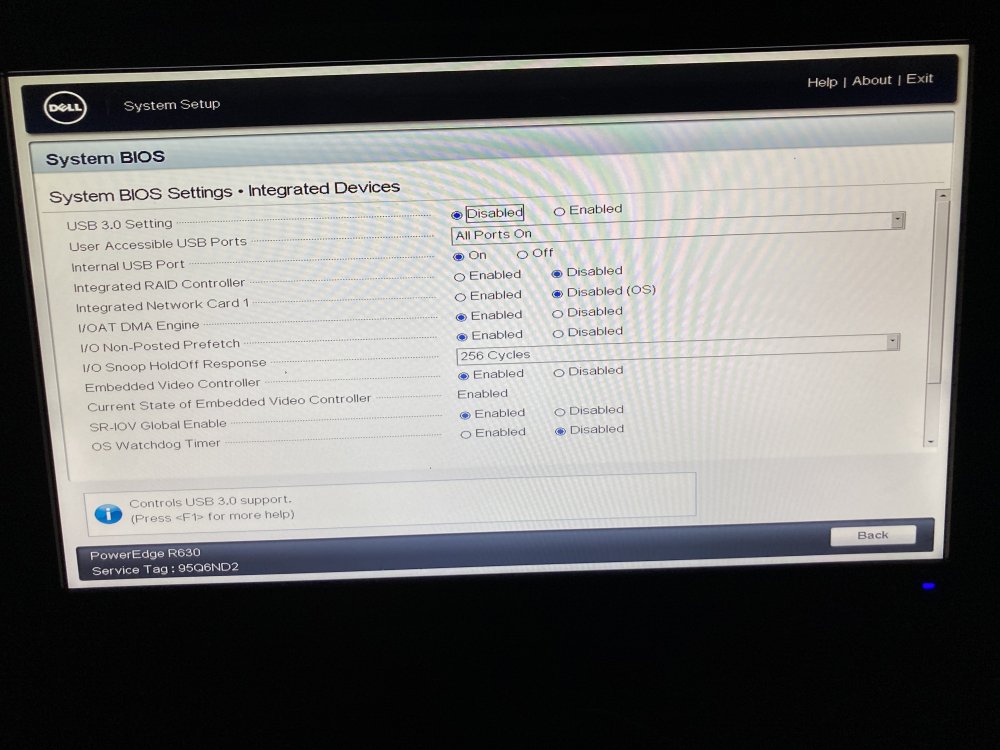
There's a physical RAID controller in the machine, but it's not enabled.
-
Here you go! metal-diagnostics-20210803-1459.zip
-
Hello, I'm running Unraid OS 6.9.2 Plus on an older R630. Whenever the machine reboots it seems to lose its configuration and it boots back into the initial Tower configuration. The only way to fix this is to restore the config folder from a backup on another machine and reboot again. I've tried booting from USB2 and 3 ports, changed the flash drive to a high quality stick, tried BIOS and UEFI but the problem persists. Not even sure how to debug this? Any ideas, please let me know.
-
-
Where can I css this? I'd like a monospace font in the textbox ; )


