





muppie
Members
-
Joined
-
Last visited
Everything posted by muppie
-
Hi! i have it working but had to define the IP address in upstream_app. Muppie
-
Thanks! I must’ve misunderstood something.
-
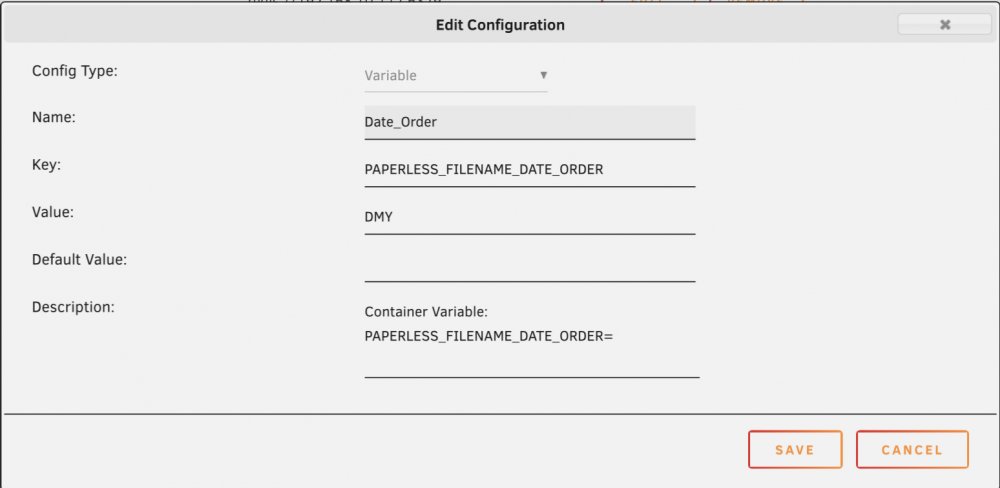
Hi! Maybe this is a question for the actual developer, but it might not be. I’m having trouble with using environment variables in the unraid template to ensure that the dates are in the local way (DMY) instead of the US way (MDY), but I can’t seem to make it work. I’m attaching the way I have set it up, can someone confirm that it’s correct and it’s wrong somewhere else? All the ”dates created” on the added files in paperless-ng is wrong and based on MDY. Many thanks in advance //Muppie
-
Many thanks!
-
I have the same issue and I ran into (my own created) trouble and removed the container with the purpose to re-install and now the template is missing.
