Skip to content
View in the app

A better way to browse. Learn more.

Unraid

A full-screen app on your home screen with push notifications, badges and more.

To install this app on iOS and iPadOS
  1. Tap the Share icon in Safari
  2. Scroll the menu and tap Add to Home Screen.
  3. Tap Add in the top-right corner.
To install this app on Android
  1. Tap the 3-dot menu (⋮) in the top-right corner of the browser.
  2. Tap Add to Home screen or Install app.
  3. Confirm by tapping Install.

trisse23

Members
  • Joined

  • Last visited

  1. Thanks for everything I figured out the correct folder, I was going based on my docker experience. Thanks for everything its working now and great work! Kind Regards Markus
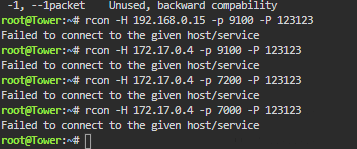
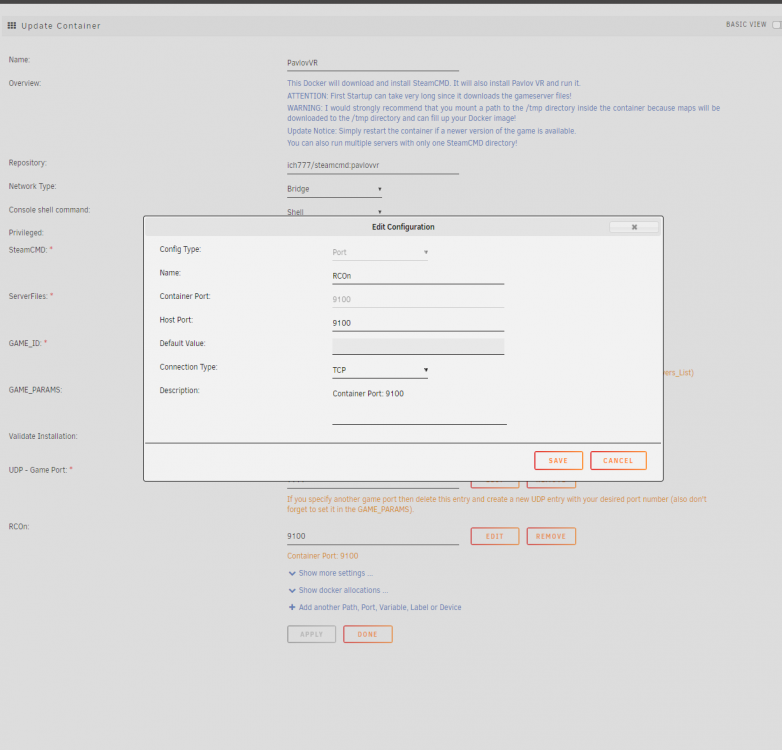
  2. Added the port as specified but still cant connect Using rcon -H 172.17.0.4 -p 9100 -P 123123 failed to connecto to the given host/service
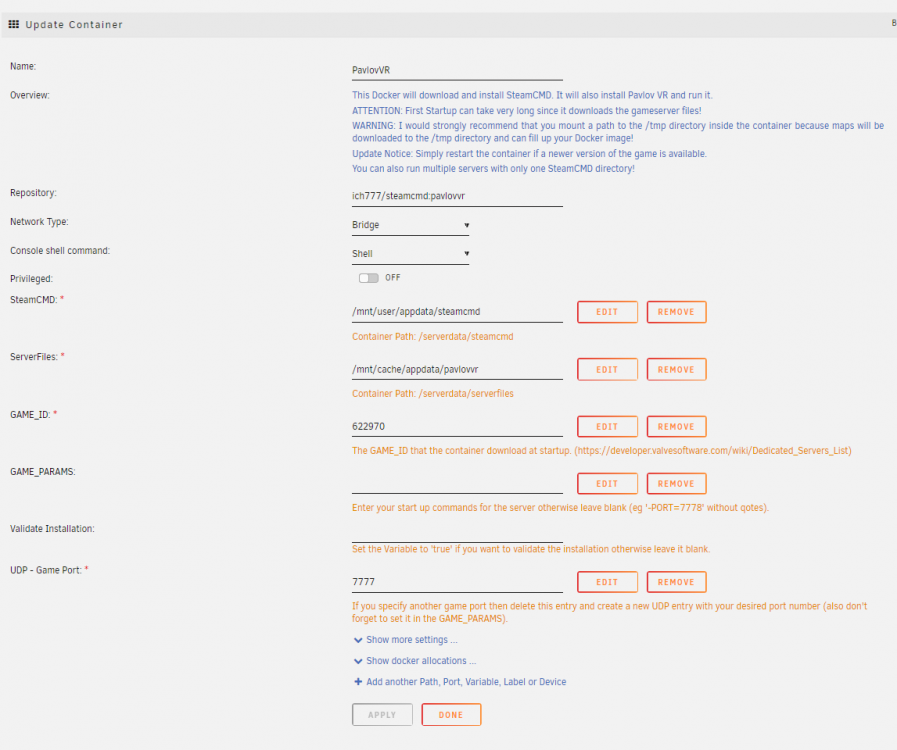
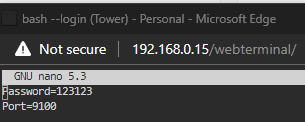
  3. Hello thanks for the amazing docker! so I set up my server and its up n running but im having an issue connecting to Rcon I havent changed anything from the default settings except added my own name to game.ini and added RconSettings.txt to the folder. Hopefully you can help me out Kind Regards Markus

Account

Navigation

Search

Search

Configure browser push notifications

Chrome (Android)
  1. Tap the lock icon next to the address bar.
  2. Tap Permissions → Notifications.
  3. Adjust your preference.
Chrome (Desktop)
  1. Click the padlock icon in the address bar.
  2. Select Site settings.
  3. Find Notifications and adjust your preference.