jthacker48
Members
-
Joined
-
Last visited
-
Ditto! LinuxServer rocks!
-
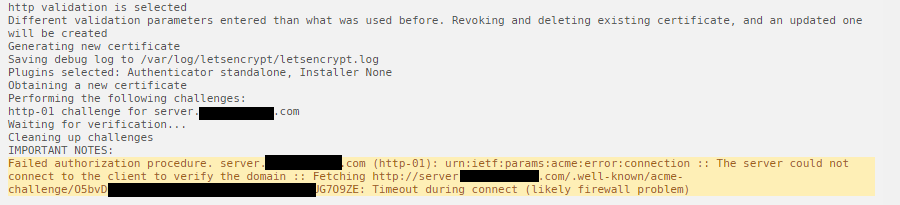
Here are the docker ps results: Here are the logs from LetsEncrypt docker:

-
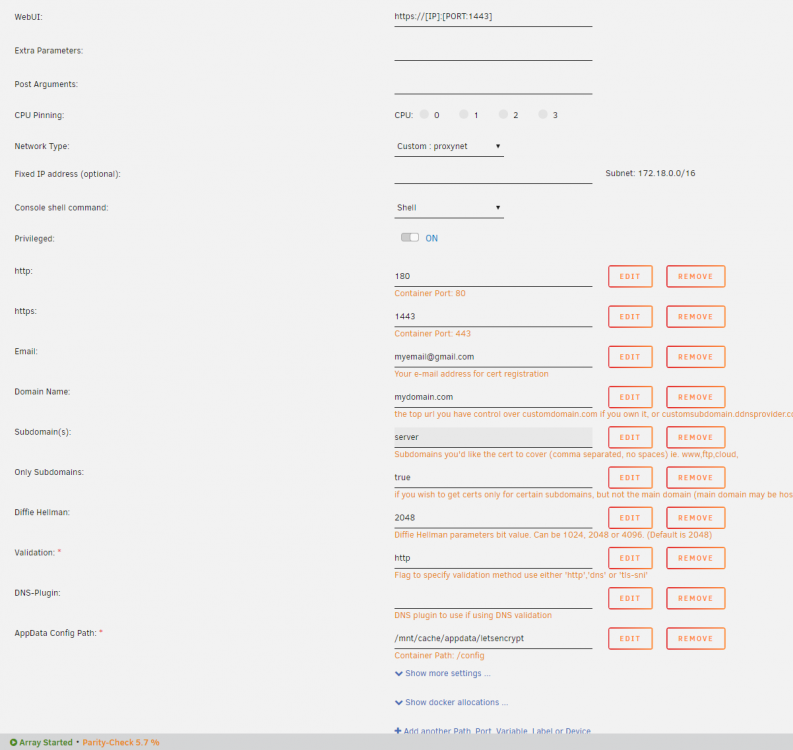
I am having issues failing the cert authorization. I believe it is due to my domain host (Google Domains) but I'm unsure. Router: Google Wifi Domain: mydomain.com Subdomain: server.mydomain.com (directed to my ip address) Port Forward http: External 80 to Internal 180 Port Forward https: External 443 to Internal 1443 When I check the logs, I get a "can't connect" error that is likely due to port forwarding or dns. I do not believe it is a port forwarding error as I've changed the port forwards to (80 to 80) and (443 to 443) just to see if I can access the Unraid server from outside my network using server.mydomain.com and that works fine. When I have the ports forwarded to 180 and 1443 and go to server.mydomain.com, it automatically tries to use https. Is it possible that Google Domains is automatically directing traffic to https and in turn not allowing my certs to be authorized? If so, is there a way around it?
-
When it connects using Relay, it limits you to a 2MB stream with no ability to change it on the client side. From Plex: Last night, I even did a factory reset on my girlfriends router to see if that would help. It didn't. Any other suggestions?
-
It streams with a relayed connection which limits me to a 2 MB stream so the quality isn't good at all on a 4K TV. So I can watch movies but only in low quality.
-
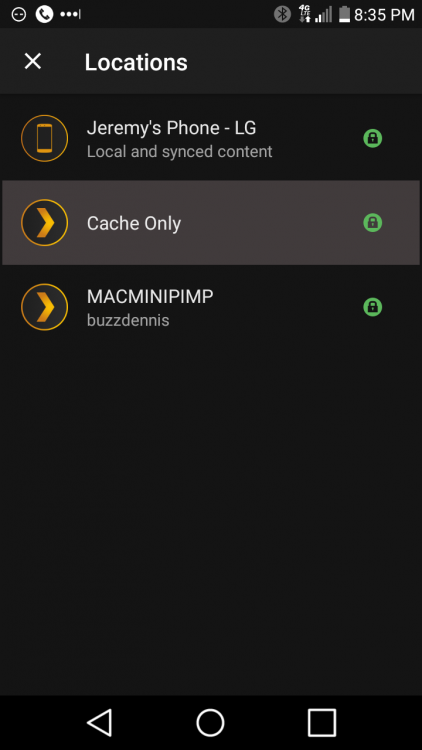
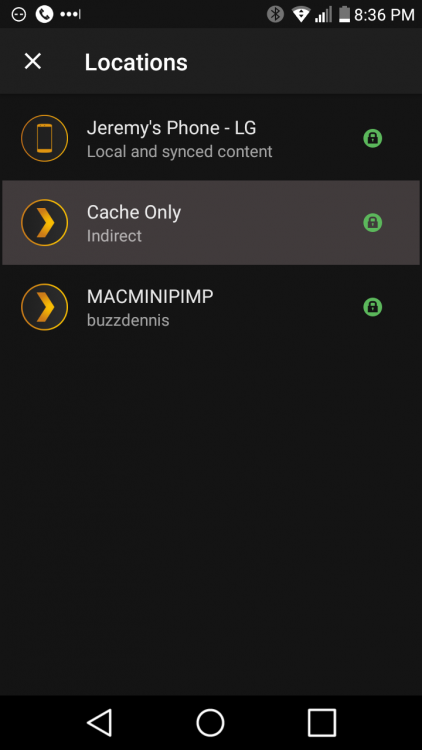
I'm running latest Unraid and PlexPass version of Linuxserver.io - Plex Media Server behind a Google OnHub router. I live in a condo community and my girlfriend lives in the same complex and we both share the same ISP provider, CenturyLink. When I'm at her house connected to her router, Netgear WNDR3400; I get a relayed connection although the server (at my house) shows that it is fully accessible. I've changed every combination of PNP On/Off, Manual Port to 32400, DNS to 8.8.8.8, and everything else that I can think of to get it working with no luck. Here is the kicker. On my phone at her house, I get a direct connection if I'm not connected to wifi and the moment I connect to her network, it goes back to relayed connection. I've tested it from other locations and don't have the issue. Could it have something to do with the ISP being in the same neighborhood or could I be missing something else? I feel like I've got so many variables since I'm, also, using an OnHub router which I've read has rebind issues.