





skiman384
Members
-
Joined
-
Last visited
Everything posted by skiman384
-
Thanks, I got another much larger log from netconsole from a crash last night as well. See attached. First time this happened I replaced the flash drive, with the new one that is connected now. Its in a 2.0 port directly on the motherboard. Do you have a recommendation for a reliable one? The one Im using is a Kingston. Another option is I could add an SSD I have around and do an internal boot if you think that would be better. trafficlog119.log
-
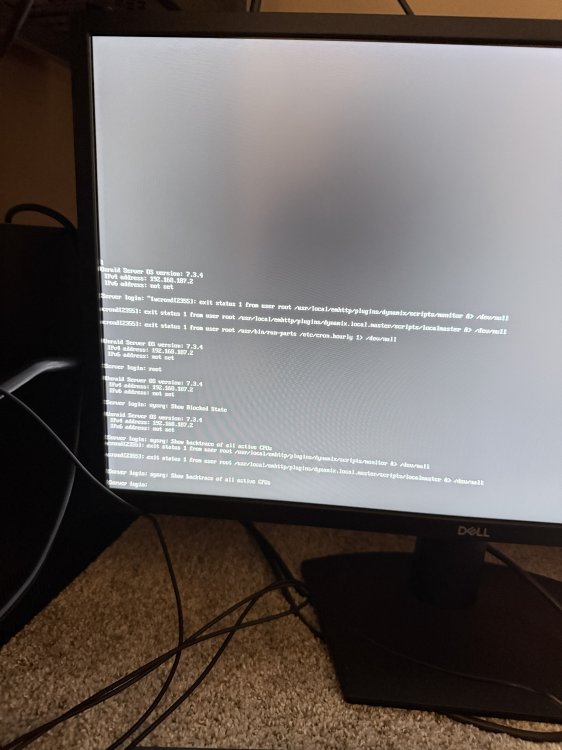
I was able to capture a crash with netconsole running and capturing functioning. See attached. I also attached the latest syslog from the flash drive. Crash happened again sometime last night/early morning. I added a the script above from your response. How do I set the custom schedule? Should it be like this? When I tried to login there was no password field after the username. Nov 5 - also hangs I have saved the .heic file as a jpeg and attached. trafficlog.log syslog syslog-previous

-
Ok, server locked again on Nov 6th. Unable to login via console. Ran Syslog on another server to capture. Attached below is all the logs I could find, as it didn't seem to generate a diagnostics file during the freeze. It is set to do so, and I have pulled the flash drive and plugged it into another device to check, but no diagnostics zip after 11/4. I took a screen capture of the console after running the Printscreen commands above. I also just setup proper packet capture for netconsole as it seems they were not being collected. Ran the commands you stated above as well. Please see all items attached. 2026-11-05.txt2026-11-06.txt2026-11-07.txtserver-diagnostics-20261104-1429.zipsyslogsyslog-previousSyslog-Report-2026-11-07T14_56_43.htmlIMG_1829.heic30Nov 5 194426 Server ntpd[2291] k.txt
-
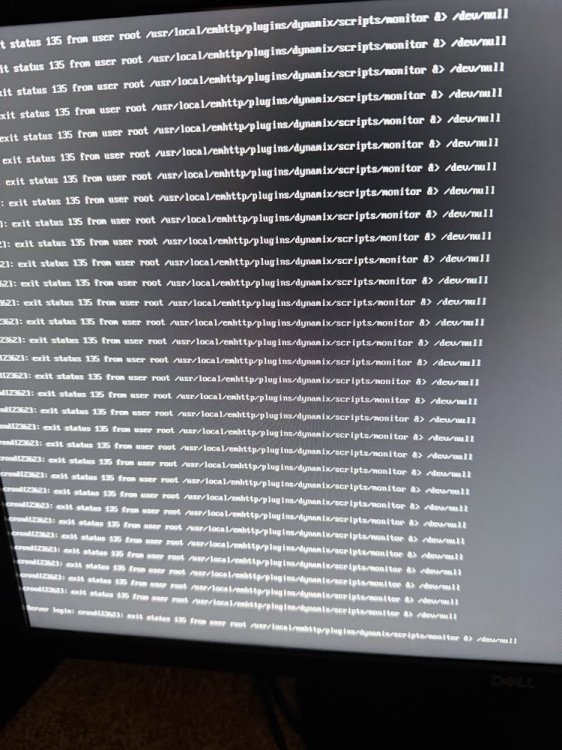
Nothing I remember changing, but WebUI becomes inaccessible and all dockers and VM's go offline. Unraid is still pingable, but SSH access is not possible. Image is what is shown on monitor plugged into Unraid Server. Diagnostic files attached. server-diagnostics-20261104-1429.zip
-
Currently in the process of moving a large amount of data to a new share. Going from /mnt/user/media to mnt/user/data/media. Both shares all set to use all disks. Mover is enabled. Both shares use the same cache drive. Speed hovers around 6MB/s no matter what I do. Should I disable the mover to speed things up? I am currently doing this with the file manager plugin, but I also tried MC and speed was identical. Should I go disk to disk through MC? I know transferring between disks and shares is a no no. Any idea on how I can speed this up? Disable parity? Turn off the cache drive on both shares? I'am stuck...
-
Extended smart test completed - Unraid states no errors found.
-
I have a disk that went disabled this morning. Trying to run an extended SMART Test, but unable to change spin down delay. When I attempt to change the delay, I am unable to save the change. Disk 2 is the problem. Attached are my diagnostics. trapserver-diagnostics-20240326-2046.zip
-
I think you hit the nail on the head. I recently updated to the latest version of Frigate, and I keep hearing it has memory leaks... Ill chase it.
-
Syslog Attached. Noticed it locked up at 23:05 on July 9. Syslog attached. syslog-192.168.187.2.log
-
As title states, recently upgraded to 6.12.2 yesterday, and ever since updating server will hang and become unresponsive after a few hours. It responds to pings, but SSH does not work, and Web UI is unreachable. Only solution is a hard reboot. No other hardware or configuration changes have been made. Frigate Docker was updated. trapserver-diagnostics-20230703-1816.zip
-
Could use some help, I’ve been struggling with something all day. Unraid version 6.8.2 i followed the video guide was able to get ombi working through the reverse proxy on the custom proxynet network. My plex container is on custom br0 with an internal IP in my 192.168.187.0 subnet. Same subnet as my unraid box. Ombi can’t talk to plex or any of my other containers on the custom br0 network. what do I do? I do have a second nic I can configure for my containers, but I have no idea where to start.... any help would be appreciated!!


