Neurotic
Members
-
Joined
-
Last visited
Everything posted by Neurotic
-
This did the trick. Thanks!
-
I deployed a game server container from DockerHub and did not specify a volume. When I started the container I watched it download the appropriate game files before I realized my mistake. I have since recreated the container the right way but I can't seem to find where the game files were downloaded previously to remove them. If no volume is specified, where does Docker store the files in that container?
-
I was able to resolve this by renaming a manual driver download and placing it in the proper directory. Instead of trying to download the file, it ran what was already there.
-
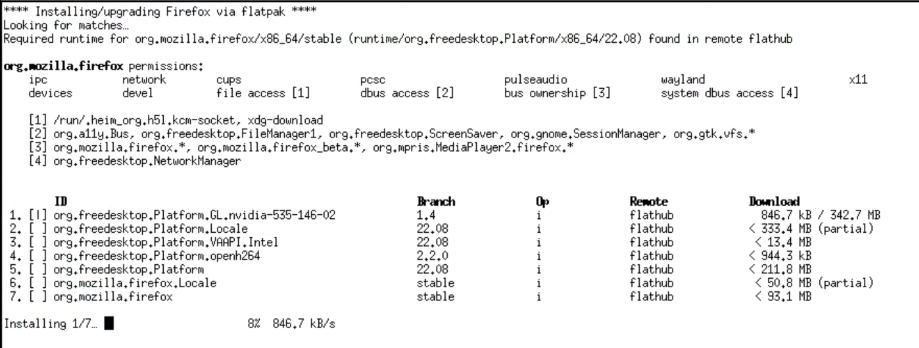
I'm encountering a problem where it seems stalled trying to download drivers and Firefox. It gets stuck on one specific download. The ones before it went fine, but it'll never progress to the ones after. It always gets stuck at 8%.