





Hobbesthecalvinist
Members
-
Joined
-
Last visited
-
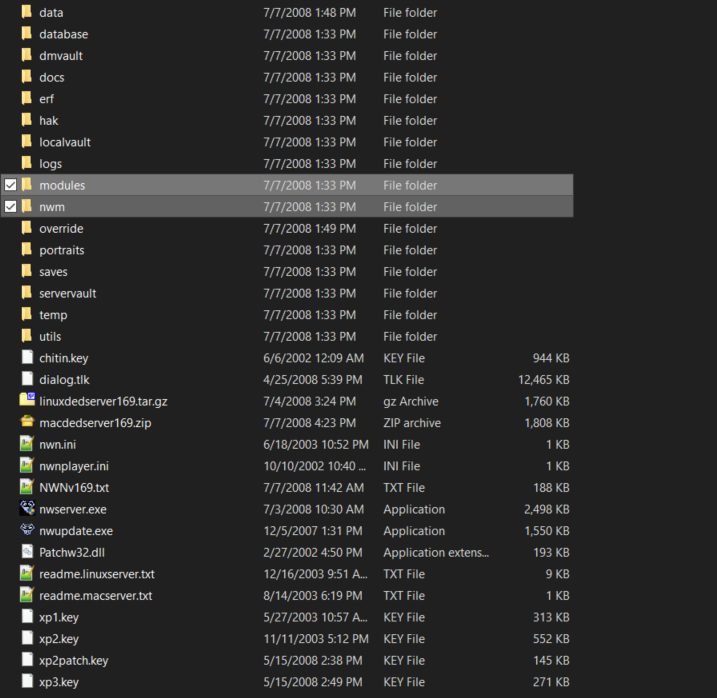
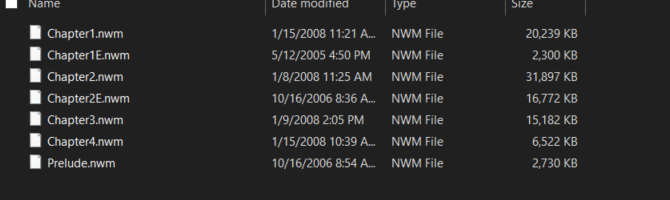
Ich777, thanks for getting back to me. I its not the setting that makes a difference. I can load modules just fine. If you download the server exe, you can see the modules are kept in a different folder than the campaign files (and they are a different type). Not sure how the normal GUI loads them... But the .mod files load just fine in your image. Just no way to access the campaign? To download the server zips: https://forums.beamdog.com/discussion/67157/server-download-packages-and-docker-support
-
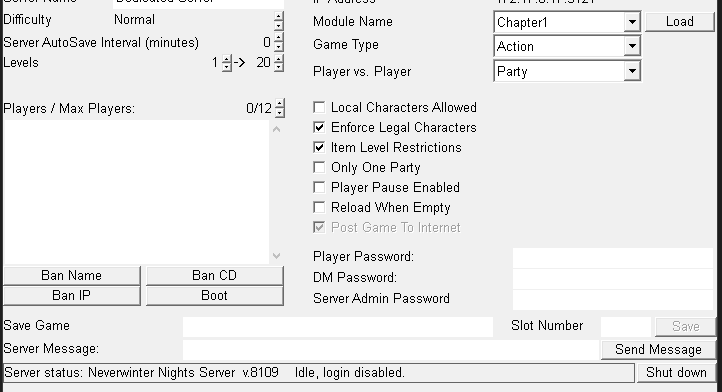
ich777, Love your work. Specifically the NWN EE docker image on unraid. Quick quesiton, does it support loading the campaign modules? They seem to have a .nwm file extension and not the .mod you were expecting? In the server gui, you just select the dropdown and choose "Chapter1". When I input that into the modules location in unraid, I get the following: Server: Loading module "Chapter1" Server: Unable to load module Server: Exiting... Just trying to get a definitive answer and save myself some time. Cheers!
