





josh.m83
Members
-
Joined
-
Last visited
-
Oh wow, I was totally missing scrolling all the way down... Yes! - That video was super helpful. Thanks for sticking with me, hopefully this helps someone else in the future haha!
-
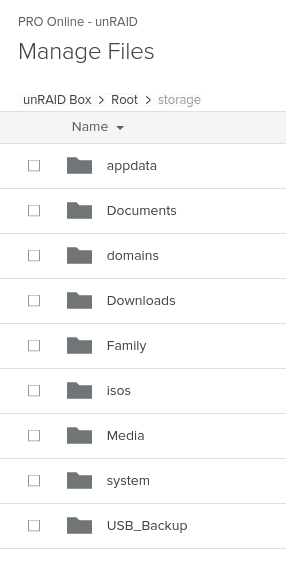
Yeah, it expands, but I don't see "storage" anywhere to be found within, can't browse my unRAID array at all.
-
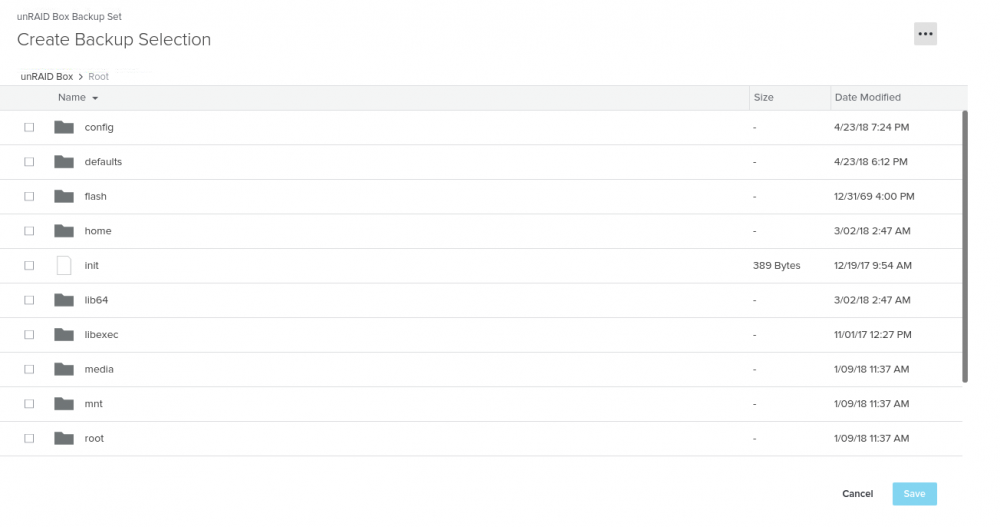
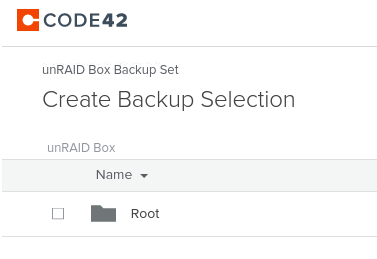
Scratch that, the only thing I can see is the root... I need to figure out how to actually browse "storage" I can't actually see it in the interface for some reason.
-
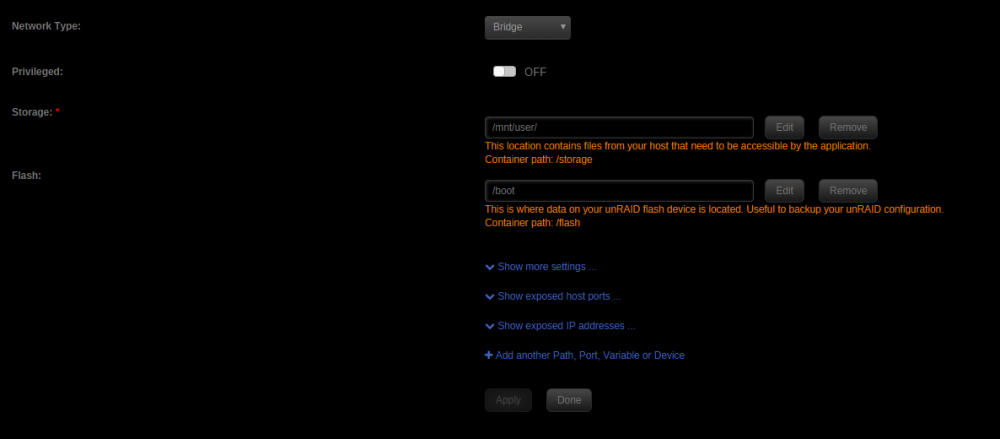
Yeah I have, I've got a bunch of containers setup and running. I'll try and replicate what I've done in other containers I guess. Just want to make sure I get the right config. I've got default setup as described in SpaceInvader's videos for the unraid setup video 1-3. Ah, I just found the section to add a backup set, I was just browsing the current back up of the root / config. I see the section to browse the file system now. All is good, thank you.
-
Is there a guide on how to setup the CrashPlan Pro Docker container to back up my array? Not able to see any of my array / disks within the web app. Thanks!
-
I got the container up and running after following the steps of downloading the three files: CA Vancouver.ovpn ca.rsa.2048.crt crl.rsa.2048.pem Placed them into my container /config folder as recommended, container starts up perfectly! I grabbed a quick test .torrent file, added it to the webui. Successful download! - Everything is working absolutely perfectly. Really nice job binhex! I just have one question, and it might be dumb but, is there a way I can test that I'm connected to the VPN? Would looking at the logs be enough? Is there a way I can view the active connection? Thanks!

