





Sparky678911
Members
-
Joined
-
Last visited
Everything posted by Sparky678911
-
yes but that was when i used the root user and password but still would not let me access
-
No I added user name to server and I added the same user and password to windows credentials
-
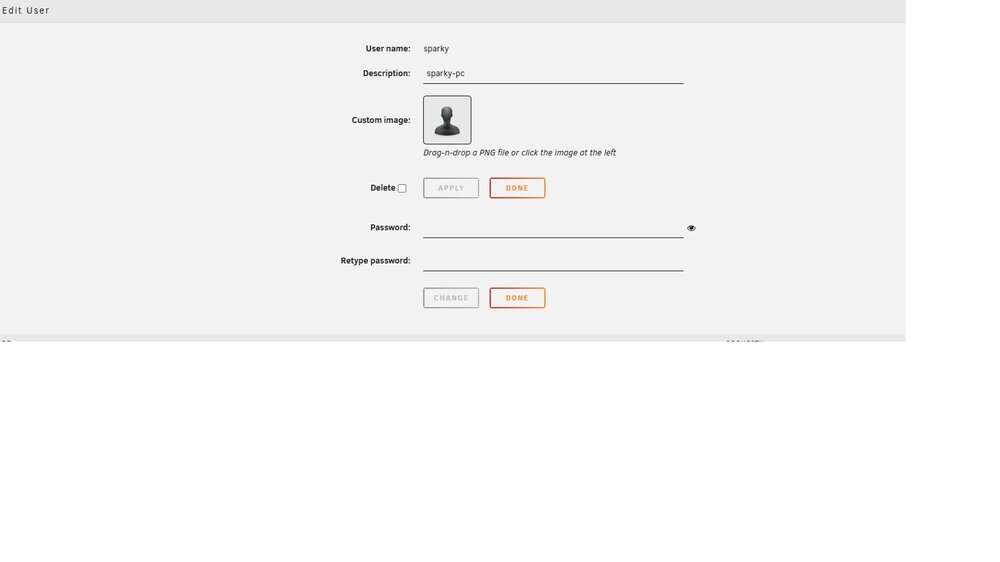
hi either i am missing somthing or just think

-
i might be being think but i can not work this out
-
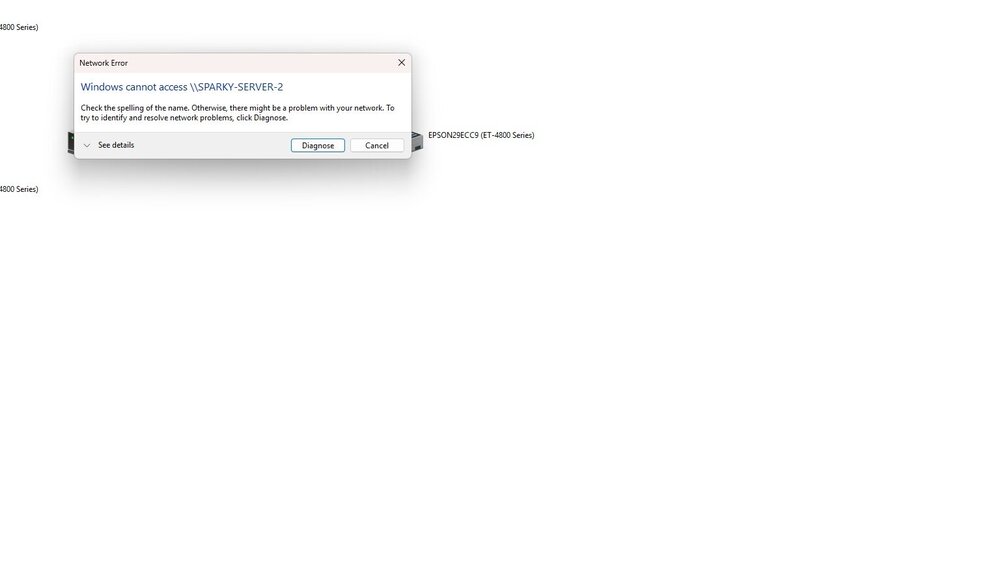
hi i am i bit lost but do i add a user account for each of my computer to my unraid server i have added credentials to this PC and i get what is in image sorry i am a bit lost thanks

-
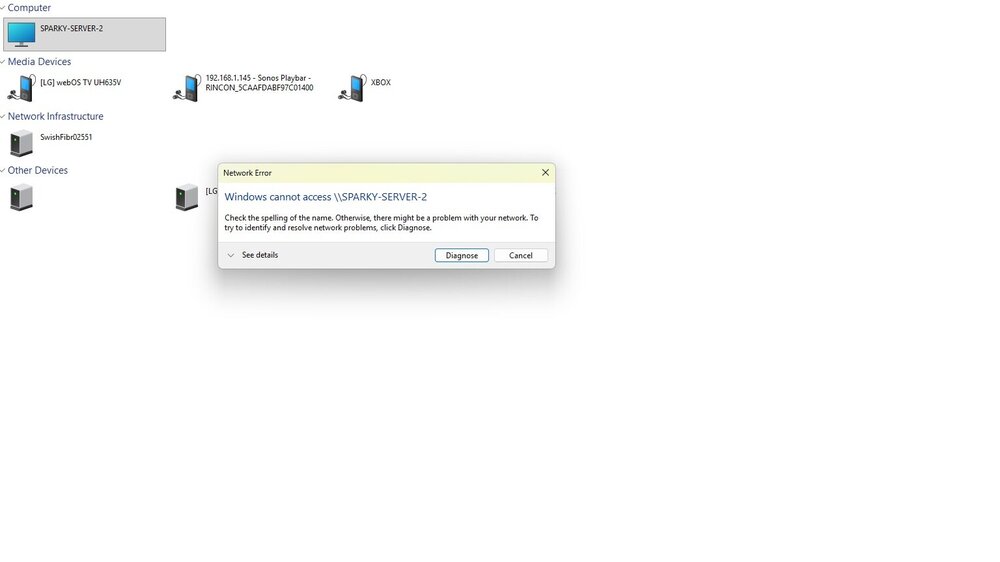
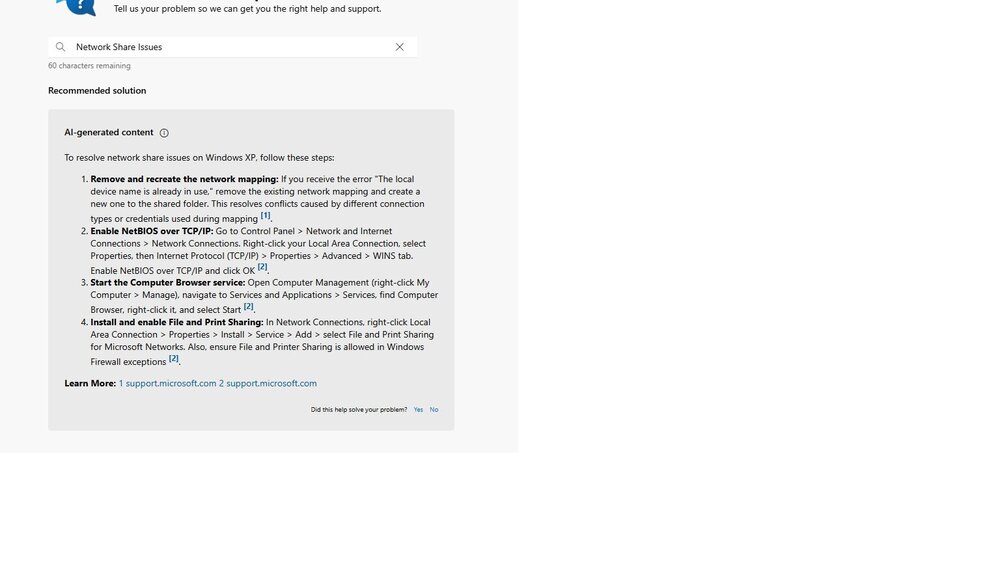
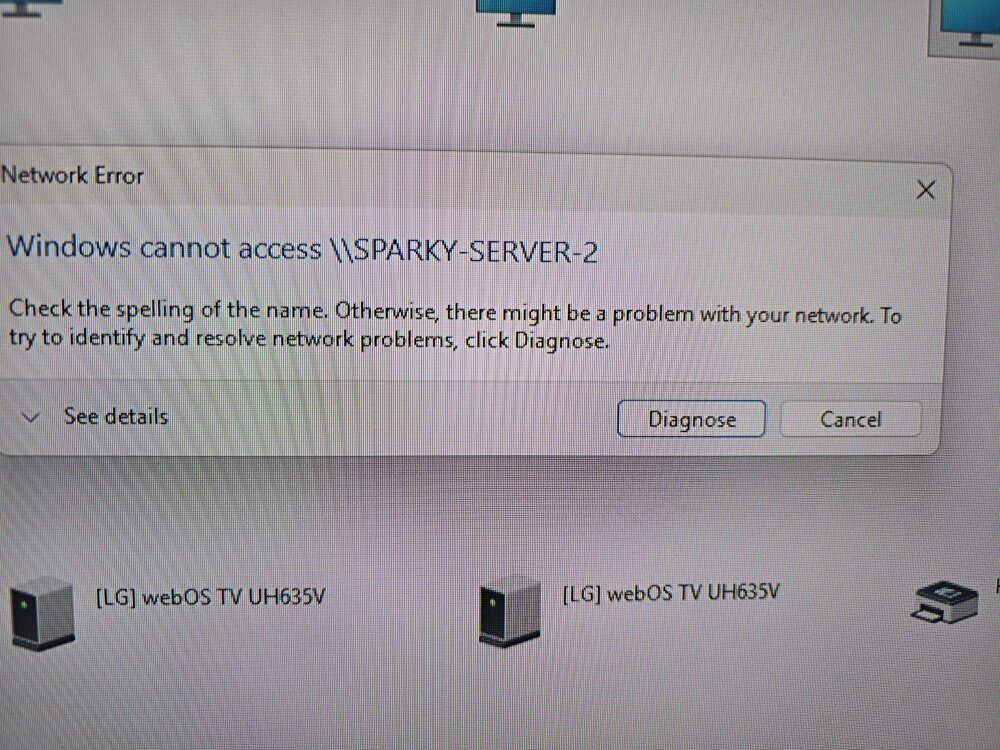
evening everyone i think i have posted about this before can not remember but i have no idea how to fix or whaat to do i have 3 computers in house and all saying the same thing and i have no clue how to fix please can someone help i am not that great with netrwork problems images below, so i click on my server and get windows cannot access then i click Diagnose and get the list of what to try which i have done all and still nothing, so i can see in This PC in windows 11 and i can access in my web browser i am so lost and not a clue what to do Thanks for help

-
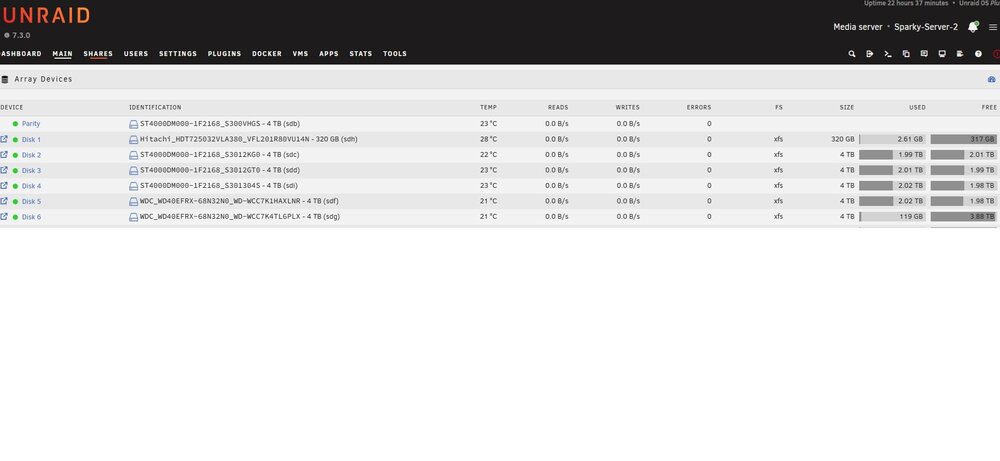
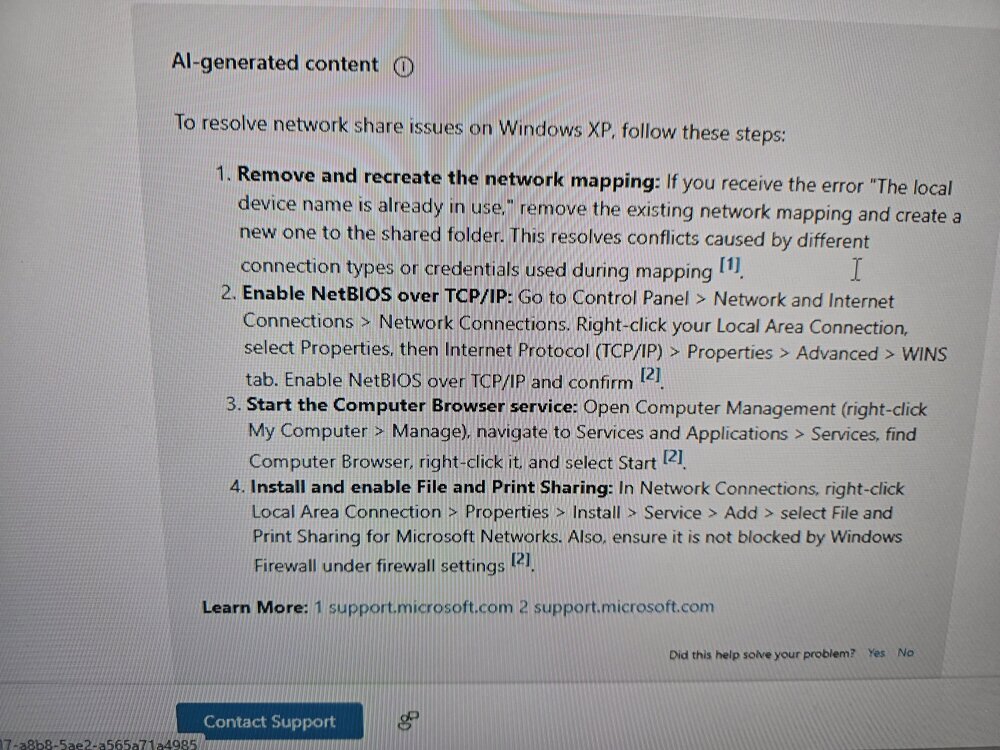
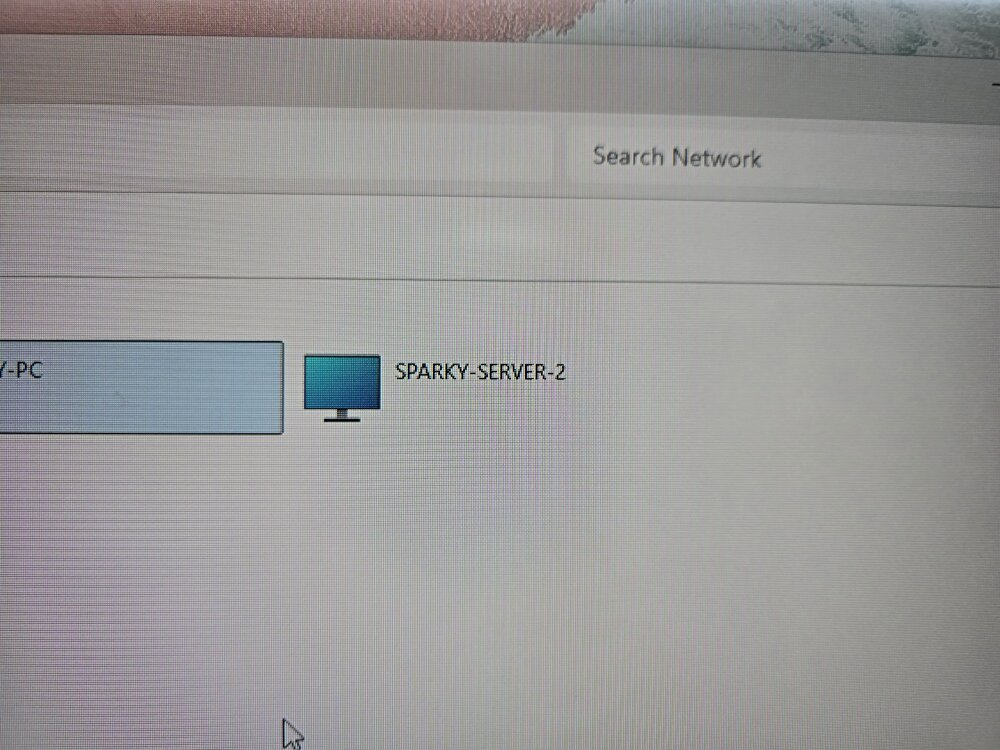
so i have tryed all that still not working so i have added pictures and picture one shows server showing in network, Pic2 saying this and picture 3 showing after i have ran the diagnose and done what is has said anyhelp please
-
Hi everyone so i have my unraid server on my network but problem having is that some computers on my network can see it but some can not i have checked firewall and fine i dont understand what happening any help would great thanks
-
all sorted thanks for help
-
Hi thank i tryed this and it did not work
-
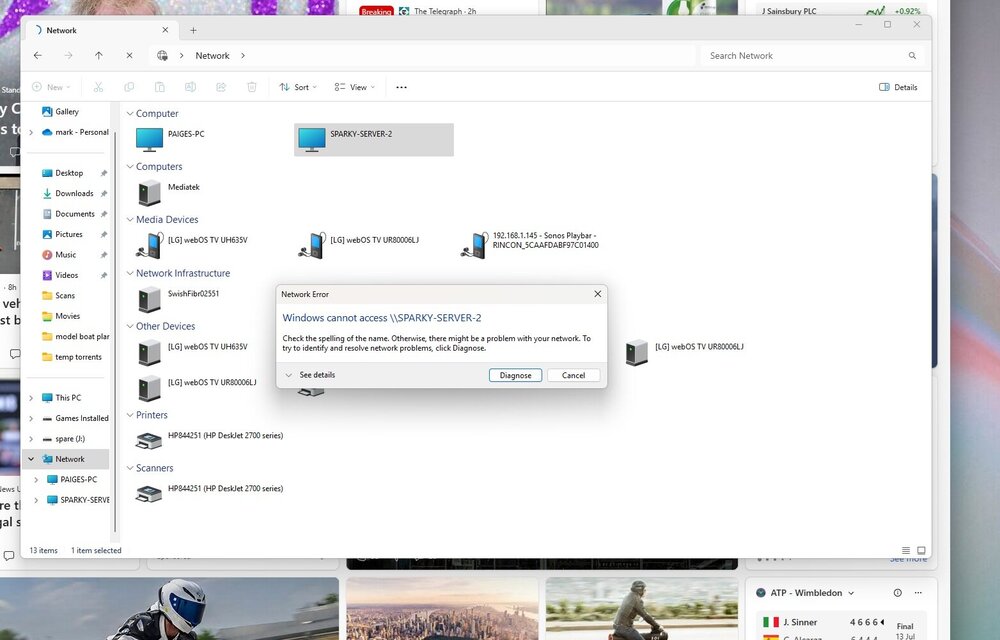
thank you but i can access it on that ip but i can not access it in windows this pc i have added picture and ran the diagnose and comes up with nothing
-
sorry i got wrong one i think this it sparky-server-2-diagnostics-20250715-1904.zip
-
evening everyone i am having this problem again could someone please help i have added a diagnostics zip thank very much zifo0nyg
-
Thank you very much for your help👍
-
yes it does what was it me being stupid 🤣
-
ok thank you io got it i have attached zip sparky-server-2-diagnostics-20231031-1611.zip
-
thanks for replay so i have put root in but when i go to password i can not type anything in
-
ok i am sorry about this so i have plugged a keyboard and monitor into server and when i switched on it loaded everything and when loaded comes up asking me to log in which i have never had to do before so i can not type anything i am so lost sorry again
-
that is all i can access when i put the flash drive into computer
-
hi thank you all for help i do not have anything that says logs look everywheresorry i am not that hot on network am i adding a log or somthing if so where do i find the log thanksi have ran the diagnostics there come back finesorry not sure what that is a ssh connection


