corso
Members
-
Joined
-
Last visited
-
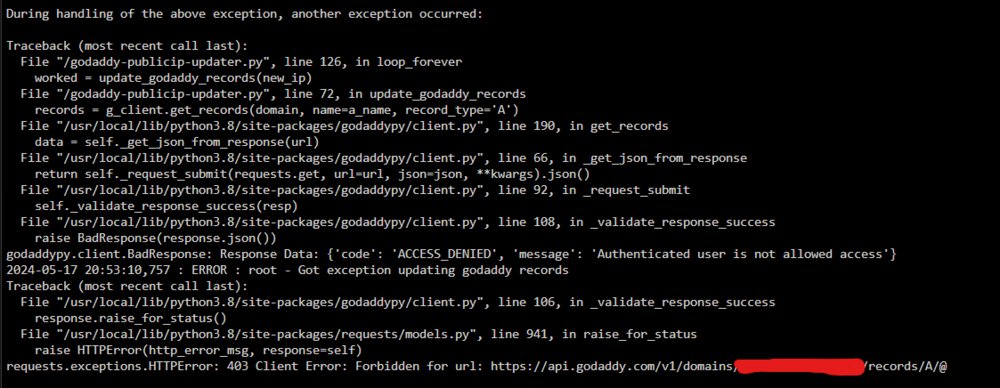
Hello everyone, Same problem here. This prevents Godaddy from updating my public address. Lost access to my server. Best regards, Corso
-
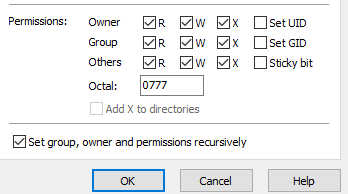
@Squid, I resolved my problem using WinSCP and changing the permissions on appdata/gitlab-ce to 0777 (I have check "Set group, owner and permissions recursively"), I don't understand why it didn't work with "putty" the first time... Thanks
-
@Squid I have already tested to give all access to the folder with this command, the docker want start. [emoji45] Envoyé de mon SM-G965W en utilisant Tapatalk
-
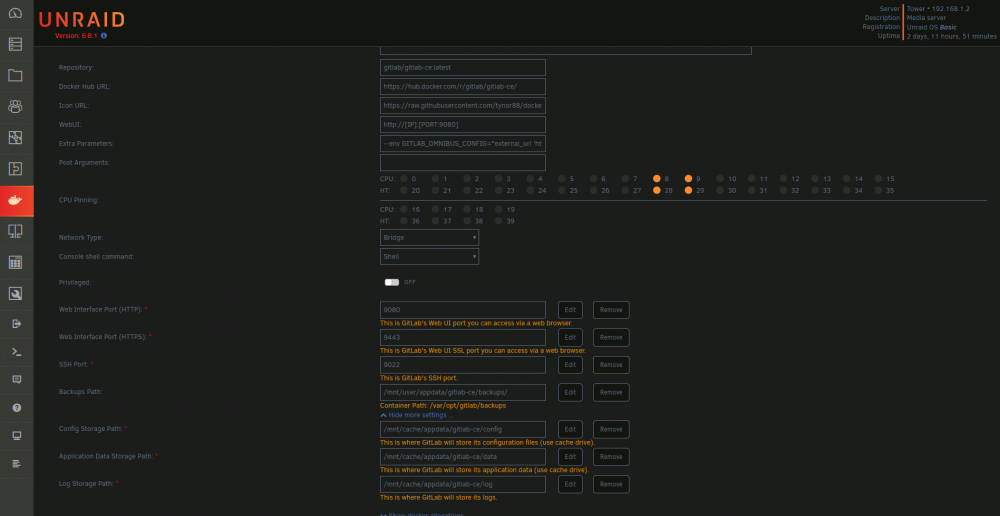
Thanks Squid, yes I think I have run the new permissions tool on appdata, it's a mistake. At this moment I don't think I have other problem, but I will find out pready soon. About the "docker run command", I want to show you but I don't know where I can find that, could you tell my more about that. Thank you
-
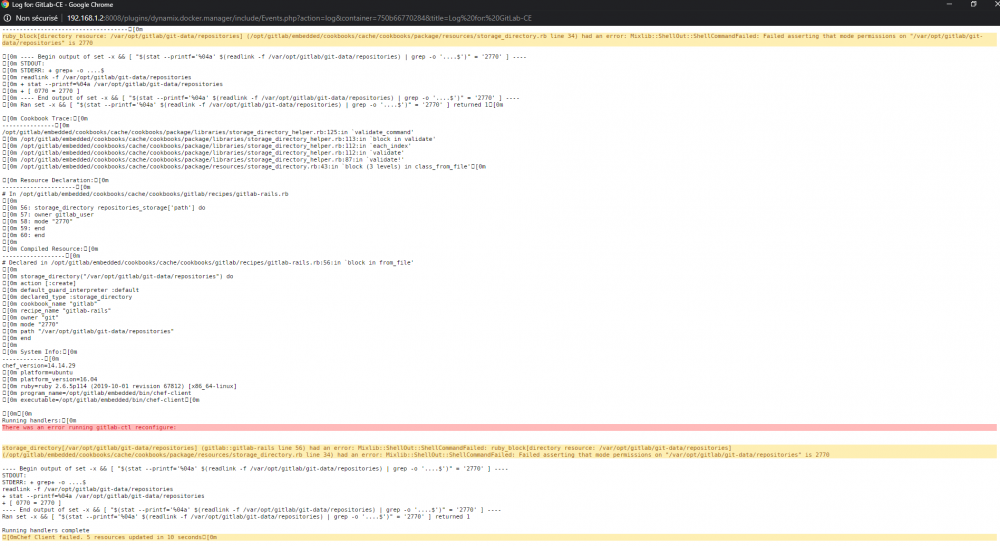
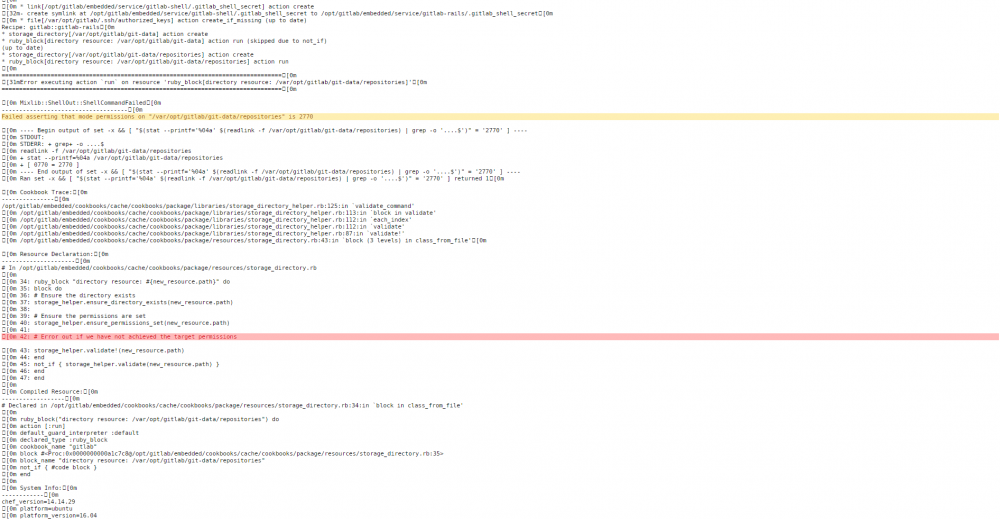
Hi guys, I got a problem with my gitlab-ce docker, it cannot start anymore. I use the latest version. If someone can help me, it well be appreciate.