





Steviewunda
Members
-
Joined
-
Last visited
-
I just did a reboot and was able to format and mount them 😉
-
I performed the balance, stopped the array, and removed one SSD drive (not physically). I was then unable to format and mount the disks
-
Thanks Jorge, but I'm unable to format and mount the disks - diags attached tower-diagnostics-20261023-2323.zip
-
Hi - I'm trying to reduce my pooled cache drives (500 GB SSD's) from 2 to 1, and use the 2nd drive for Tdarr. (I'm tired of having the cache fill up and crash my Dockers etc). But when I follow the unRaid instructions for removing a disk from the cache pool, I get this response when I try to re-enable the array - "Wrong Pool State cache - too many wrong or missing devices" . Diagnostics attached tower-diagnostics-20261023-2013.zip
-
Thanks JorgeB - everything appears to be good again (once I remembered to mount my unassigned disks on my node-only server)
-
I setup Tdarr server and node on Tower, and a node on Tower1. Initially I had the Movie and Temp shares setup as cache>array and the Mover setup to run hourly, but the cache pool was filling up, so I changed the Movie share to be array-only, and went to bed thinking I had solved the cache-filling problem. But I woke to find that the cache was full, and the Docker service had shut down. I have changed the Movie share back to cache>array and I'm running the Mover to reduce the cache-pool usage. The used space is dropping on the cache pool, but the Docker service is still "Failed to start". What should I do? Would a restart be appropriate? The diagnostics file is attached. tower-diagnostics-20261017-0451.zip
-
I seem to have resolved this by deleting the categories in SABNZB - I'll see how we go 😉
-
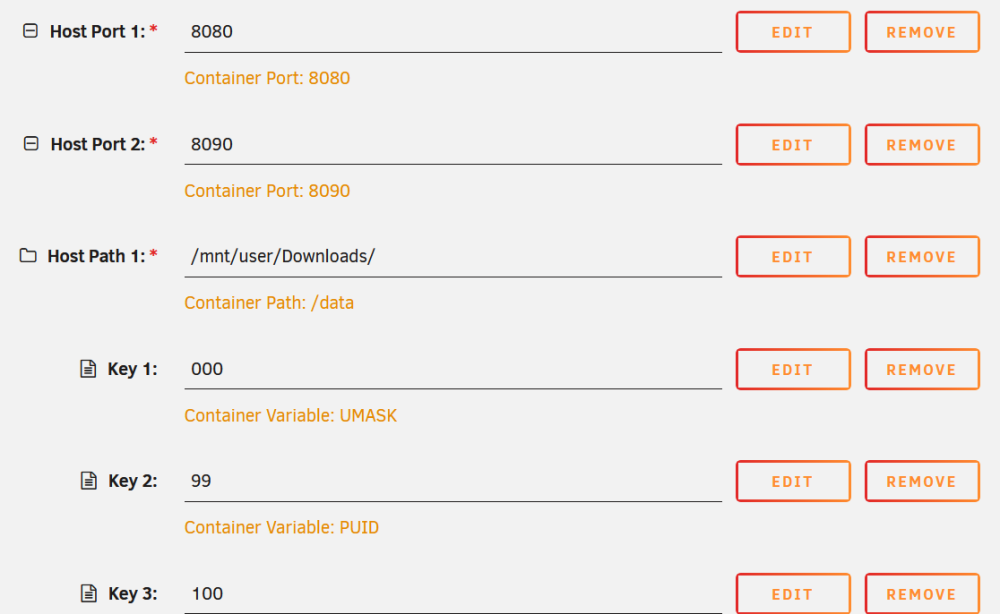
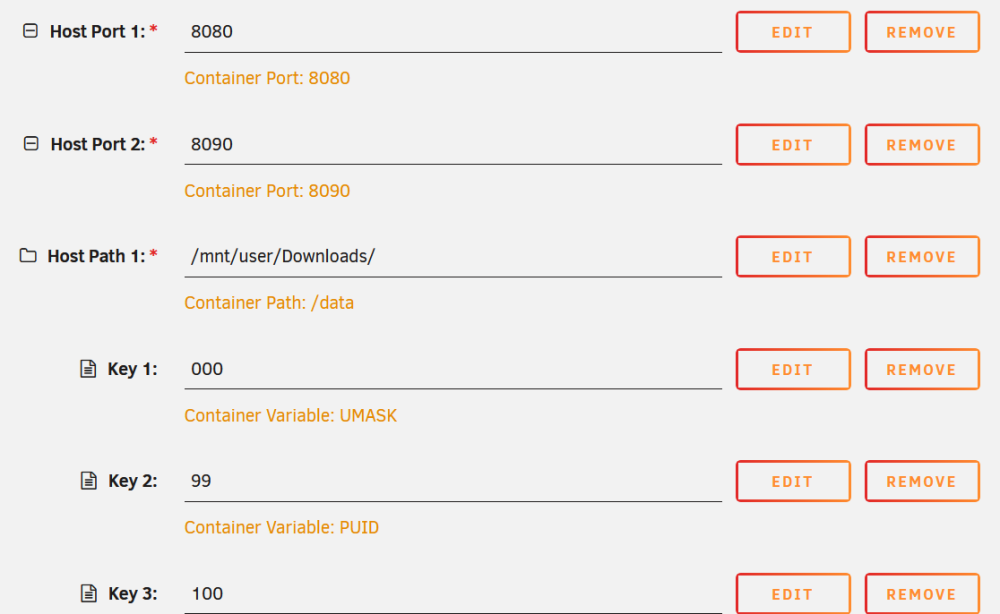
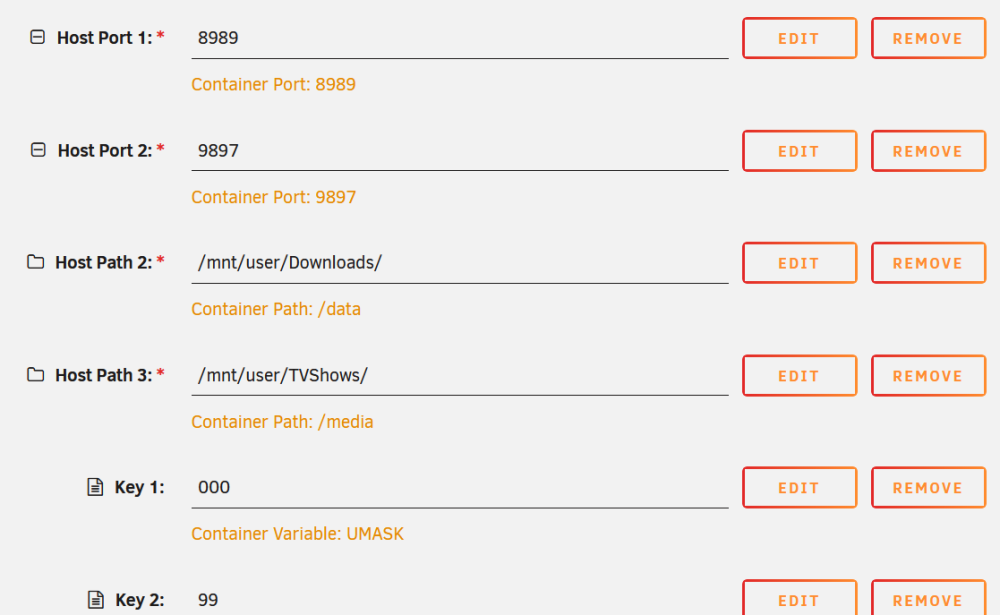
And here is the SABNZBD image
-
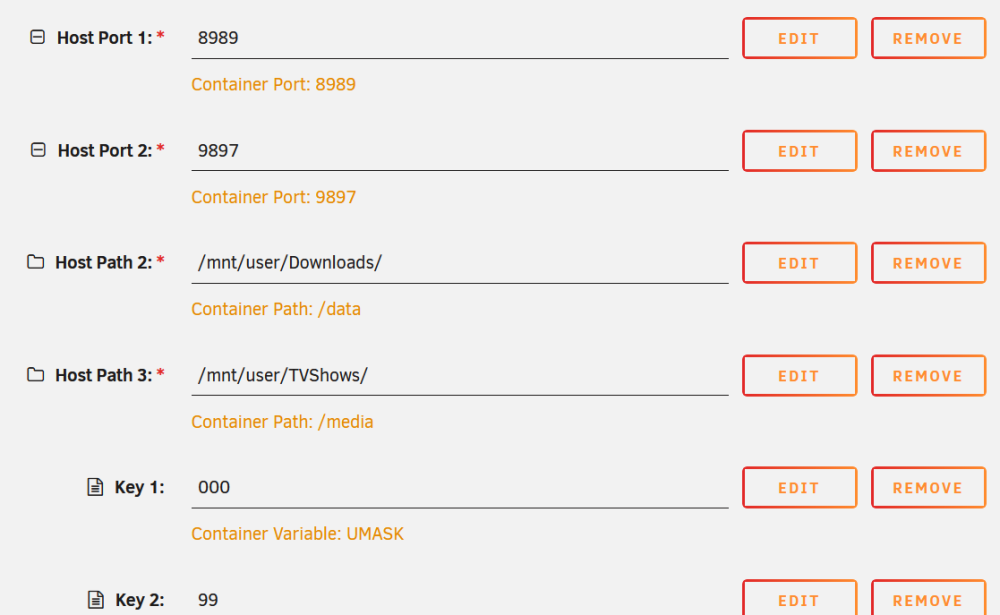
Here is the Sonarr image
-
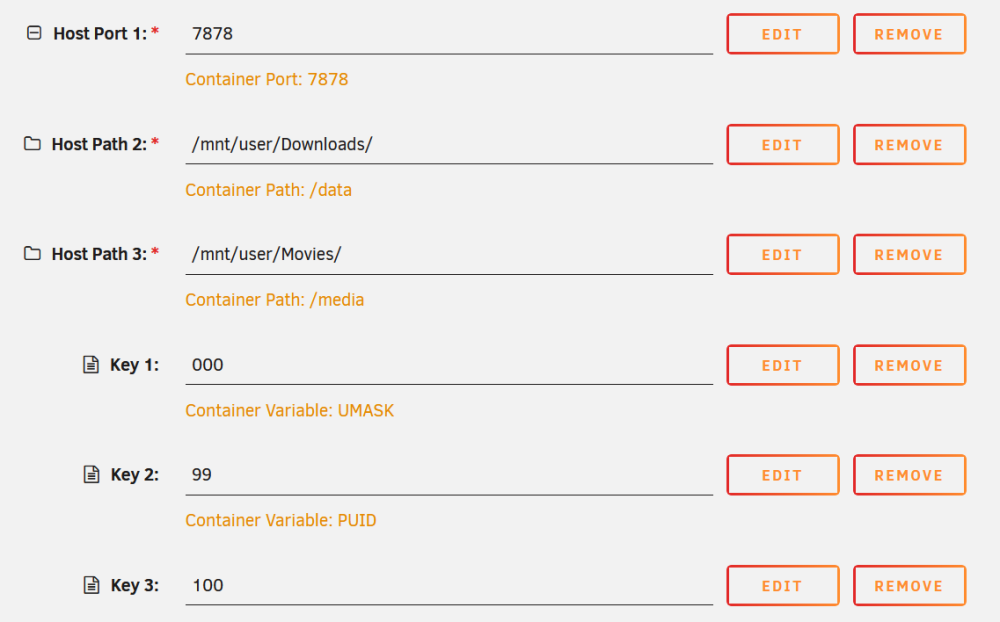
Here is the Radarr image
-
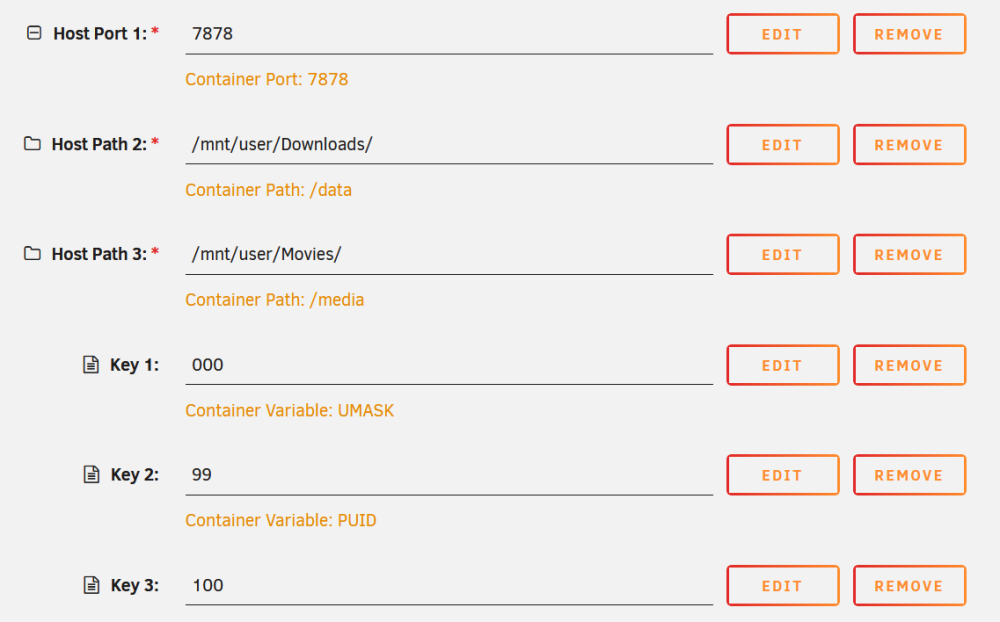
Sorry these images all appear connected and unnamed - i'll see what i can do
-
Hi - I have been using Radarr, Sonarr and SABNZB on Unraid for some time with no problems, but now my Movies are not being renamed and moved from the Downloads\Movie&TV\ folder. Both Radarr and Sonarr dockers are set to the same paths (see screenshots) but TV downloads got to the Downloads\ folder, and Movie downloads go to the Downloads\Movie&TV\. I don't know why they go to different folders, nor why they are handled differently. Any suggestions?
-
Thanks JorgeB
-
Anybody?
-
I have a user script to backup my movies, etc from one unraid server to another using rsync. How can I include the available disk space of the destination server in the log? I have attached a log file so that someone could show me how to interpret it. log.zip



