





Tower_Of_Power
Members
-
Joined
-
Last visited
-
THX... worked as advertised 😁i'm a novice hobbyist and appreciate the simplicity you bring to users like myself. I gave up on setting up a mac the last time around. Not really a Mac fan but trying to integrate it into my life and see how it goes since my family is all iphone and ipads. Now time to tinker around with adding more cores. VNC is acceptable as i'm just messing around with it for now. can't wait for the vid.. maybe this will become my "main PC" AMD 1700 build here
-
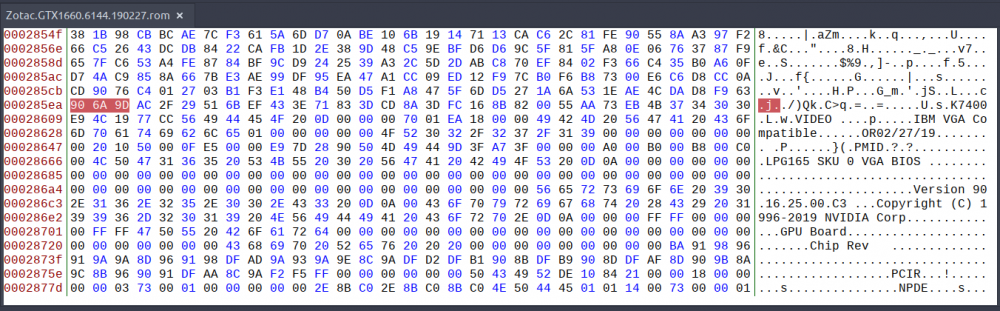
Zotac GTX 1660 .... any suggestions on where i would edit my bios? was experimenting a lot but not making any progress. help appreciated.. TIA Zotac.GTX1660.6144.190227.rom
-
thx for the help guys .. not sure why my cache got corrupted while trying to create VMs but it did and I needed to recover data.. glad i didn't have to start from scratch
