kalor006
Members
-
Joined
-
Last visited
-
Ah yes! its working now! Thank you so much Kru-x. I had installed this on a Centos 7 Server, I even used the sandbox version and I could never get the emails to work properly but now they are working as they should, thanks again.
-
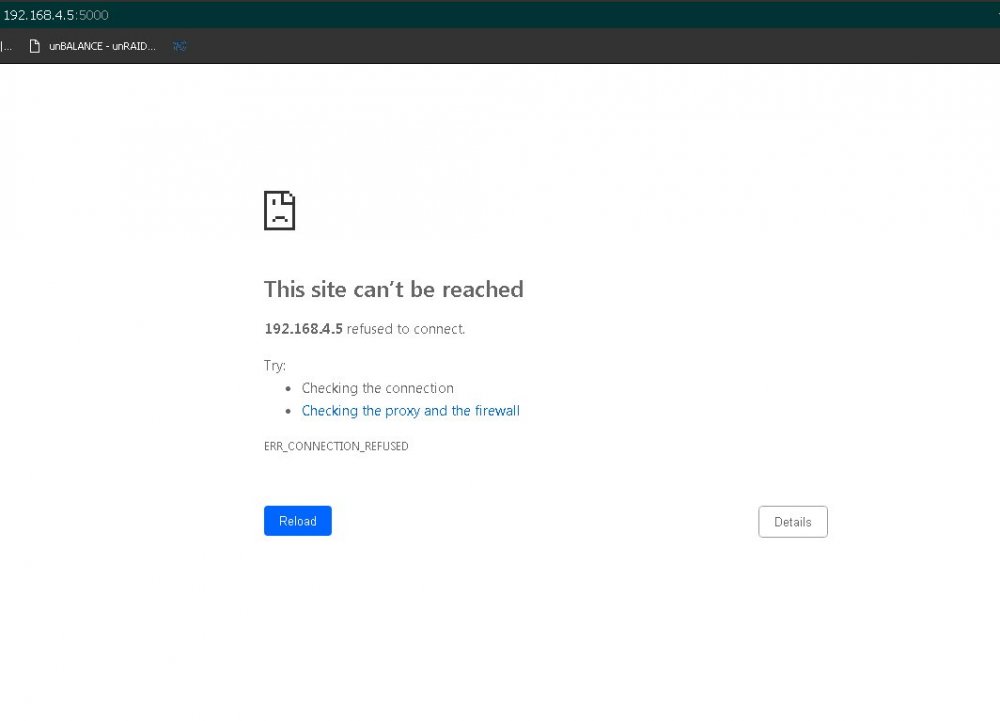
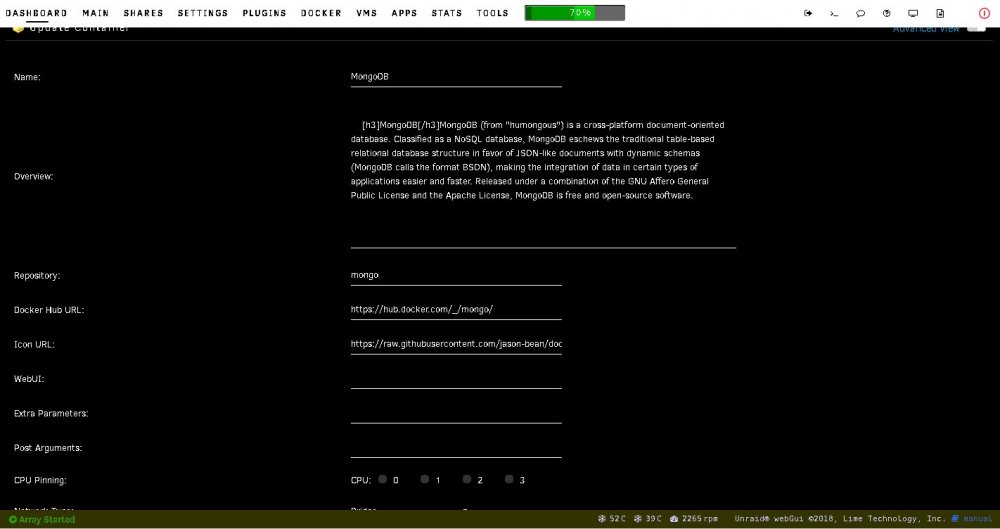
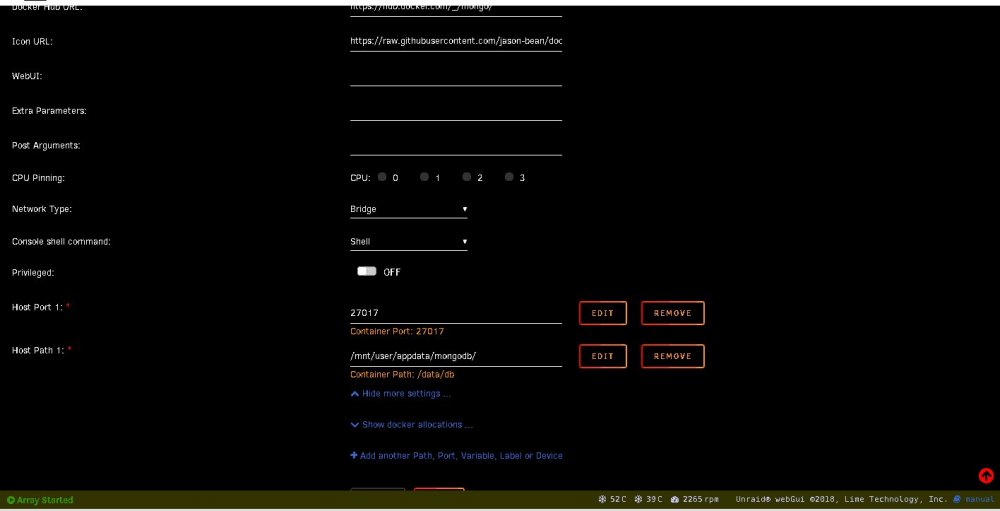
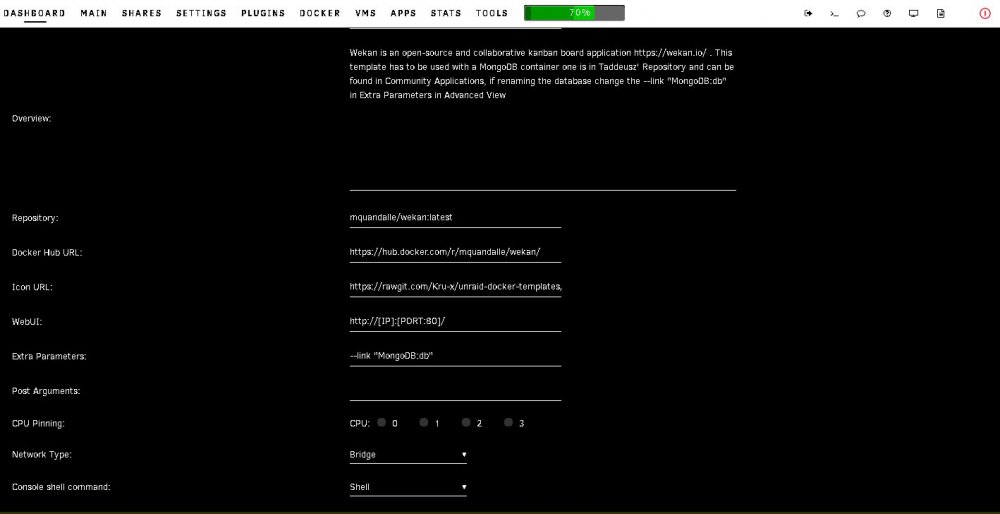
Hi Kru-x, Thank you for responding so quickly, much appreciated. I did make sure that the, --link "mongodb:db" was included in the Wekan Container. I believe I do have the right settings but I still get the message above indicating the site cannot be reached. I change the port to 5000. MongoDB Settings, Wekan Settings,
-
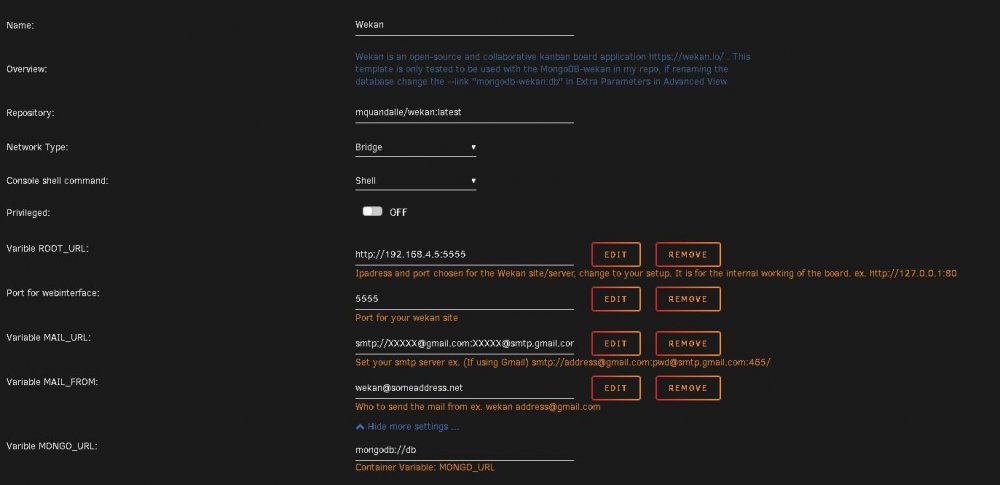
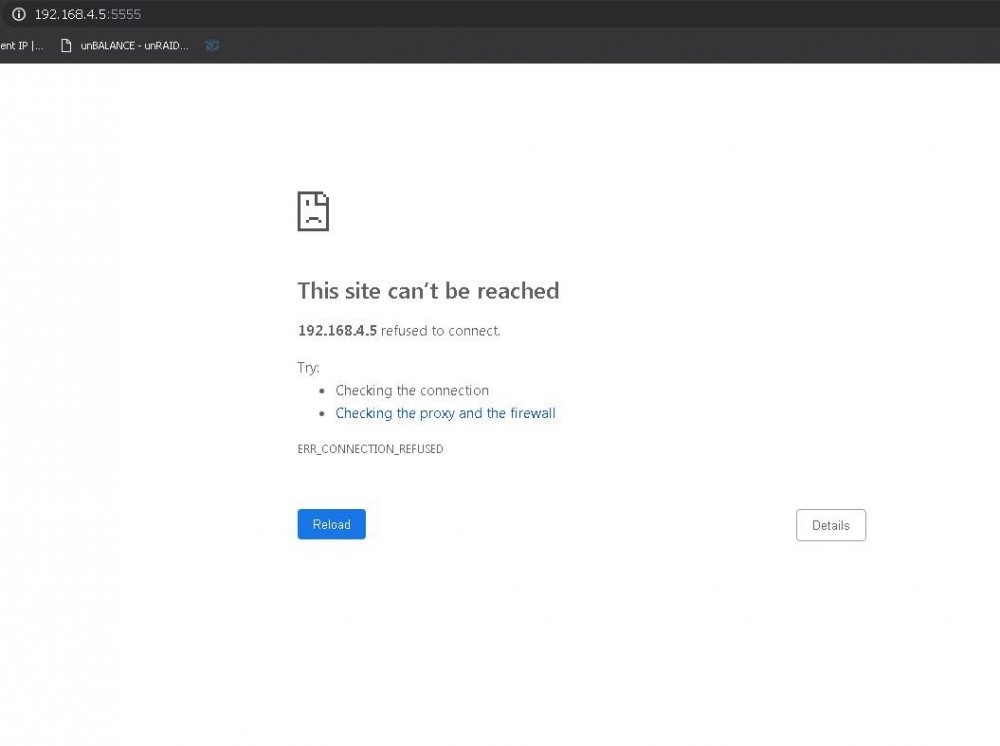
Hi Kru-x, This docker looks amazing and I have been trying to get this up and running but haven't had any luck. I know I am missing something easy but being a complete novice I'm not sure what I am missing so any help / guidance would be appreciated. Currently when I start the wekan app I get the following error, These are my settings I am using the following link to add the Wekan and Mongo DB dockers. https://github.com/Kru-x/unraid-docker-templates