





nktm85
Members
-
Joined
Everything posted by nktm85
-
I definitely do not port forward any management ports other than plex to the server, so don't know how they are getting in? Seems like they are trying to gain access via SSH, but that was a while ago. And no, I cannot access the system from another computer, or on the actual unraid server. This was working a few weeks ago, and I only shut it down 😭 I just tried to create a new USB with copied config folder to the new usb drive. Same symptoms.
-
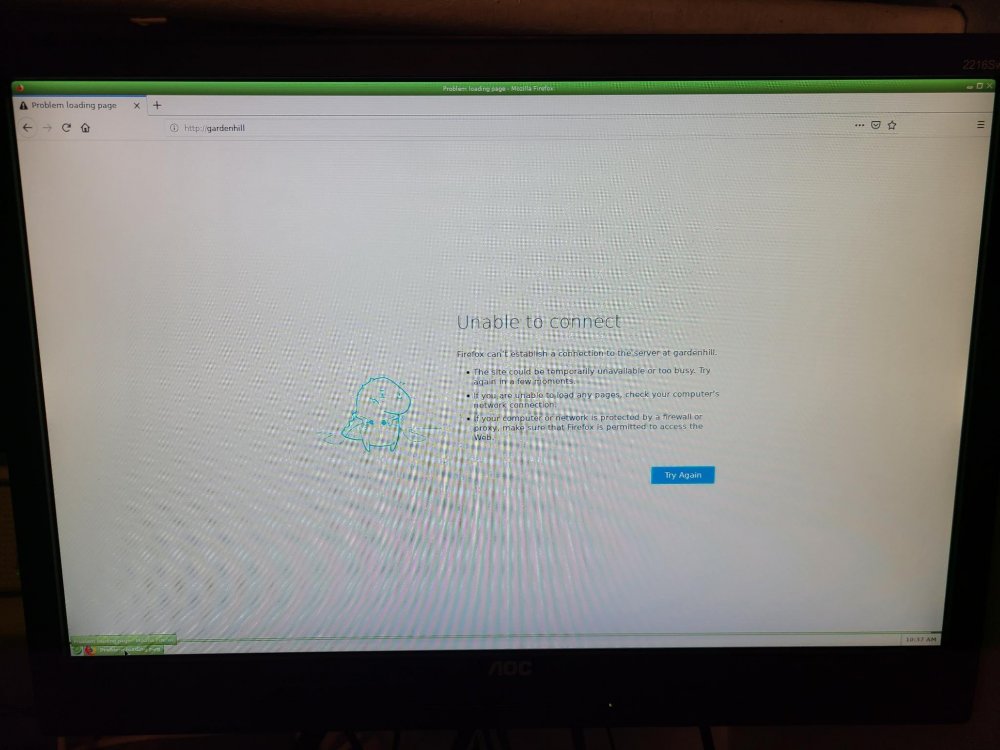
Yes, I've tried IP, and name, 127.0.0.1, and localhost all which are not able to connect/refuse to connect. Since firefox is loaded, I am able to browse other regular websites like yahoo.com and such. here are the system diagnostics I've also renamed all the plugin plg files in config folder to make sure any plugins were causing issues. gardenhill-diagnostics-20190622-1054.zip
-
So I haven't turned on my server for a few weeks to save some energy, but needed to use server for some backups. When turning on, system boots up fine and I can login on system itself, however, I cannot access the web interface from server, or via IP address or server name from system or other computers on same network. It just gives me an "unable to connect" or refused to connect error page. Telnet/SSH still works, but idk how else to access the web interface to start the array so I can access the files on my server. BTW - I have booted normally, and in safe mode with no plugins, and both cannot access web interface while using the gui on system itself. please help, need to access some files today! syslog.txt
-
never knew that.....I'll try it next time. I ended up restarting the unraid server and everything seems to be back to normal.
-
did you ever fix this? I have the same exact problem. I thought it was my router, but as soon as I unplugged the server, all other ethernet connections started working again. (Wireless devices seem to be unaffected). I've had the server on for about 20 days during trial, and haven't had any issues like this before. So just wondering what you did to get it working again.
