





tarkus_au
Members
-
Joined
-
Last visited
-
Just as an update, after jiggling some cables the 4TB drive magically came alive and I was able rebuild the dead 8TB drive off parity. Many thanks for the steps above, may come useful in the future and I'm sure it'll help someone else too.
-
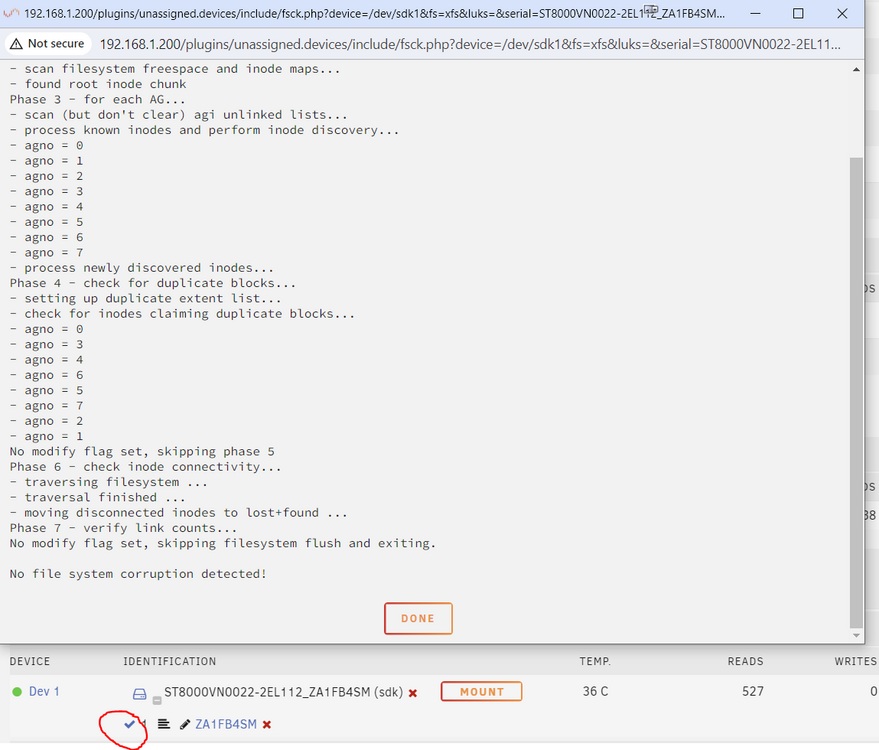
Initially when I pressed the button "File systems check" it gave an error. I pressed another button (can't remember which now), which fixed the issue and now it shows it as being OK. I realise this may not mean it's fixed 100%. However I would still like to try re-enabling the device to at least get the array started (I really want to get my Home Assistant VM up). If it is re-enables and dies again, so be it.
-
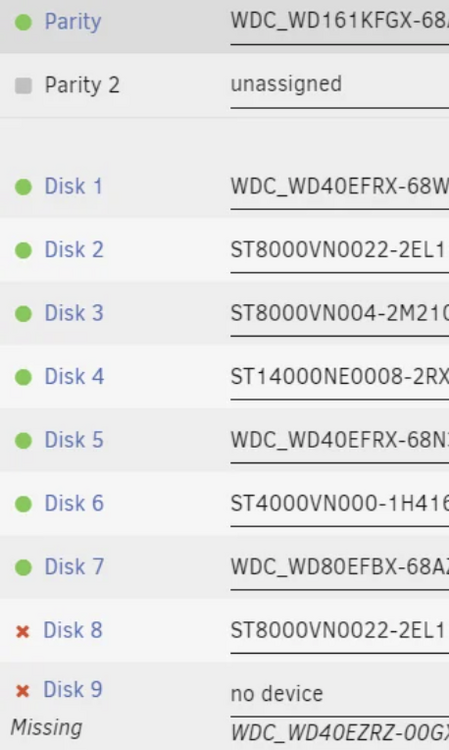
Unfortunately two of my drives appear dead. One however, appears alive and I have fixed the filesystem error on unraid. I'd like to re-enable this drive, re-build the other dead drive before replacing both. I see the method of starting the array in maintenance mode then re-adding the disabled drive, but I can't start the array with two dead drives. Is there anyway to re-enable the disabled drive without starting the array? I'm desperate!
-
tarkus_au joined the community
-
Hi guys, Firstly thanks binhex for all the work you do. I installed Jellyfin and everything is scanned in. When I start a video it starts fine, but all videos (direct streaming or transcoding) freezes when seeking ahead in the video. I'd be surprised if anyone else don't have this problem as I think this is due to the ffmpeg version in this docker being 4.1. https://github.com/jellyfin/jellyfin/issues/260 I was wondering if you would consider downgrading the ffmpeg to 4.0 until it is supported by jellyfin? Thanks!


